61
GB
Other Operations
Creating a party
environment
(X-ROUND)
You can create a party environment by using
X-ROUND.
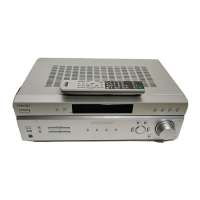
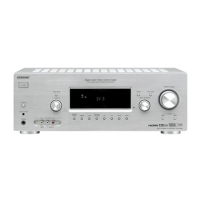
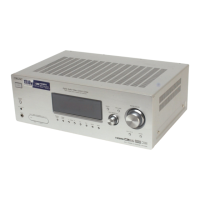
Be sure to use the buttons on the receiver for
this operation.
Press X-ROUND MODE repeatedly
to select the X-ROUND mode you
want.
Each time you press the button, the display
changes cyclically as follows:
X-WAVE
t X-FADER
t X-BAL t
X-OFF
X-ROUND mode and effect
Tip
You can get the best X-Round effect from 2 channel
sources.
You can adjust the speed of each X-ROUND
effect.
Press X-ROUND SPEED repeatedly
to adjust the speed of the selected
X-ROUND effect.
Each time you press the button, the display
changes cyclically as follows:
SPEED 1
t SPEED 2
t ... t SPEED 19
t SPEED 20
Note
When you select X-OFF, you cannot adjust the
speed.
Press DISPLAY repeatedly.
Each time you press the button, the display
changes cyclically as follows:
Index name of the input t Selected input t
Selected X-ROUND mode.
Select To
X-WAVE Output sound in a circular
motion (clockwise direction).
X-FADER Output sound back and forth
between the front speakers
and surround speakers.
X-BAL Output sound back and forth
between the left speakers and
right speakers.
X-OFF Return to the sound field
selected previously.
Adjusting the speed of the
X-ROUND effect
Changing the X-ROUND display



 To Next Page