17
US
C:\FY20HT_models\SB1\ANKI\UC2\01US-HTZ9FUC2\050CON.fm masterpage:
Right
HT-G700
5-013-058-11(1)
Connecting to a TV or AV
Device with the HDMI
Cable
To connect a 4K TV or 4K devices
See “Connecting a 4K TV and 4K
Devices” (page 20).
To connect a TV compatible with
eARC
For the connection, refer to Startup
Guide (separate document). For the
settings, see “[EARC]” (page 36).
To connect to a TV other than the above,
refer to Startup Guide (separate
document).
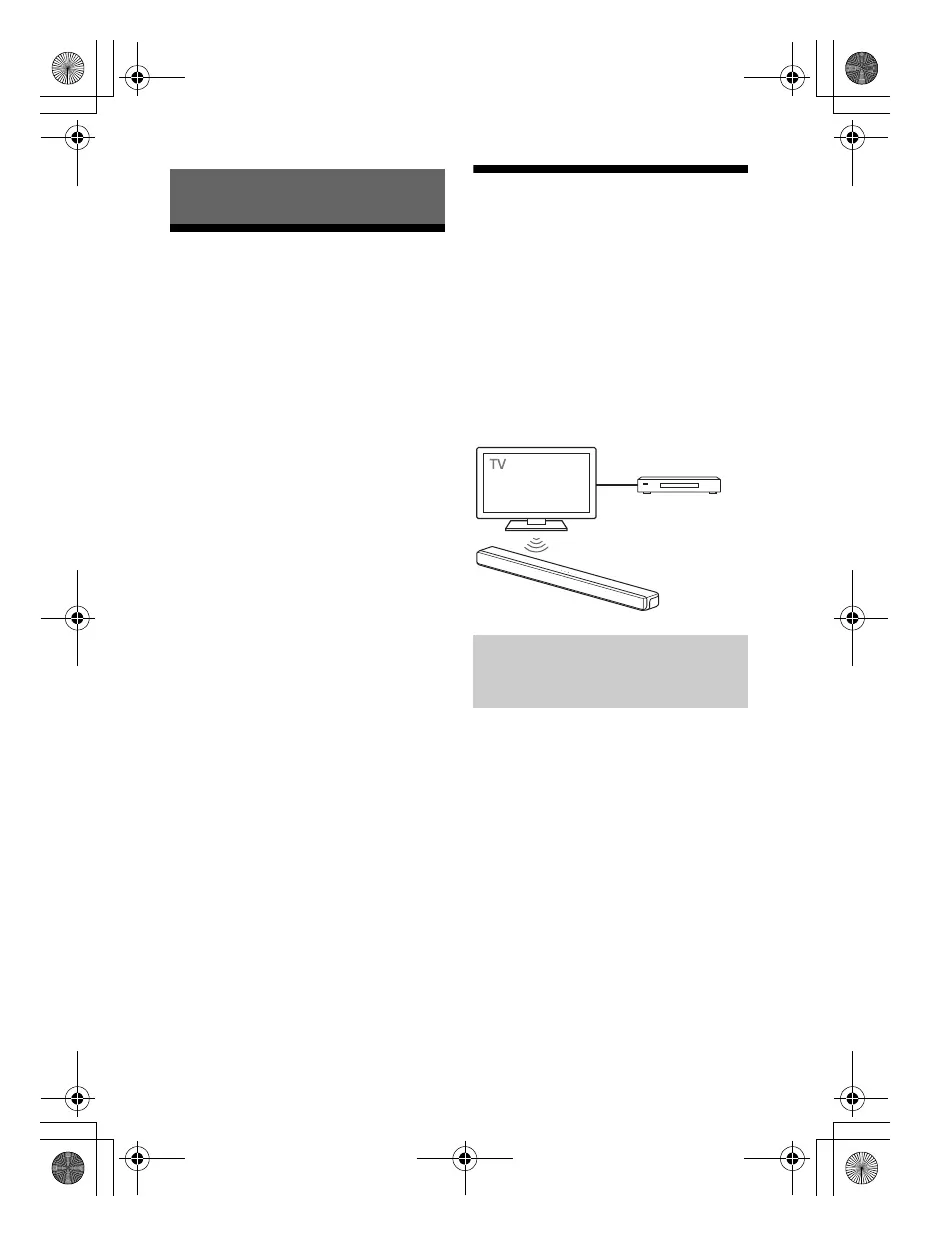
Connecting Sony TV with
the BLUETOOTH Function
Wirelessly
When using Sony TV* with the
BLUETOOTH function, you can listen to
sound of the TV or device that is
connected to the TV by connecting the
system and TV wirelessly.
* The TV needs to be compatible with
A2DP (Advanced Audio Distribution
Profile) of the BLUETOOTH profile.
To connect the system and TV
wirelessly, you need to perform pairing
of the system and TV by using the
BLUETOOTH function.
Pairing is the process required to
mutually register the information on
BLUETOOTH devices to be connected
wirelessly in advance.
Connecting to a TV or AV Device
Listening to TV Sound by
Connecting the System and
TV Wirelessly
Blu-ray Disc player,
cable box, satellite
box, etc.
010COV.book Page 17 Wednesday, September 18, 2019 1:58 PM



 To Next Page