23
US
C:\FY20HT_models\SB1\ANKI\UC2\01US-HTZ9FUC2\060LST.fm masterpage:
Right
HT-G700
5-013-058-11(1)
Adjusting the Volume
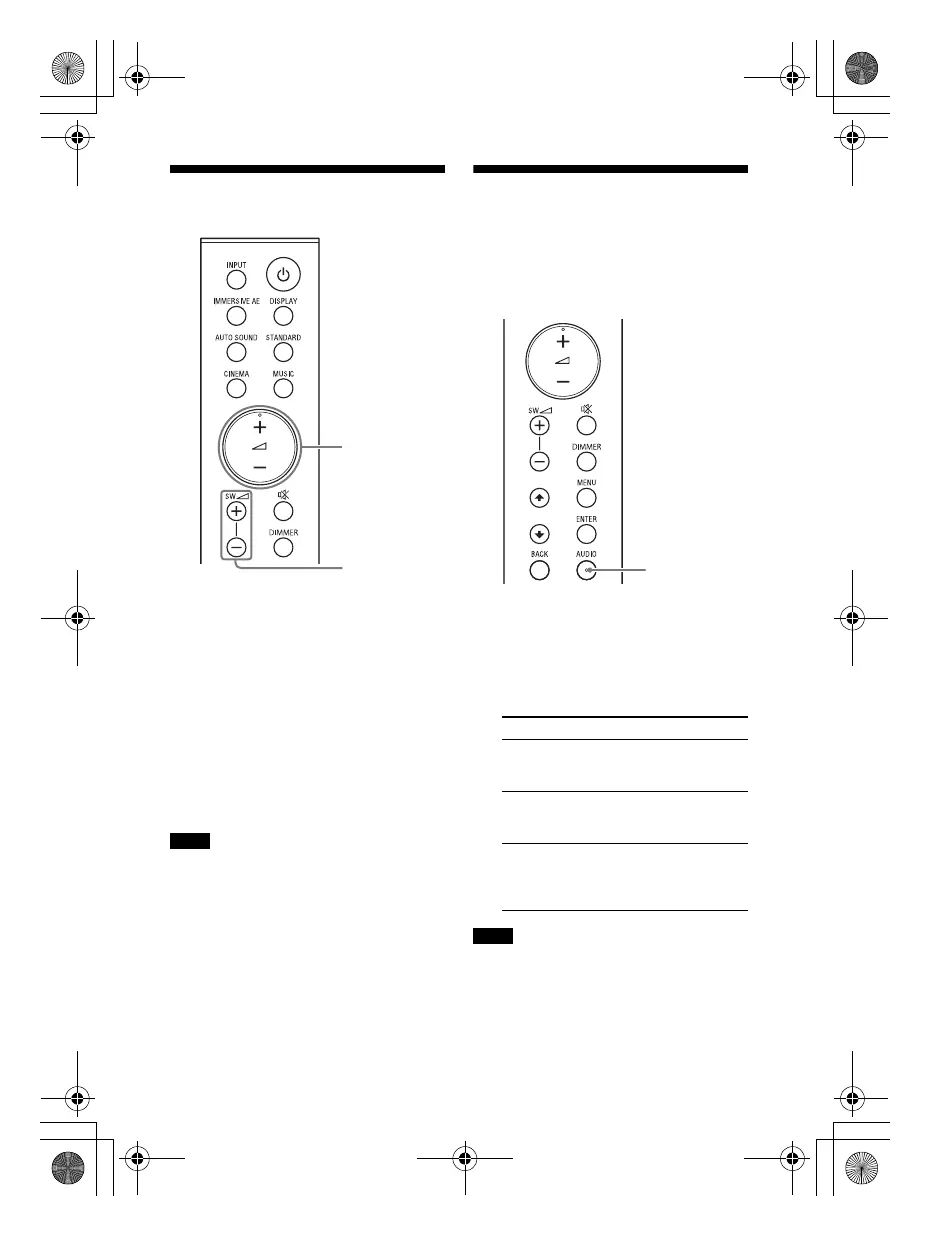
To adjust the system volume
Press +/–.
The volume level appears in the front
panel display.
To adjust the subwoofer volume
Press SW (subwoofer volume) +/–.
The volume level appears in the front
panel display.
The subwoofer is designed for playback
of bass or low frequency sound.
• When the input source does not contain
much bass sound, such as in TV
programs, the bass sound from the
subwoofer may be difficult to hear.
•SW +/– does not work when the
subwoofer is not connected.
Enjoying Multiplex
Broadcast Sound (AUDIO)
You can enjoy multiplex broadcast
sound when the system receives a
Dolby Digital multiplex broadcast signal.
1 Press AUDIO.
The audio signal appears in the front
panel display.
2 Press the button repeatedly to
select the desired audio signal.
• To receive a Dolby Digital signal, you
need to connect the TV that is compatible
with eARC or ARC (page 32) to the HDMI
OUT (TV eARC/ARC) jack with the HDMI
cable (supplied), or other devices to the
Notes
Audio signal Explanation
[MAIN] Sound of the main
language will be
output.
[SUB] Sound of the sub
language will be
output.
[M/S] Mixed sound of both
the main and sub
languages will be
output.
Notes
010COV.book Page 23 Wednesday, September 18, 2019 1:58 PM



 To Next Page