30
US
HT-G700
5-013-058-11(1)
C:\FY20HT_models\SB1\ANKI\UC2\01US-HTZ9FUC2\070SOU.fm masterpage: Left
Checking the Current
Sound Settings
You can check the current settings of
the sound mode, IMMERSIVE AE, voice
mode, night mode, and current stream
information.
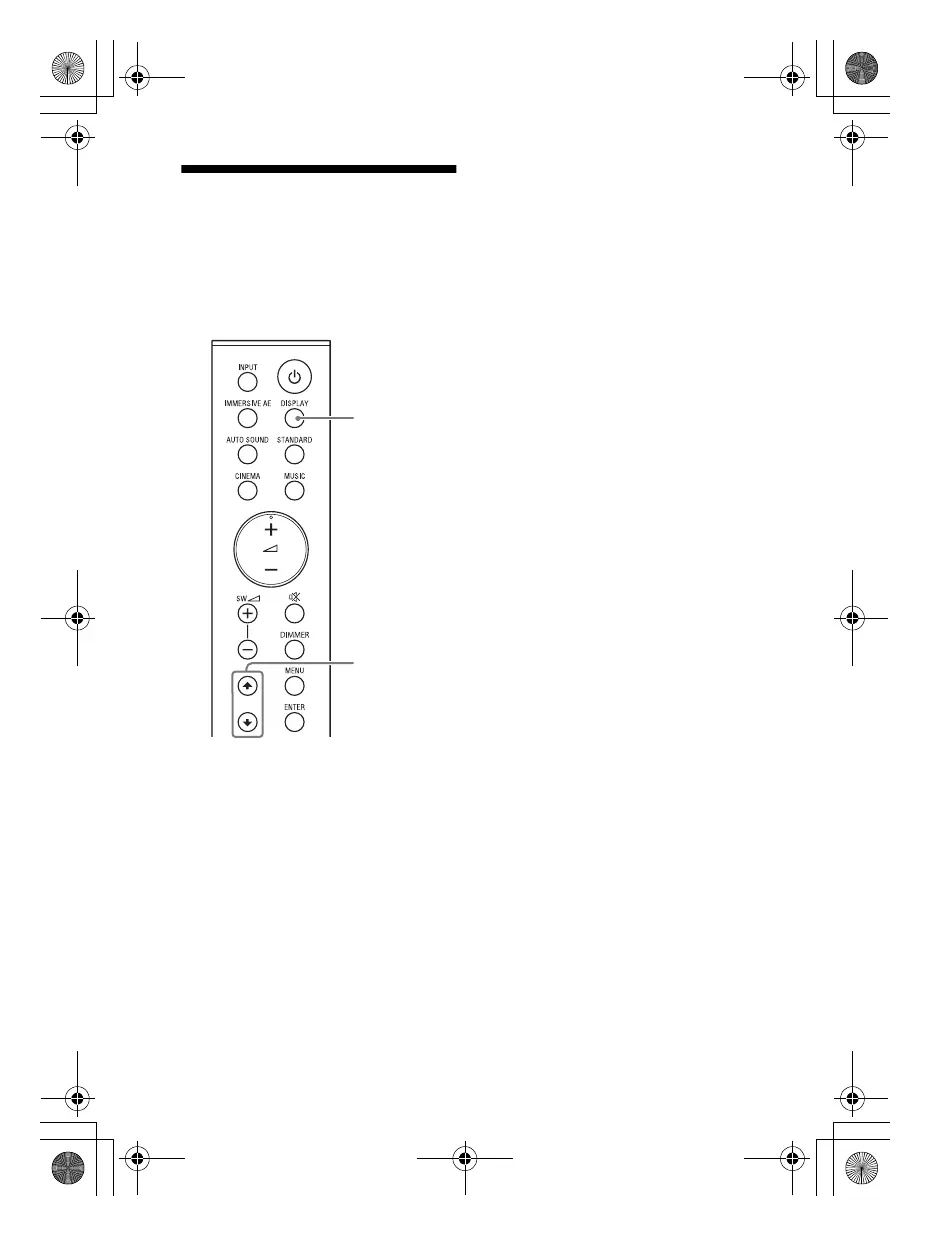
1 Press DISPLAY.
The current setting appears in the
front panel display.
2 Press repeatedly to select the
item you want.
The current setting appears in the
following order.
Sound mode IMMERSIVE AE
Voice mode Night mode
Stream information
The current setting appears in the
reverse order by pressing .
010COV.book Page 30 Wednesday, September 18, 2019 1:58 PM



 To Next Page