29
US
C:\FY20HT_models\SB1\ANKI\UC2\01US-HTZ9FUC2\070SOU.fm masterpage:
Right
HT-G700
5-013-058-11(1)
Making Dialogs Clearer
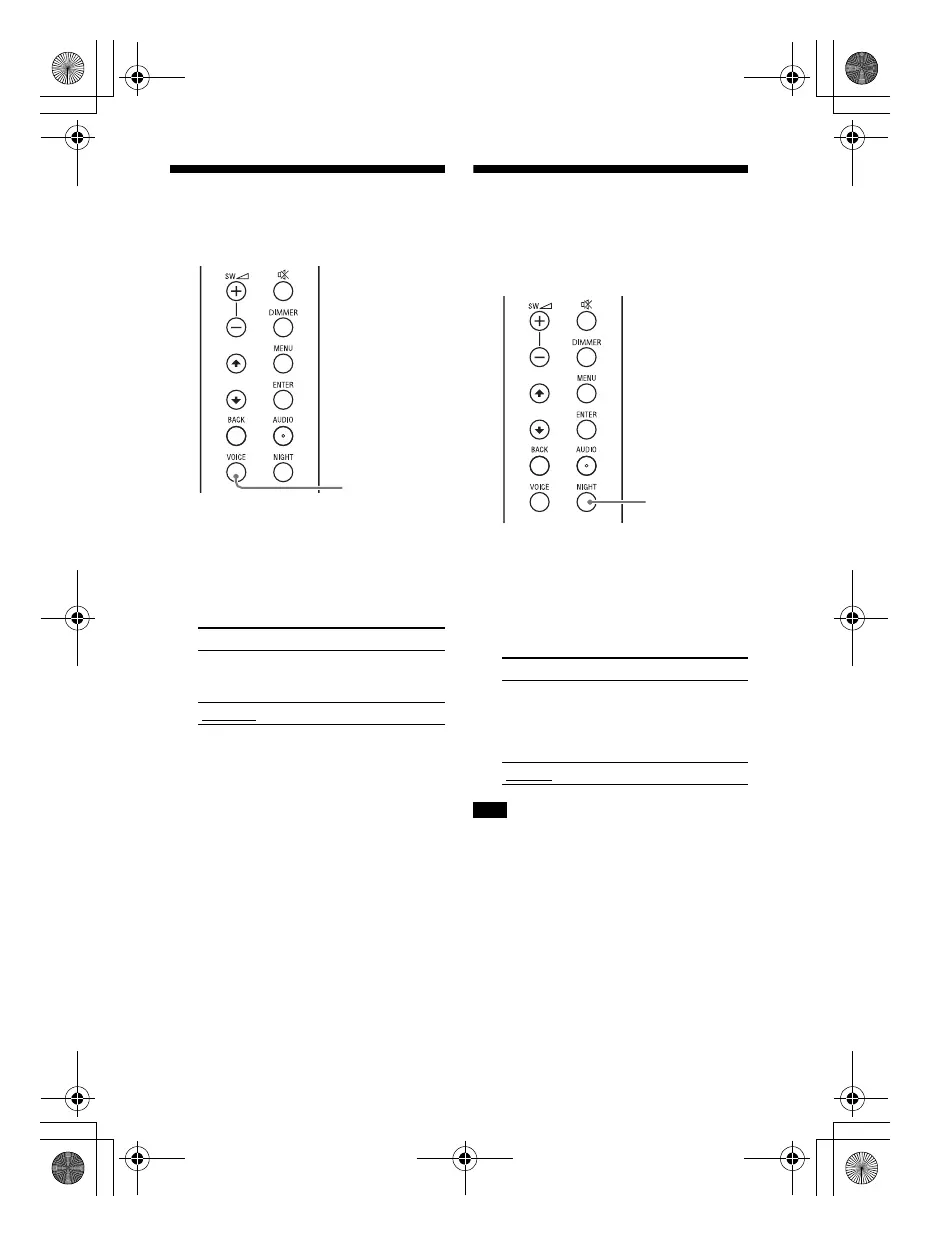
(VOICE)
1 Press VOICE.
The voice mode appears in the front
panel display.
2 Press the button repeatedly to
select the voice mode.
Enjoying Clear Sound
with Low Volume at
Midnight (NIGHT)
1 Press NIGHT.
The night mode appears in the front
panel display.
2 Press the button repeatedly to
select the night mode.
When you turn the system off, this setting
is set to [N.OFF] automatically.
Mode Explanation
[Vo.ON] Dialog is easily heard
by enhancing dialog
range.
[Vo.OFF]
Standard
Mode Explanation
[N.ON] Outputs the sound at
low volume with
minimum loss of
fidelity and clarity of
dialog.
[N.OFF]
Standard
Note
010COV.book Page 29 Wednesday, September 18, 2019 1:58 PM



 To Next Page