24
US
HT-G700
5-013-058-11(1)
C:\FY20HT_models\SB1\ANKI\UC2\01US-HTZ9FUC2\060LST.fm masterpage: Left
HDMI IN jack with an HDMI cable (not
supplied).
• If your TV’s HDMI IN jack is not compatible
with eARC or ARC (page 32), connect the
TV to the TV IN (OPT) jack with an optical
digital cable (not supplied) to receive a
Dolby Digital signal.
Listening to Music/
Sound with the
BLUETOOTH® Function
You can listen to music stored on a
mobile device such as a smartphone or
tablet via a wireless connection by
connecting the system and mobile
device with the BLUETOOTH function.
When connecting to the mobile device
with the BLUETOOTH function, you can
operate by simply using the supplied
remote control without turning the TV
on.
To use the BLUETOOTH function, you
need to perform pairing of the system
and mobile device in advance.
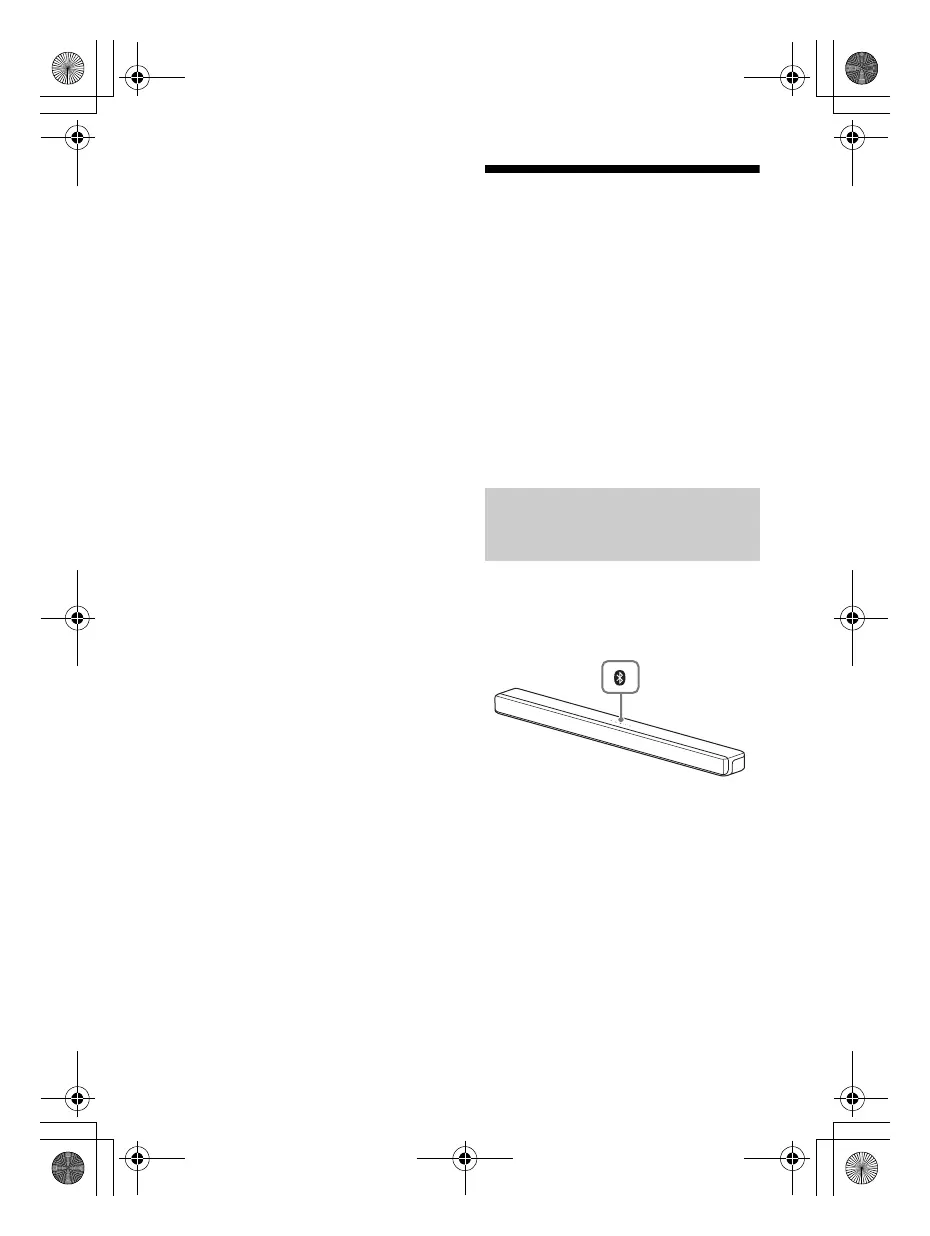
1 Press and hold the BLUETOOTH
button on the bar speaker for 2
seconds.
The system enters the pairing
mode, [PAIRING] appears in the
front panel display, and the
BLUETOOTH indicator flashes twice
repeatedly.
Listening to Music by Pairing
the Mobile Device that is
Connected for the First Time
010COV.book Page 24 Wednesday, September 18, 2019 1:58 PM



 To Next Page