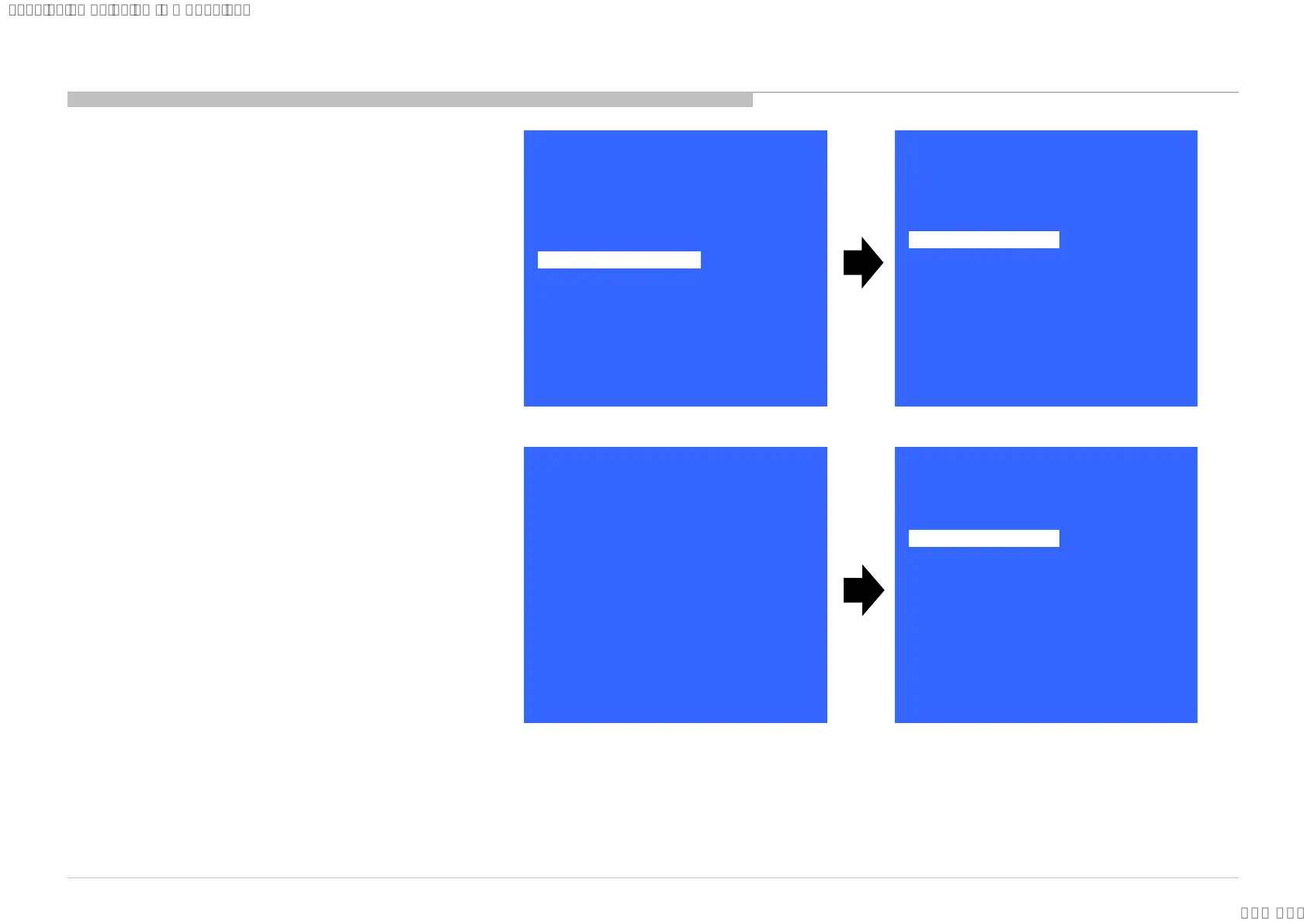
1) In “Service Mode”, select
“General Setting” by pressing
“↑” or “↓” then pressing “Enter”
or “→” button to enter inside.
2) Select “HDD Performance
check ” by pressing “↑” or “↓”
then pressing “Enter” or “→”
button to enter inside.
3) A message "Please wait ..." is
displayed during performance
check processing.
4) Result OK or NG will be
displayed after performance of
HDD is checked
>>
>>
>>
>>
>>
General Setting
Tuner
Wi-Fi / BT
Service Mode
Model Information
Self diagnosis History
Video / Audio
Panel / PQ
SDB Service Menu
[</>] Set [Home]Exit
>>
>>
>>
<<
<[ Off ]>
>>
>>
>> AAA
Update CI+ Credent
ECS_Enable
General Setting
Back
Aging mode
Ship Confirm
HDD Performance Ch
SCART RGB VREF
[</>] Set [Home]Exit
>>
<[ Off ]>
<[ Auto ]>
HDD Performance Check
Please wait…
[</>] Set [Home]Exit
<[ ]>
<[ NG ]>
<<
HDD Performance Check
Result
Back
[</>] Set [Home]Exit
76
4.7 HDD Performance Check (EU only)
SYSSET
2018/03/1622:32:44(GMT+09:00)













 To Next Page