12
GB
1: Installing the TV
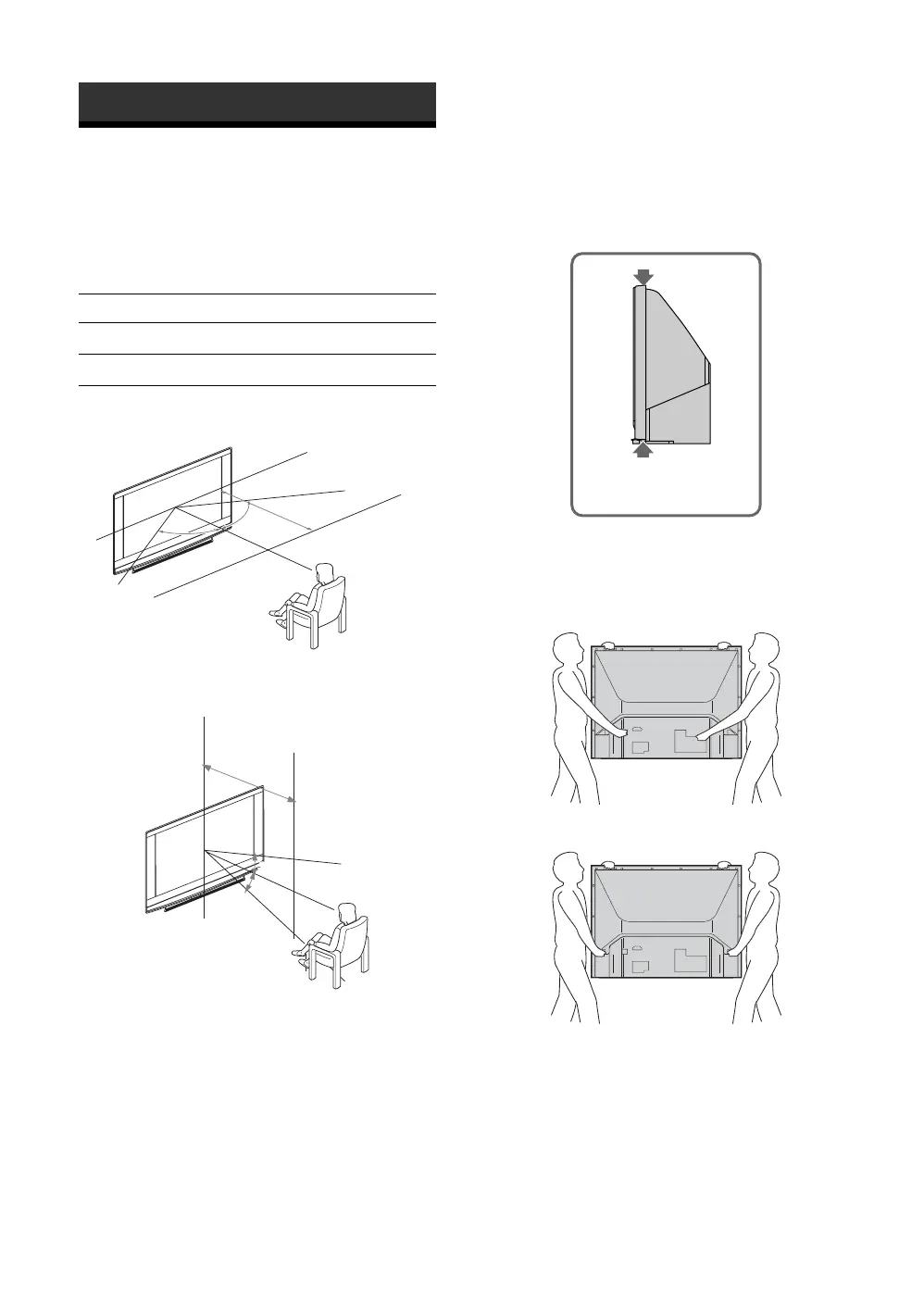
Recommended Viewing Area
Your viewing position may affect the picture quality.
For the best picture quality, install your TV within the
areas shown below.
Carrying Your TV
Carrying the TV requires at least two people. Do not
hold by the pedestal or the front panel of the TV.
Doing so may cause these parts to break off.
When moving the TV, place one hand in the hole on
the lower portion of the TV while grasping the top
with the other hand, as shown in the illustration below.
If you have connected cables and cords, be sure to
unplug them before moving the TV.
Notes
• To ensure the safety of children and the TV, keep children
away from the TV during installation. Climbing on or
pushing the TV or its stand may cause it to fall and damage
the TV.
• When installing your TV against a wall, keep your TV at
least 10 cm away from the wall to provide proper
ventilation.
Getting Started
Model Viewing distance
KF-E42A10 min. 1.8 m
KF-E50A10 min. 2.0 m
30˚
30˚
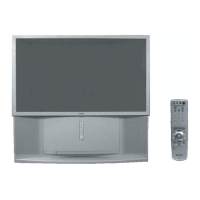
KF-E50A10
min. 2.0 m
KF-E42A10
min. 1.8 m
65.
65
˚
65˚
65˚
KF-E50A10
min. 2.0 m
KF-E50A10
min. 2.0 m
KF-E42A10
min. 1.8 m
KF-E42A10
min. 1.8 m
Horizontal Viewing Area
Vertical Viewing Area
Do not grasp the
pedestal or the front
panel of the TV.
KF-E50A10
KF-E42A10


 To Next Page