18
GB
Watching TV
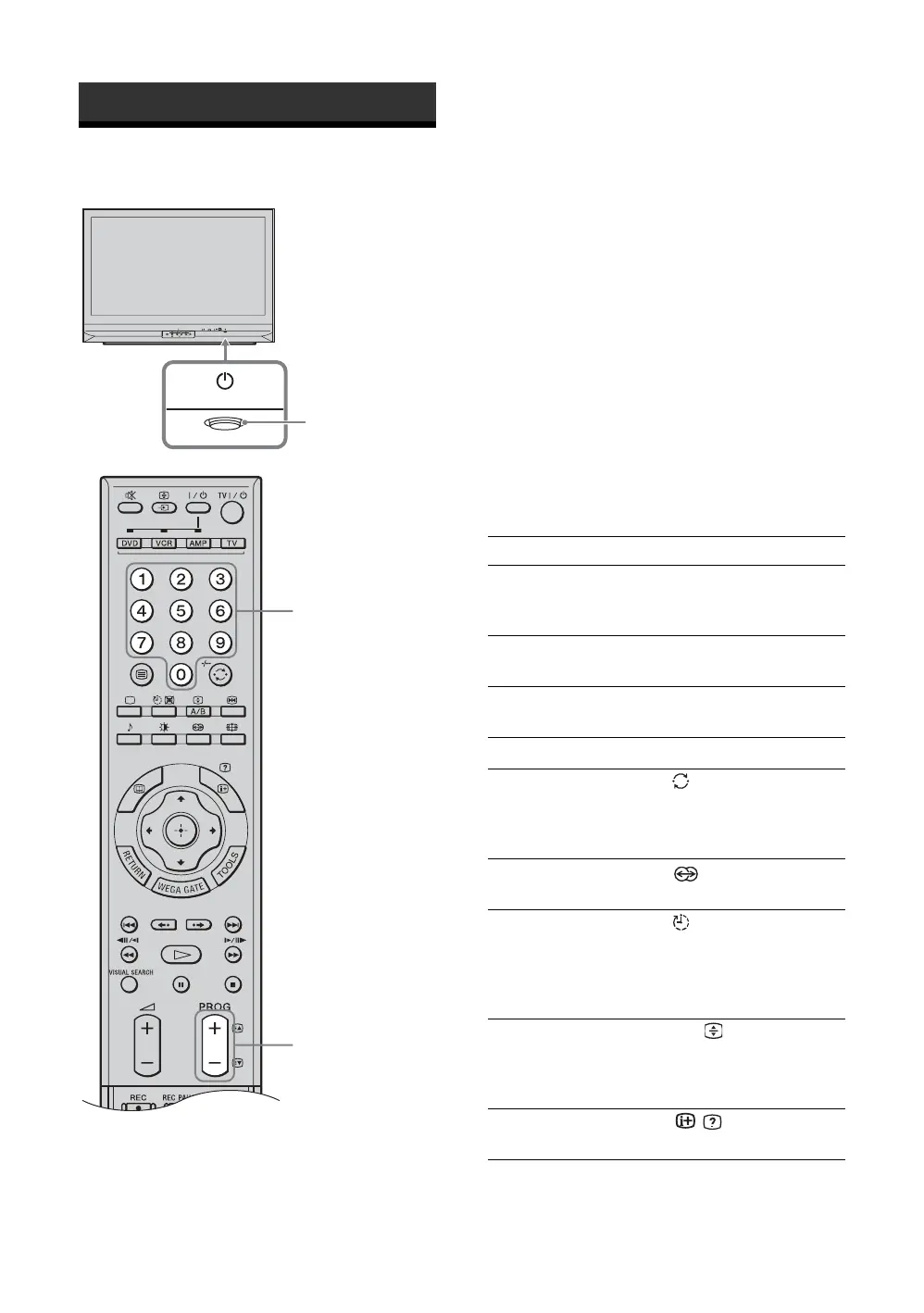
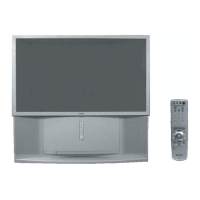
1 Press 1 on the TV (front side) to switch on
the TV.
When the TV is in standby mode (" 1 indicator on
the front of the TV is red), press TV "/1 on the
remote to switch on the TV.
2 Press the number buttons or PROG +/- to
select a TV channel.
To select one-digit channel numbers, press 0 and
the channel number.
Tips
• If you press the number button without pressing 0 to select
a one-digit channel, you must wait for two seconds until
receiving the channel.
• You can have one-digit channels selected immediately
when you press the number buttons after setting “1Digit
Direct” to “On” (page 36).
Additional operations
Watching TV
WEGA GATE
PROG
2
1
2
To Do this
Turn off the TV
temporarily
(Standby mode)
Press TV "/1.
Turn off the TV
completely
Press 1 on the front side of the
TV.
Adjust the volume Press 2 + (increase)
/- (decrease).
Mute the sound Press %. Press again to restore.
Return to the
previous channel
watched (for more
than five seconds)
Press /-/--.
Select the surround
sound effect
Press . For details, see
page 32.
Switch the TV
automatically to the
standby mode after a
specified time period
– Sleep
Press . For details, see
page 41.
Switch the sound
between stereo and
mono, or languages
in bilingual programs
Press A/B/
.
Display the on-screen
information
Press / .


 To Next Page