Getting Started
15
GB
1 Connect your antenna with the antenna
cable (not supplied).
If connecting to an antenna only (A)
Connect the male plug to the
8 VHF/UHF
(antenna) jack on the rear of the TV.
Notes
• Note that one end of the cable has a male plug fitted
while the other end is fitted with a female jack.
• Do not connect the power cord until all other
connections are complete; otherwise, a minimal
current leakage through the antenna and/or other
terminals to the ground could occur.
If connecting to a VCR with an antenna (B)
Connect your antenna to the input jack on your
VCR.
Notes
• If you connect a monaural VCR, connect the yellow
plug to
t VIDEO (the yellow jack) and the black
plug to AUDIO-L (MONO) (the white jack).
• If you connect a VCR to the 8 VHF/UHF (antenna)
jack, preset the signal output from the VCR to the
program number 0 on the TV.
• If the S video cable is connected to this TV and the
VCR, the S video signal is automatically selected.
2 Connect your VCR.
Connect the output jack on your VCR to the input
jack on the rear of the TV.
4: Switching on the TV
1 Connect the AC power cord to the AC
power jack (220-240 V AC, 50/60 Hz).
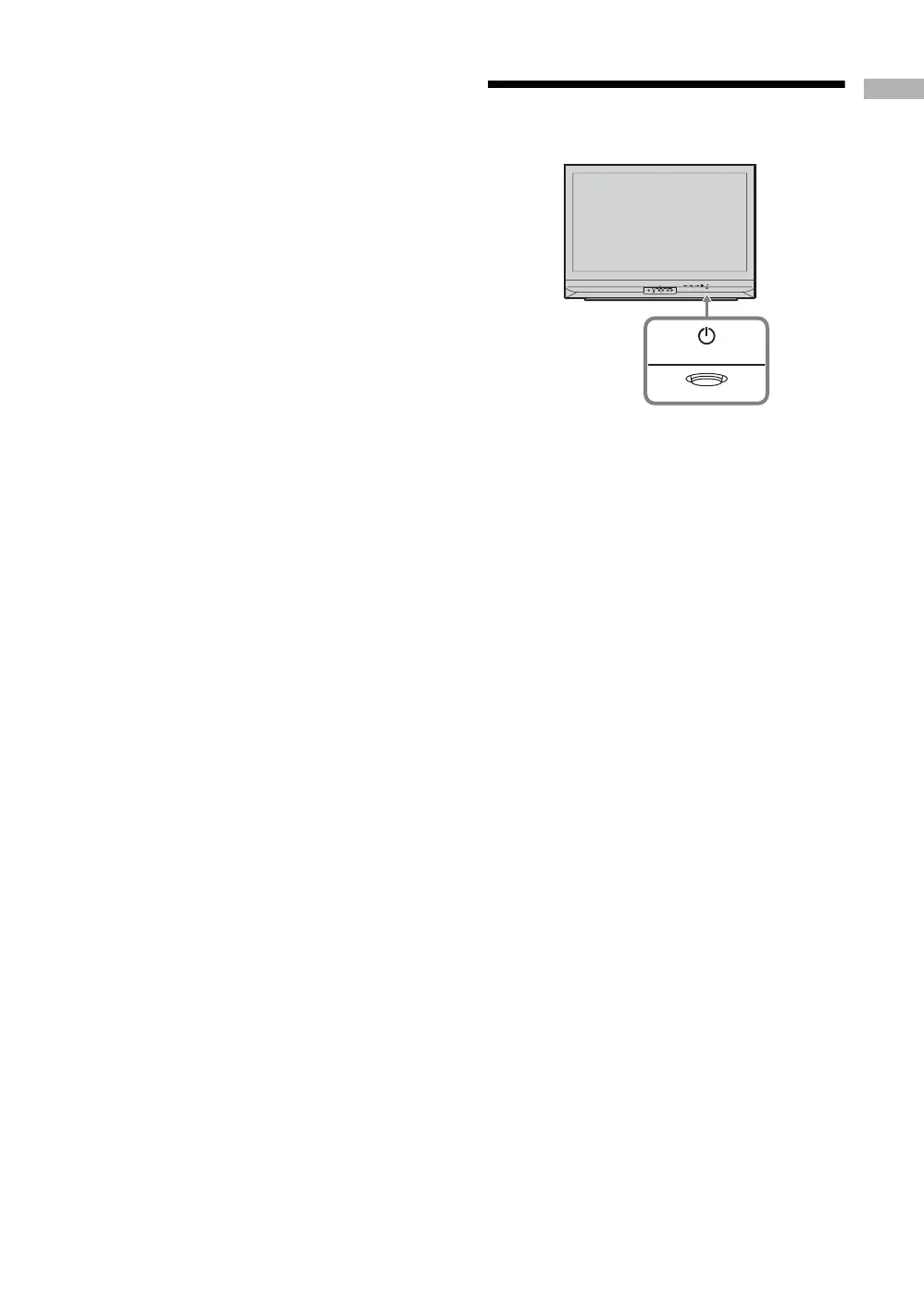
2 Press 1 on the TV (front side).
When you switch on the TV for the first time, the
language menu appears on the screen, then go to
“5: Selecting the language” on page 16.
When the TV is in standby mode (+ 1 indicator on
the front of the TV is red), press TV +/1 on the
remote to switch on the TV.
WEGA GATE
PROG


 To Next Page