Using Optional Equipment
47
GB
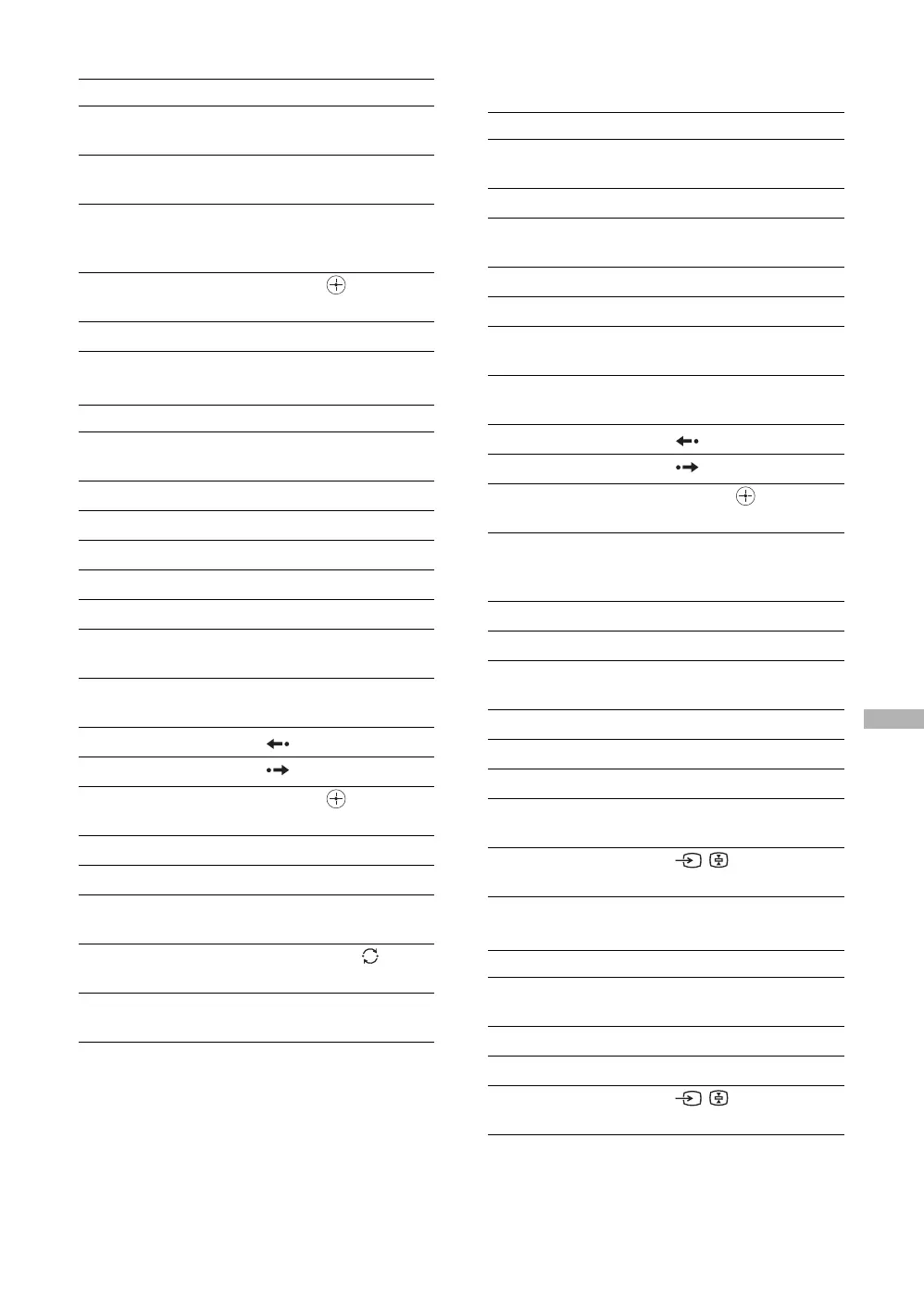
To operate a DVD/VCR combo unit
To operate an HDD/DVD combo unit
To operate an AV Receiver/amplifier
pause X (press again to resume
normal playback)
search the picture froward or
backward
M or m during
playback
specify the previous chapter/
track
specify the next chapter/track
.
>
move highlight (cursor), and
select
V v B b,
change volume
2+/-, %
To Press
activate the remote to operate
the DVD or VCR
DVD or VCR
turn on/off
"/1
display the top menu (DVD) DVD TOP MENU
display the disc menu (DVD)DVD MENU
play H
stop x
pause X (press again to resume
normal playback)
search the picture forward or
backward
M or m during
playback
replay (DVD)
advance (DVD)
move highlight (cursor), and
select (DVD)
V v B b,
Record (VCR) REC z
stop recording (VCR) REC STOP x
pause recording (VCR) REC PAUSE X (press
again to resume recording)
change channels (VCR)
PROG+/-, 0-9, /-/--
(using tuner)
adjust tracking (VCR)
PROG+/- (during tape
playback)
To Press
To Press
activate the remote to operate
the HDD/DVD
DVD
turn on/off
"/1
select the HDD
select the DVD
F1
F2
play H
stop x
pause X (press again to resume
normal playback)
search the picture froward or
backward
M or m during
playback
replay (DVD)
advance (DVD)
move highlight (cursor), and
select
V v B b,
specify the previous chapter/
track
specify the next chapter/track
.
>
Record REC z
stop recording REC STOP x
pause recording REC PAUSE X (press
again to resume recording)
display the top menu (DVD) DVD TOP MENU
display the disc menu (DVD)DVD MENU
select the SYSTEM MENU WEGA GATE
search a scene from the
chapter list
VISUAL SEARCH
select another input signal
connected to the input
/
To Press
activate the remote to operate
the amplifier
AMP
turn on/off
"/1
master volume 2+/-, %
select other input connected
to the AV receiver/amplifier
/


 To Next Page