EasyManua.ls Logo

Sony LBT-D117CD - Advanced CD Playback; Locating Points on Disc; Locating Selections

Sony LBT-D117CD
31 pages
Print Icon
To Next Page IconTo Next Page
To Previous Page IconTo Previous Page
Loading...
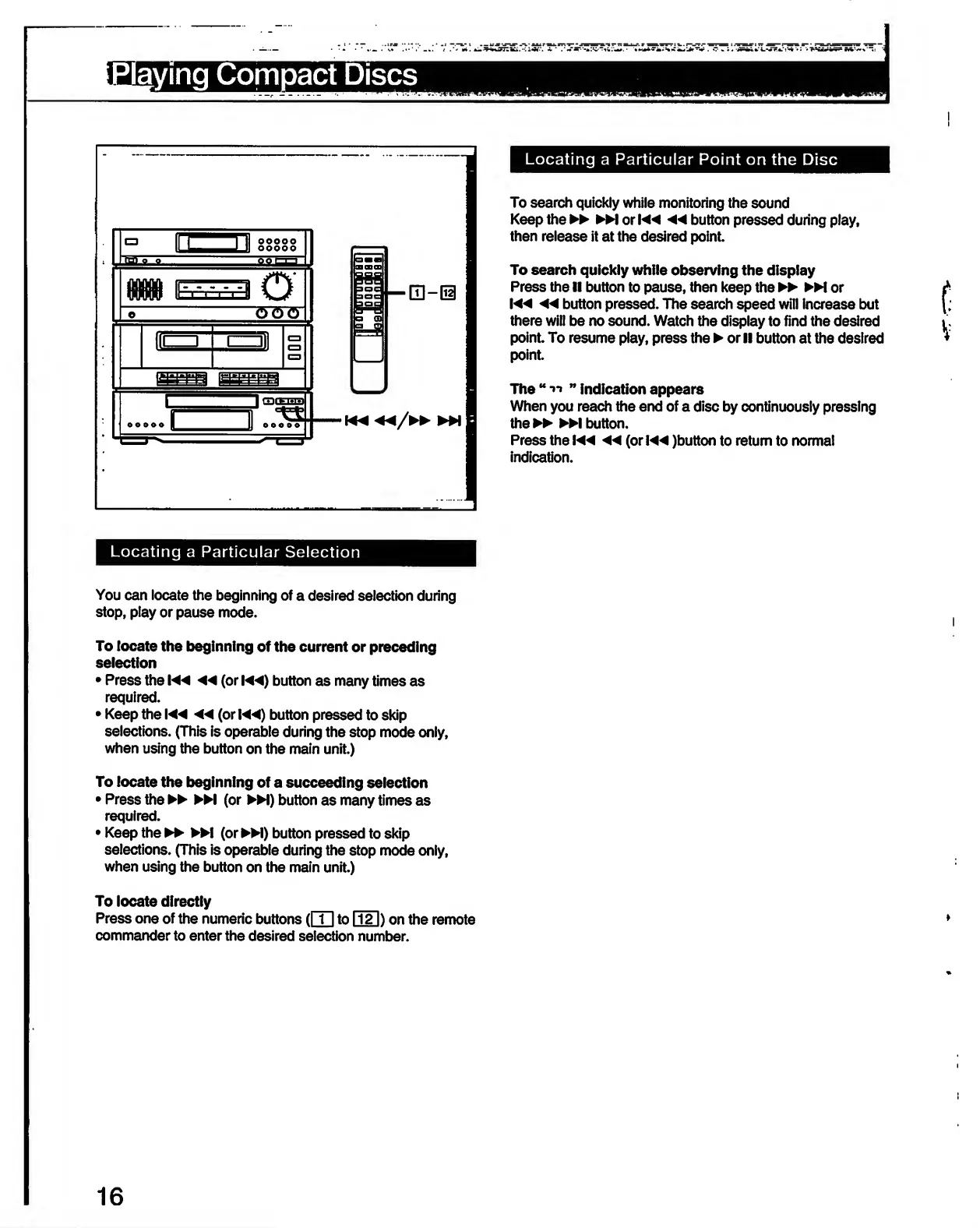
Locating
a
Particular
Point
on
the
Disc
To
search
quickly
while
monitoring
the
sound
Keep
the
►►
orK*
◄◄
button
pressed
during
play,
then
release
it
at
the
desired
point.
To
search
quickly
while
observing
the
display
Press
the
II
button
to
pause,
then
keep
the
►►
M
or
◄◄
button
pressed.
The
search
speed
will
increase
but
there
will
be
no
sound.
Watch
the
display
to
find
the
desired
point.
To
resume
play,
press
the
or
II
button
at
the
desired
point.
The
“'ll
indication
appears
When
you
reach
the
end
of
a
disc
by
continuously
pressing
the
►►
button.
Press
the
◄◄
(or
)button
to
return
to
normal
indication.
Locating
a
Particular
Selection
You
can
locate
the
beginning
of
a
desired
selection
during
stop,
play
or
pause
mode.
To
locate
the
beginning
of
the
current
or
preceding
selection
Press
the
◄◄
(or
!
◄◄
)
button
as
many
times
as
required.
Keep
the
◄◄
(or
!
◄◄
)
button
pressed
to
skip
selections.
(This
is
operable
during
the
stop
mode
only,
when
using
the
button
on
the
main
unit.)
To
locate
the
beginning
of
a
succeeding
selection
Press
the
►►
M
(or
►►
!)
button
as
many
times
as
required.
Keep
the
(or
►►
!)
button
pressed
to
skip
selections.
(This
is
operable
during
the
stop
mode
only,
when
using
the
button
on
the
main
unit.)
To
locate
directly
Press
one
of
the
numeric
buttons
([T]
to
GI])
on
the
remote
commander
to
enter
the
desired
selection
number.
16

Related product manuals