ix
GB
About the
NEX-5T
Index
(NEX-5T)
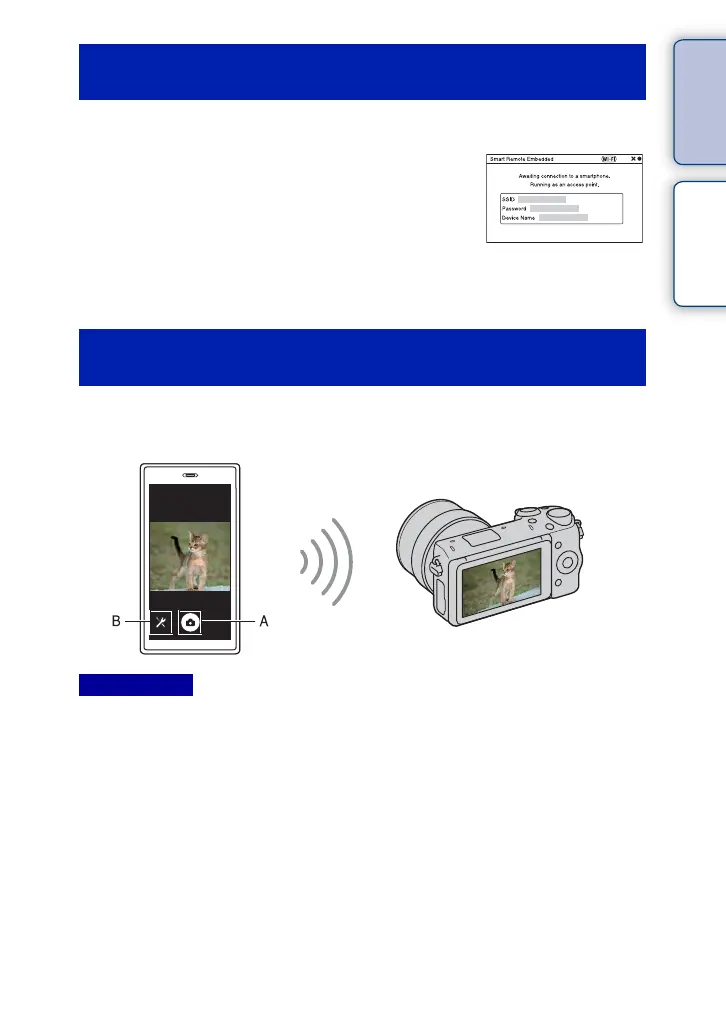
Check the composition of the image on the Smartphone screen, and then press the shutter
button (A) on the Smartphone to shoot an image.
• Use button (B) to change the [EV], [Self-Timer] and [Review Check] settings.
• [Smart Remote Embedded] is available when the shooting mode is set to [Intelligent Auto], [Scene
Selection], [Manual Exposure], [Shutter Priority], [Aperture Priority] or [Program Auto]. When the
shooting mode is set to a mode other than the modes above, it is automatically switched to [Intelligent
Auto].
• [Smart Remote Embedded] is not available for movie shooting.
• When [Quality] is set to [RAW] or [RAW & JPEG], it is automatically changed to [Fine].
• If a memory card is not inserted in the camera, you can shoot still images and send them to a Smartphone.
However, the images shot will not be saved on the camera.
Launching [Smart Remote Embedded] without
using One-touch remote
1 MENU t [Application] t [Smart Remote Embedded].
2 When the camera is ready for the
connection, an information screen appears
on the camera. Connect the Smartphone
and the camera using that information.
[For Android]
[For iPhone]
Operating the camera using [Smart Remote
Embedded]
Notes



 To Next Page
 Loading...











