108
GB
Table of
contents
Sample photo Menu Index
Metering Mode
Selects the metering mode that sets which part of the subject to measure to determine the
exposure.
1 MENU t [Brightness/Color] t [Metering Mode] t desired mode.
• If you set [Metering Mode] to other than [Multi], the [Face Detection] function cannot be used.
• [Multi] is selected when using the following functions:
– Movie recording
– [Intelligent Auto]
–[Superior Auto]
– [Scene Selection]
– The [Zoom] feature of the camera
– [Smile Shutter]
(Multi) Measures light on each area after dividing the total area into
multiple areas and determines the proper exposure of the entire
screen (Multi-pattern metering).
(Center) Measures the average brightness of the entire screen, while
emphasizing the central area of the screen (Center-weighted
metering).
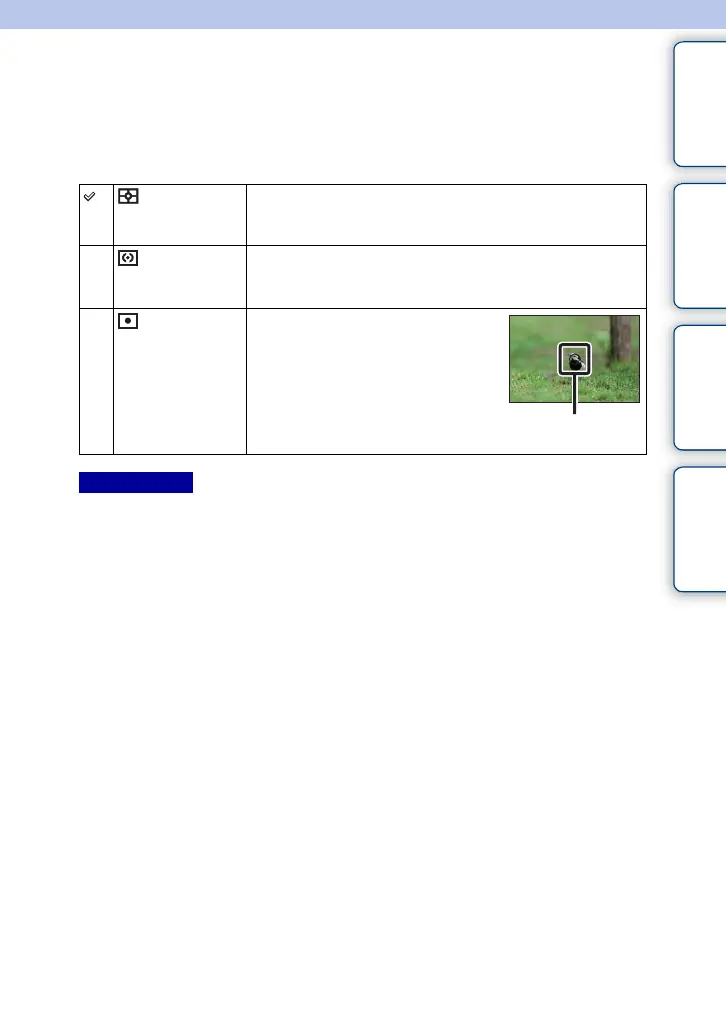
(Spot) Measures only the central area (Spot
metering). This function is useful when
the subject is backlit or when there is
strong contrast between the subject and
the background.
Place the spot metering
circle over the subject.
Notes



 To Next Page
 Loading...











