150
GB
Table of
contents
Sample photo Menu Index
Long Exposure NR
When you set the shutter speed to one second or longer (long exposure shooting), noise
reduction is turned on for the duration that the shutter is open. With the function turned
on, the grainy noise typical of long exposures is reduced.
1 MENU t [Setup] t [Long Exposure NR] t desired setting.
• [Long Exposure NR] is set to [Off] in the following modes:
– [Cont. Shooting]
– [Spd Priority Cont.]
– [Bracket: Cont.]
– [Sports Action], [Hand-held Twilight], [Anti Motion Blur] in [Scene Selection]
– [Sweep Panorama]
• [Long Exposure NR] is set to [On] in the following modes:
– [Intelligent Auto]
–[Superior Auto]
– [Scene Selection] (except [Sports Action], [Hand-held Twilight])
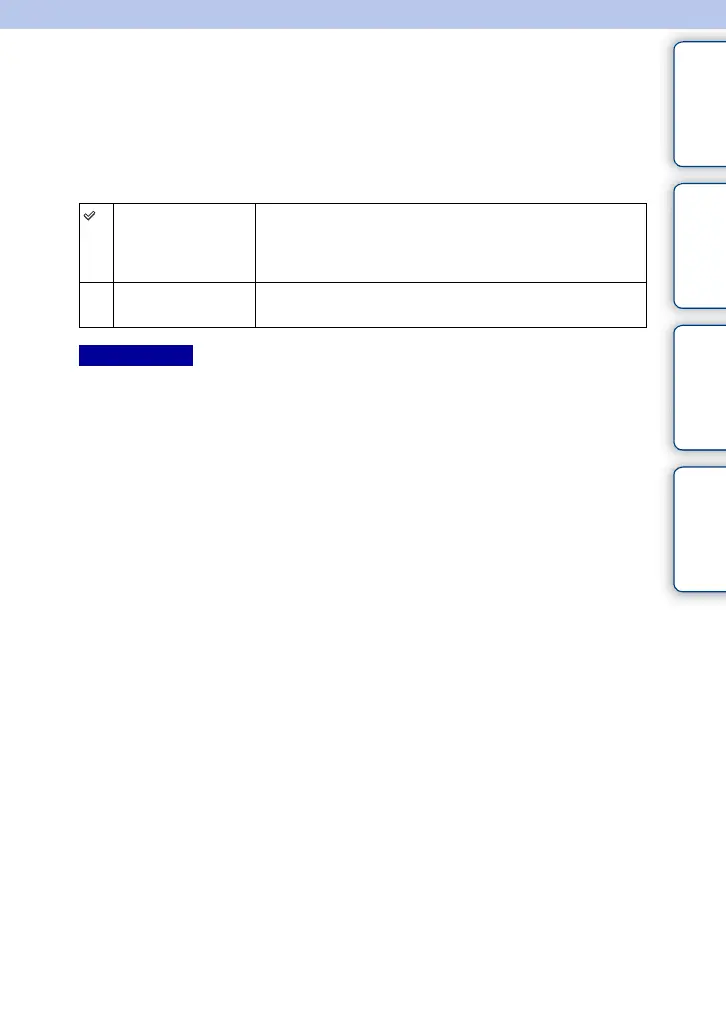
On Activates noise reduction for the same duration that the shutter is
open. When noise reduction is in progress, a message appears
and you cannot take another picture. Select this to prioritize the
image quality.
Off Does not activate noise reduction. Select this to prioritize the
timing of shooting.
Notes



 To Next Page
 Loading...











