44
GB
Table of
contents
Sample photo Menu Index
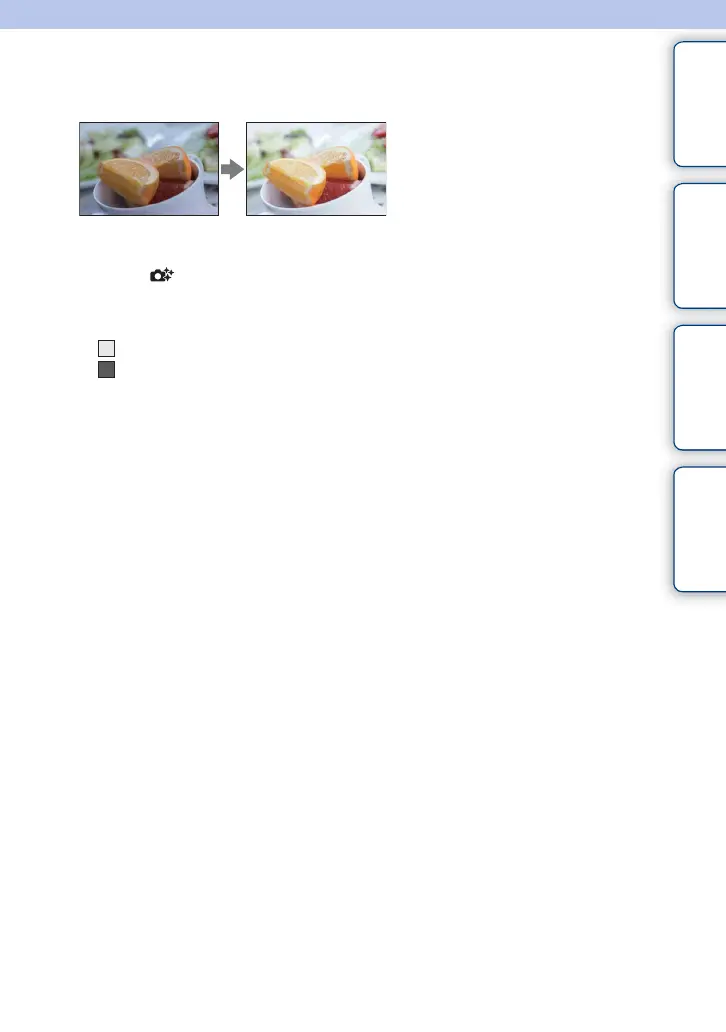
Brightness
You can adjust the brightness easily in [Photo Creativity].
1 Set the shooting mode to [Intelligent Auto] or [Superior Auto].
2 Select (Photo Creativity).
3 Select [Brightness].
4 Select the desired brightness.
: You can make images brighter.
: You can make images darker.
Select [AUTO] to restore to the original status.



 To Next Page
 Loading...











