119
GB
Table of
contents
Sample photo Menu Index
Transferring images to Android using
“PlayMemories Mobile”
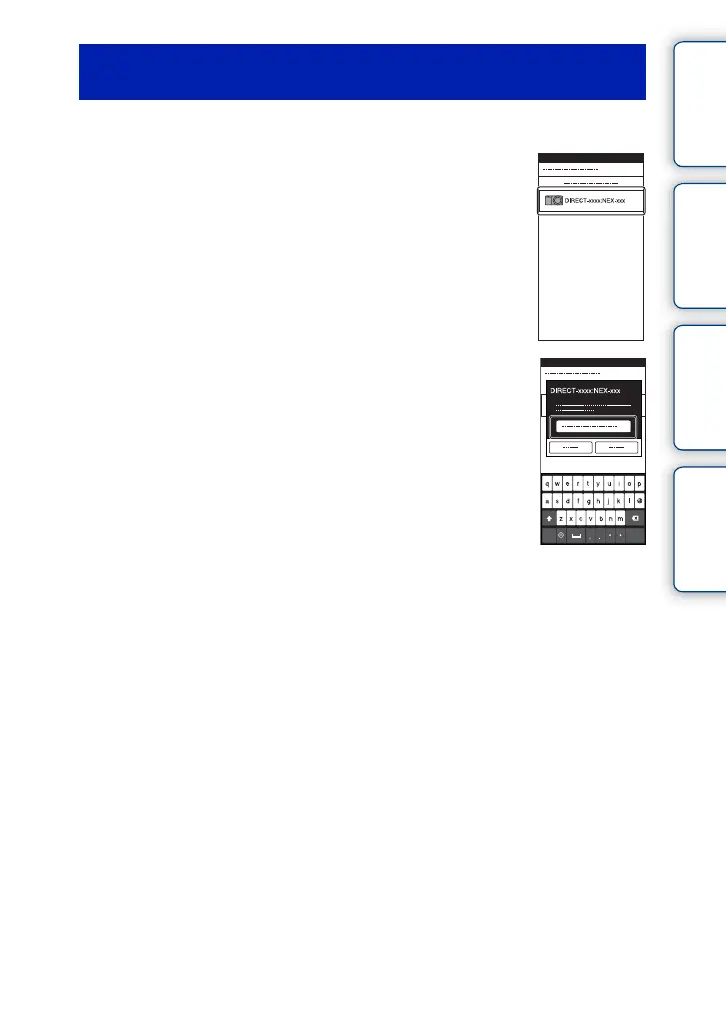
1 Start “PlayMemories Mobile” on Android.
2 Select the camera (DIRECT-xxxx:NEX-xxx).
3 Enter the password that is displayed on the
camera.
Android is connected to the camera.
4 Follow the instructions on the screen to transfer the image.
Continued r



 To Next Page
 Loading...











