73
GB
Table of
contents
Sample photo Menu Index
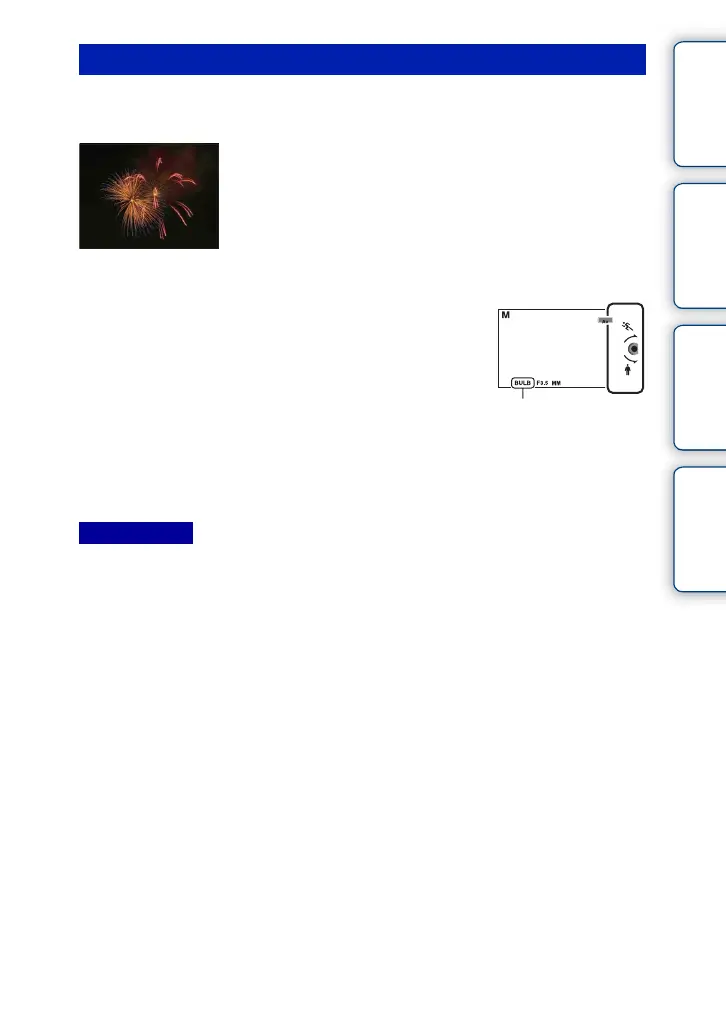
You can shoot trails with long exposure. BULB is suitable for shooting trails of light,
such as fireworks.
• Since the shutter speed becomes slow and the camera-shake tends to occur more easily, it is
recommended that you use a tripod.
• The longer the exposure time, the more conspicuous the noise on the image.
• After shooting, noise reduction (Long Exposure NR) will be done for the same amount of time that the
shutter was open. However, you cannot shoot any more while noise reduction is in progress.
• When the [Smile Shutter] or [Auto HDR] function is activated, you cannot set the shutter speed to
[BULB].
• If the [Smile Shutter] or [Auto HDR] function is used with the shutter speed set to [BULB], the shutter
speed is temporarily set to 30 seconds.
BULB
1 Set the shooting mode to [Manual Exposure].
2 Turn the control wheel counterclockwise
until [BULB] is indicated.
[BULB]
3 Press the shutter button halfway down to adjust the focus.
4 Press and hold the shutter button for the duration of the shooting.
As long as the shutter button is pressed, the shutter remains open.
Notes



 To Next Page
 Loading...











