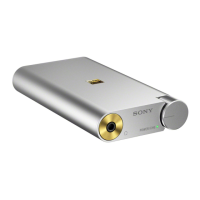
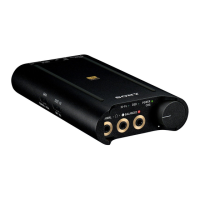
Portable Headphone Amplifier
PHA-3
The sound is low.
Turn up the volume of the connected device.
Turn up the volume of the headphone amplifier.
When using high-impedance headphones, set the GAIN select switch to HIGH.
Use headphones that have a stereo mini plug.
The headphone amplifier only supports headphones that have a stereo mini plug. If you use headphones/headsets
with a remote control or microphone, there may be low sound or no sound.
4-547-524-11(4)
Copyright 2014 Sony Corporation
Help Guide
Troubleshooting








 To Next Page