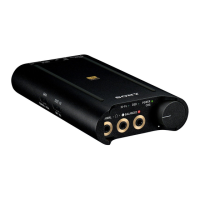
Portable Headphone Amplifier
PHA-3
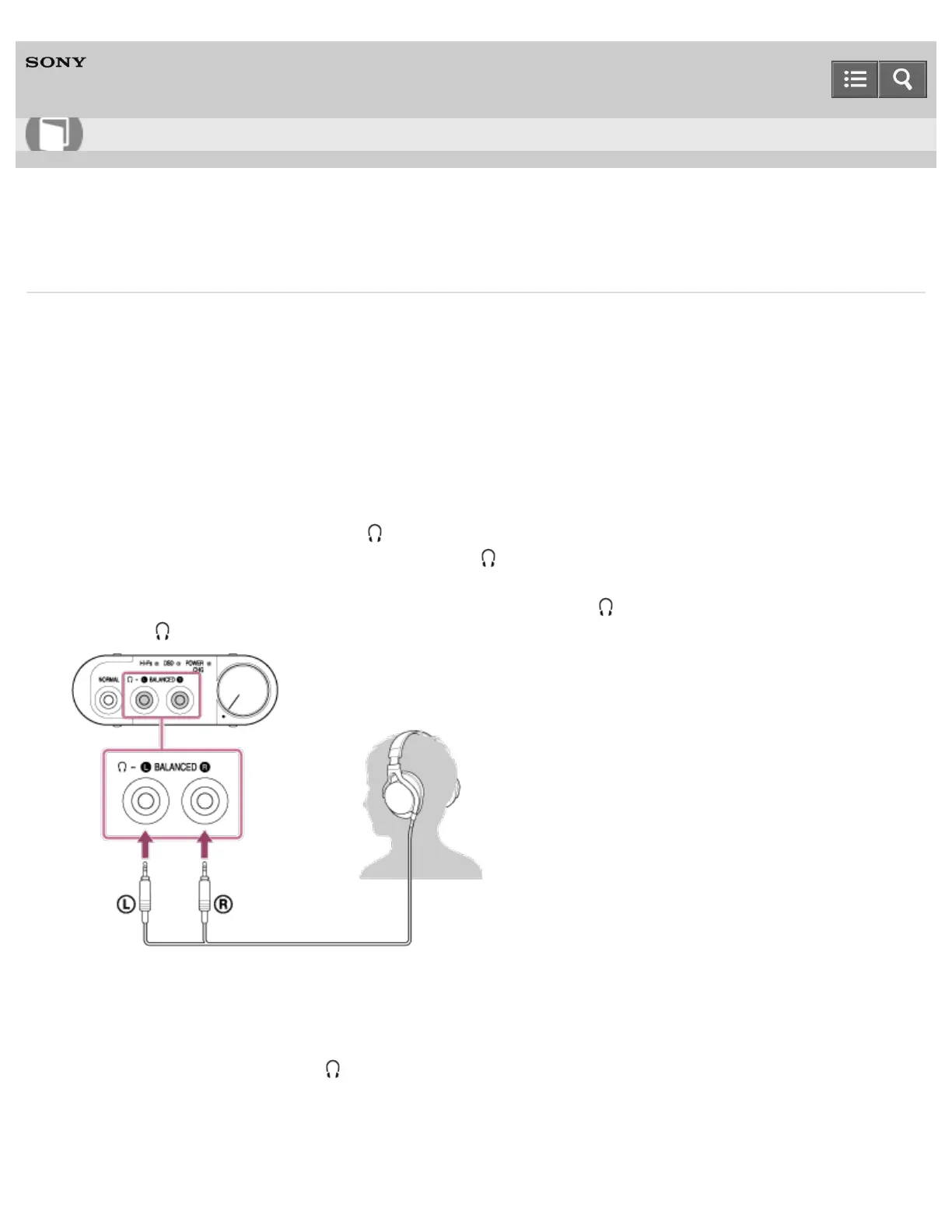
Listening to music with headphones via balanced connection
Connecting the balanced connection compatible headphones to the headphone amplifier upgrades sound quality from an
audio device connected to the headphone amplifier.
Balanced connection compatible headphones
MDR-Z7, XBA-Z5, MDR-1A
*
, XBA-H3
*
(as of July 2014)
*
The balanced-connection headphone cable (MUC-S20BL1/MUC-M20BL1) (sold separately) is required to connect MDR-1A and
XBA-H3.
For the latest compatible models, access the following URL:
http://www.sony.com/support/
You cannot connect your headphones to the (headphones) BALANCED L/R jack when the device is connected to the
AUDIO IN/LINE OUT jack. Connect your headphones to the (headphones) NORMAL jack.
1. Connect the L plug of the balanced-connection headphone cable to the (headphones) BALANCED L jack and R
plug to the (headphones) BALANCED R jack.
2. Connect an audio device to the headphone amplifier.
3. Set the INPUT select switch to the position where the port that your device is connecting to.
4. Set the OUTPUT select switch to “ .”
Help Guide
How to Use








 To Next Page