PRS-T2
12
When the CHASSIS ASSY (including ELEMENT INK IN-
DICATOR 6inch) is replaced:
Confi rm the FPL lot number and TFT vender described on the la-
bel of new CHASSIS ASSY (including ELEMENT INK INDICA-
TOR 6inch). Record the confi rmed the FPL lot number and TFT
vender by taking the memo etc..
Procedure:
1. Replace complete MAIN board or CHASSIS ASSY (including
ELEMENT INK INDICATOR 6inch) for new parts, and as-
semble this unit.
2. Confi rm the following data to the service headquarters.
• WF fi le corresponding to the recorded FPL lot number and
TFT vender
• WF fi le translation tool (wwv_parser.exe)
3. Copy the fi le and the tool obtained in step 2 to directly under
the C drive of PC (Windows XP or more is recommended).
4. Start the command prompt, and execute the following com-
mands.
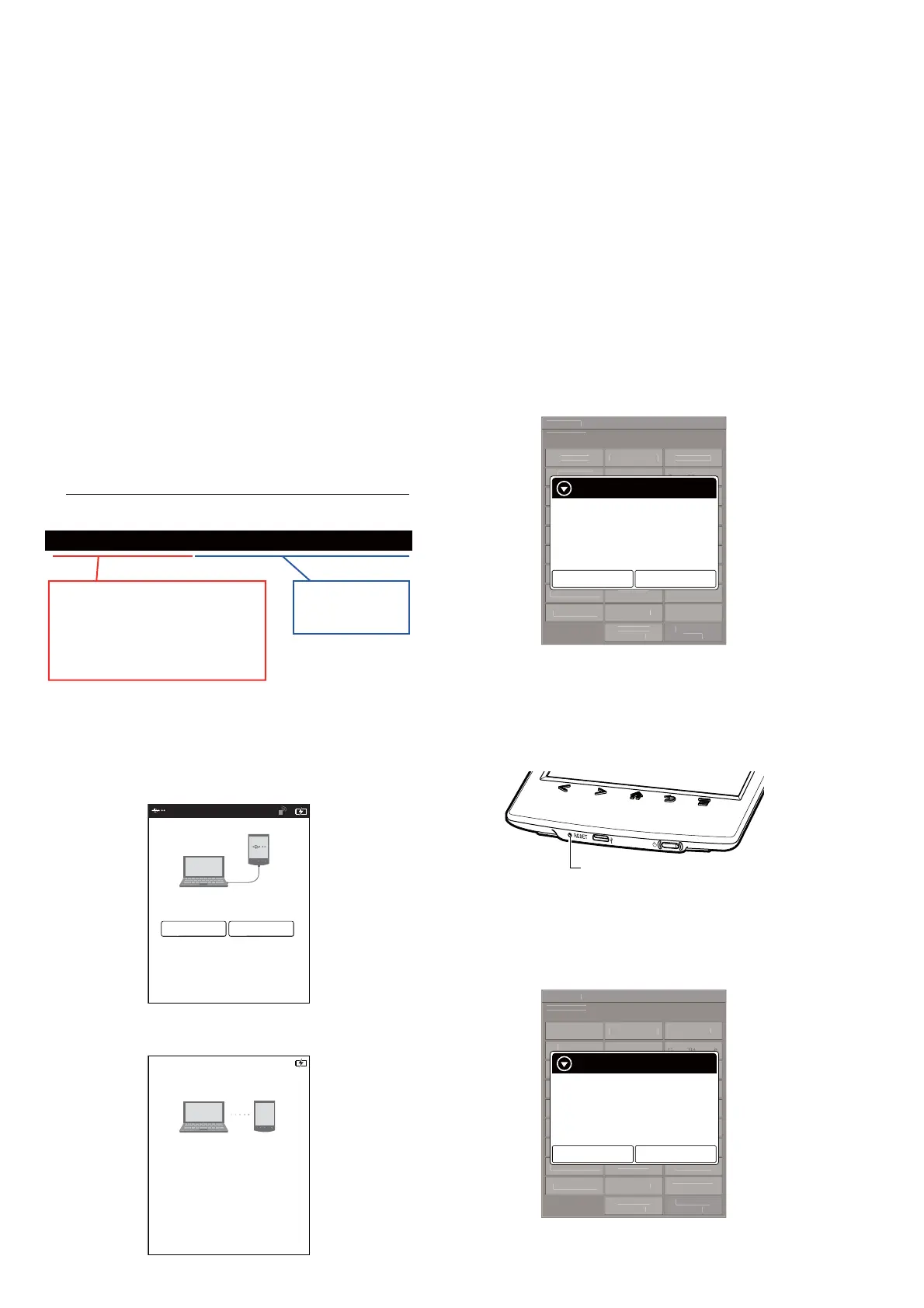
“c:\wwv_parser.exe -o c:\lut.bin c:\” + “(fi le name of WF fi le)”
c:\wwv_parser.exe -o c:\lut.bin c:\V220_C036_60_WQ0303_ED060SC7C1_BTC.wbf
Example of inputting command:
“c:\wwv_parser.exe -o c:\lut.bin c:\”
is invariable.
“wwv_parser.exe” is a name of
provided WF file translation tool.
“lut.bin” is a file converted into the
form that can be stored in the device.
Input the provided
WF file name to
this part.
5. The “lut.bin” fi le is generated to directly under the C drive.
6. Press the [1] key to turn the power on.
7. Confi rm the HOME menu was completely displayed, and con-
nect this unit to PC by the USB cable (MICRO B).
8. Confi rm the USB connection screen displayed, and touch the
“Yes”.
Do you want the computer to recognize
this device?
Tap [Yes] to install Reader
TM
for PC or Reader
TM
for MacR
application, or transfer content.
Tap[No] to use Reader while charging.
Note: This screen will show whenever connecting with the
USB cable.
OFF
Yes No
9. The following screen is displayed in this unit, and confi rm the
“READER” drive of this unit is recognized on PC.
This device is correctly recognized by the
computer.
Check completion of the transfer by computer before
detaching USB cable.
10. Make the following folder under the “READER” drive of this
unit.
/testmode/data/
11. Copy the “lut.bin” fi le made in step 5 to the “data” folder made
in step 10.
12. Copy the fi le for the test mode from PC to directly under the
“READER” drive of this unit.
Note 2: When the fi le for the test mode already exists directly under the
“READER” drive of this unit, the fi le for the test mode need not
be newly copied.
13. Remove this unit and USB cable (MICRO B) from PC.
14. Enter the test mode (Refer to “HOW TO ENTER THE TEST
MODE” (page 10)).
15. Touch the “Update Waveform” in the test mode menu, and
confi rm current (unrenewed) LUT version is displayed.
(Example: “00000000112344567789” in the fi gure below)
Test Mod
r
n:
.
.
Ta r
et stora
e: Internal
T
t P
n
l
pdate Wave
orm IR-LED L
v
l
Drawin
wit
nt
pdate SP
r
m
t
r
heck
Modul
TP
oordinat
heck
ser
stor
Test All Ke
witch ADB
Test Batter
Lif
Fake MoAke
V
r
i
onfirmatio
eboot
Normal
heck Batter
eboot
Recover
et
leep Timeou
a
o
o
ca
et
traces.txt
actor
Initializ
e-fetch
I
ntifi
r
Lo
Extact
Flush
t
v
Power
f
Lo
Extact
heck
Temperatur
Write V
M
WWAN
WWAN
FF
Update waveform
Current:
00000000112344567789
Would you like to update?
Yes
No
(Example of displaying current
(unrenewed) LUT version)
16. Touch the “Yes”, it starts rewriting LUT version.
17. After about 10 seconds, screen changes into all white.
18. Press [RESET] button and reboot this unit.
[RESET] button
19. Enter the test mode (Refer to “HOW TO ENTER THE TEST
MODE” (page 10)).
20. Touch the “Update Waveform” in the test mode menu, and
confi rm that the LUT version has been updated.
(Example: “00000000432188779695” in the fi gure below)
Test Mod
V
r
i
n: X.X.
Ta r
et stora
e: Internal
T
t P
n
l
pdate Waveform IR-LED L
v
l
Drawin
wit
P
int
pdate
P
P
r
m
t
r
heck
Modul
TP
oordinat
heck
ser
istor
Test All Ke
witch ADB
Test Batter
Li
a
e
o
e
r
on
irmatio
eboot
Normal
heck Batter
eboot
Recover
et
leep Timeou
adio Lo
ca
et
traces.txt
actor
Initializ
e-
etch
I
nti
i
r
Lo
Extact
Flush
t D
vi
L
Power
f
Lo
Extact
hec
Temperatur
Write V
M
WWAN
WWAN
F
Update waveform
Current:
00000000432188779659
Would you like to update?
Yes
No
(Example of displaying updated LUT version)














 To Next Page