25
GB
Enjoying Sony Multiple-Room Products
• If the PARTY button is pressed on another device
that complies with the PARTY STREAMING
function while the unit is playing a track, the unit
will start a PARTY as a PARTY host and the other
device will join a PARTY as a PARTY guest.
The unit can join a PARTY which has been
started by another device so that you can enjoy
the same audio content as that being played in
a different room.
When another device (PARTY host)
is having a PARTY, press PARTY.
The unit joins the PARTY as a PARTY guest
and the PARTY STREAMING indicator
lights up in amber.
To leave a PARTY
Press PARTY.
The PARTY STREAMING indicator goes off.
Notes
• An error has occurred when the PARTY
STREAMING indicator lights up in red. Perform
the process from step 1 again.
• The PARTY STREAMING indicator lights up in
amber when other devices utilizing the PARTY
STREAMING function invite this unit to a
PARTY. When you want to leave that PARTY,
press PARTY.
• You cannot join a PARTY in the following cases:
– you have a PARTY on this unit
– you have already joined in another PARTY
• If you press PARTY when no PARTY is being
held, but a device that complies with the PARTY
STREAMING function is playing, the device will
be the PARTY host and the unit will join the
PARTY as a PARTY guest.
To use the PARTY STREAMING
function with a DLNA controller
You can use a DLNA controller that supports
the PARTY STREAMING function to use the
unit to start a PARTY that is being held by
other devices.
Connecting the Unit with
DLNA-compliant Devices
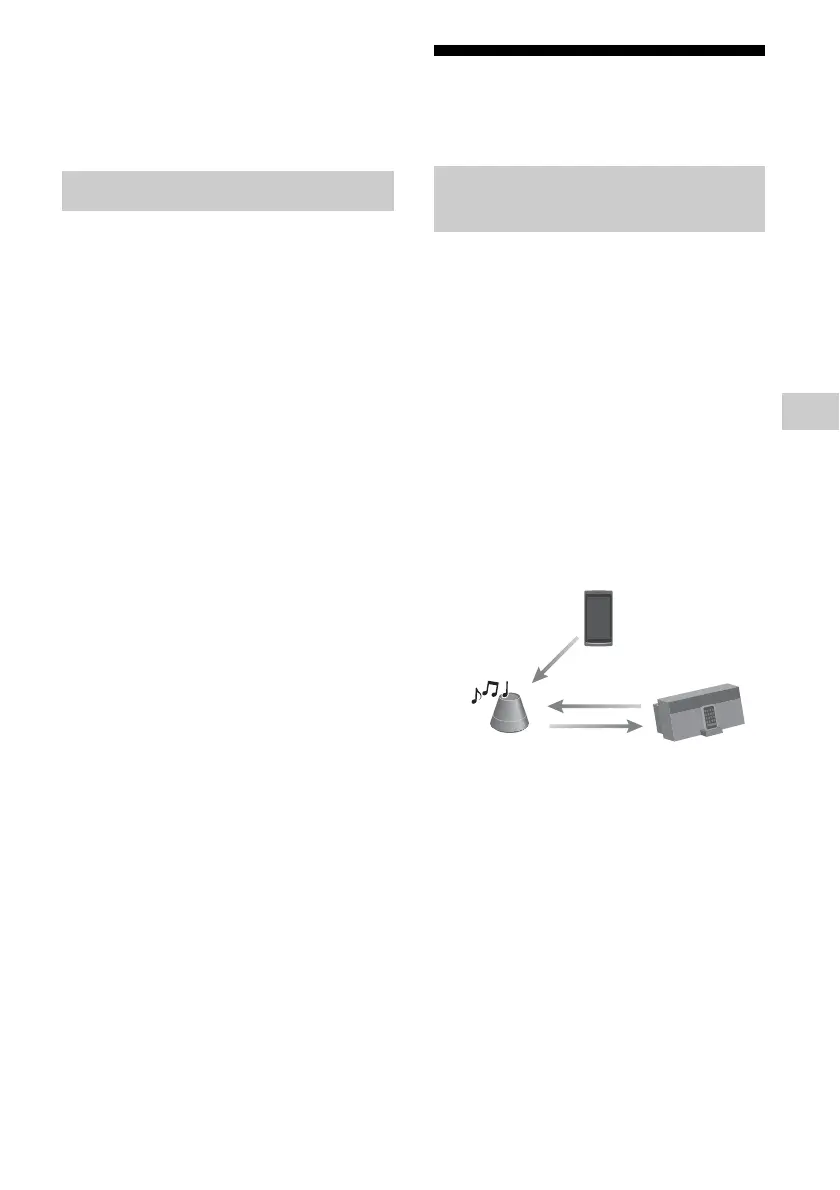
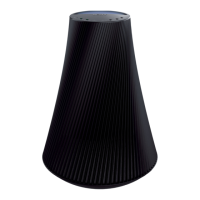
You can use DLNA Controller to control a
server to stream audio content to this unit. To
perform these operations, check the following
first.
• Check that all devices are connected to your
home network and set up correctly.
• Check that the unit and the server are turned
on or the unit and the server are in the
network standby - on mode.
• Check that the unit and the controller are
allowed to access the server.
• Check that the unit and the server have been
recognized and registered with the
controller.
Joining a PARTY
Enjoying audio content on a
server using a controller
DLNA controller
Control
Network controlled
player (this unit)
Deliver
Server
Access



 To Next Page