44
5
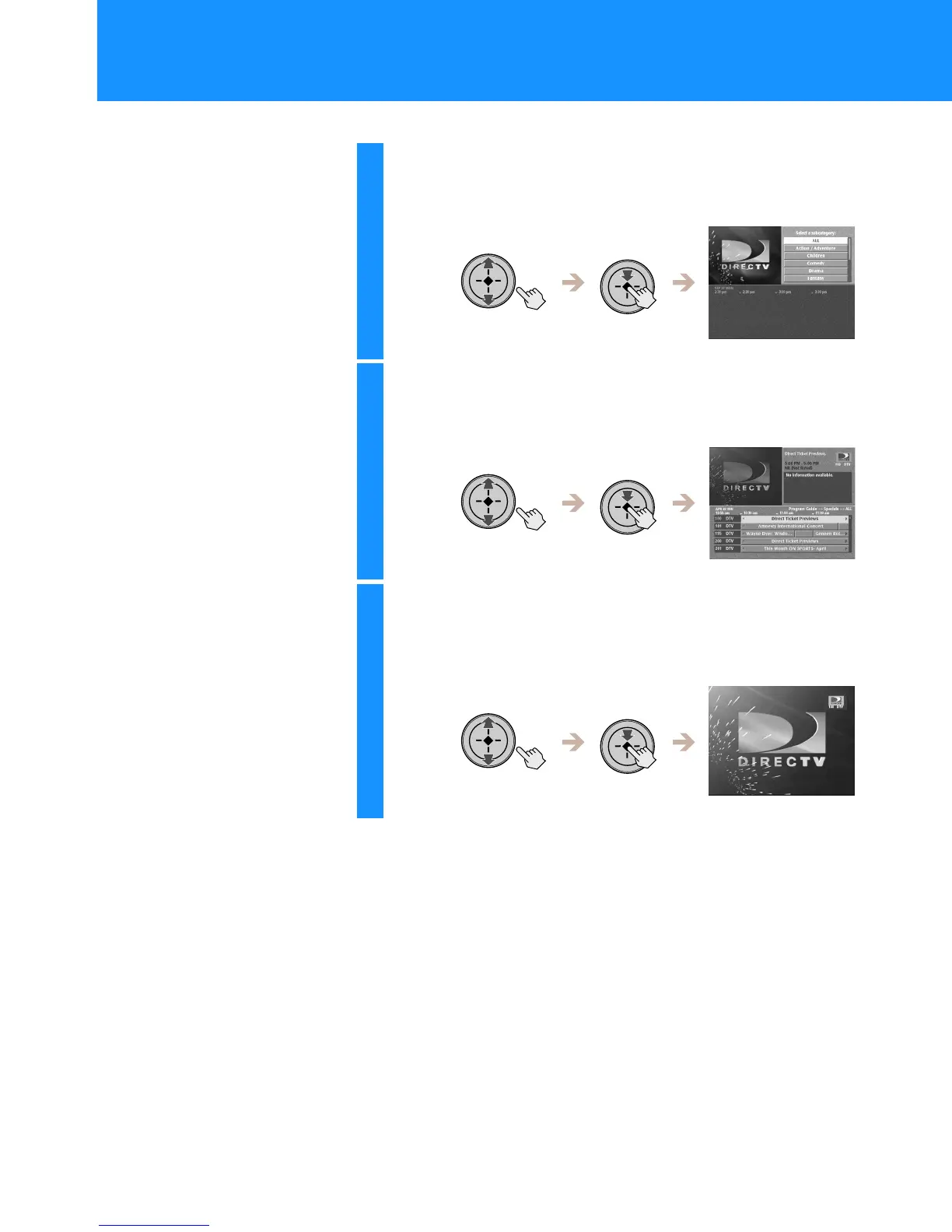
Select the category you want.
If the category you select has subcategories, the available
subcategories appear.
6
Select the subcategory you want.
The programs that match your selections appear in the lower half
of the display.
7
Highlight and select the program you want.
If you select a current program, the Other Guides display closes.
For information about selecting a future program, see “One Button
Timer & Rec” on page 60.
Viewing Station and Program Information (GUIDES)
(continued)


 To Next Page