51
Using the On-Screen Displays
Selecting Data Services
The Data Services feature is reserved for future applications.
3
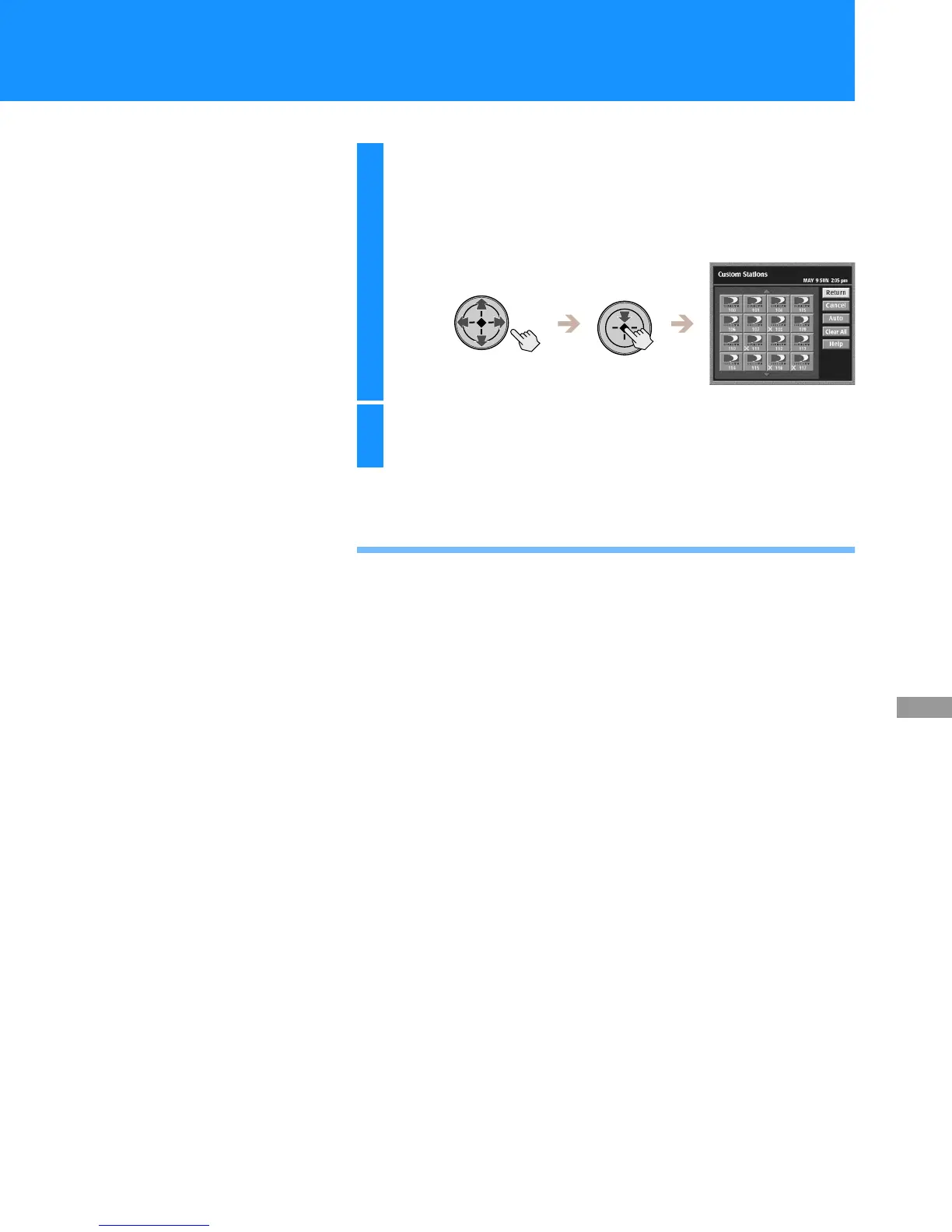
Highlight and select a station icon to add or
remove the “X” mark.
The “x” mark indicates that the station will be skipped when you
open the Program Guide, Category Guide or Station Index, or
change channels using the CH +/– buttons.
4
Highlight and select “Return”.
The Custom Stations display closes to show the Main Menu.



 To Next Page