Locating a Particular Point
in a Track
q
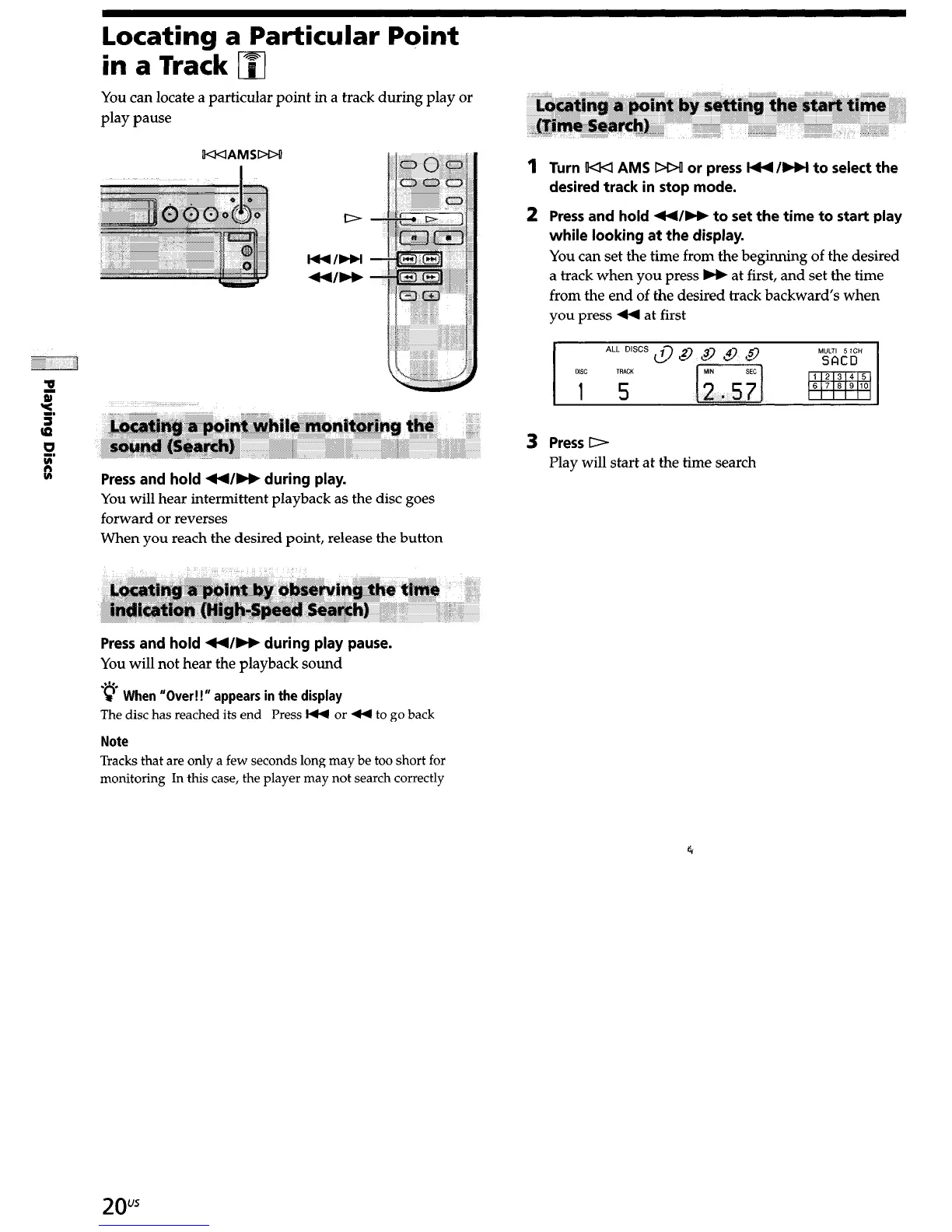
You can locate a particular point in a track during play or
play pause
W<IAMSDW
cc
Press and hold ++/bb during play.
You will hear intermittent playback as the disc goes
forward or reverses
When you reach the desired point, release the button
Press and hold 44/b during play pause.
You will not hear the playback sound
*p h “()
W en ver!!” appears in the display
The disc has reached its end Press I44 or 44 to go back
Note
Tracks that are only a few seconds long may be too short for
monitoring In this case, the player may not search correctly
1
Turn !I44 AMS DD! or press l++/bbl to select the
desired track in stop mode.
2 Press and hold +4/H to set the time to start play
while looking at the display.
You can set the time from the beginning of the desired
a track when you press M at first, and set the time
from the end of the desired track backward’s when
you press 44 at first
3
Press D
Play will start at the time search
2ous


 To Next Page