Listening to a Multi-channel Super Audio CD
You can adjust following items with the Multi-channel
management function:
CNTRBAIANCE
The relative output level balance between the front
speakers (FRONT L/R) and the center speaker (CENTER)
SURRBALANCE
The relative output level balance between the front
speakers (FRONT L/R) and the surround speakers (SURR
L/R)
-y-q
SW BALANCE
S
The relative output level balance between the front
4.
speakers (FRONT L/R) and the sub woofer (SUB
:
WOOFER)
u
Note
-a
s
Some adjustment may not work depending on the Multi-channel
playback mode that you selected
Adjusting the output level balance on the front
panel of the player
You can adjust the output level balance of each speaker
while listening during playback You can also adjust while
listening to the test tone during stop mode
1 Press MENU.
2 Turn ItUU AMS DD!l until “LEVEL ADJUST” appears
in the display.
3
Press KKI AMS DDU.
During playback, go to Step 6
4 Turn KKI AMS DDtl until “TONE ON” appears in the
display.
5
Press KKI AMS DDU.
The test tone issues from the speakers in sequence
with the speaker type appearing in the display
6
Turn KKI AMS M>o until the desired item appears
in the display.
Select the item from “CNTR BALANCE,” “SURR
BALANCE,” or “SW BALANCE “
Note
When you set the Sub woofer to ‘I--“ in the Multi-channel
playback mode (page 25), “SW BALANCE” does not appear
Similarly, “CNTR BALANCE” or “SURR BALANCE” does
not appear when you set the corresponding speaker to “- ”
7
Press KKI AMS DOT.
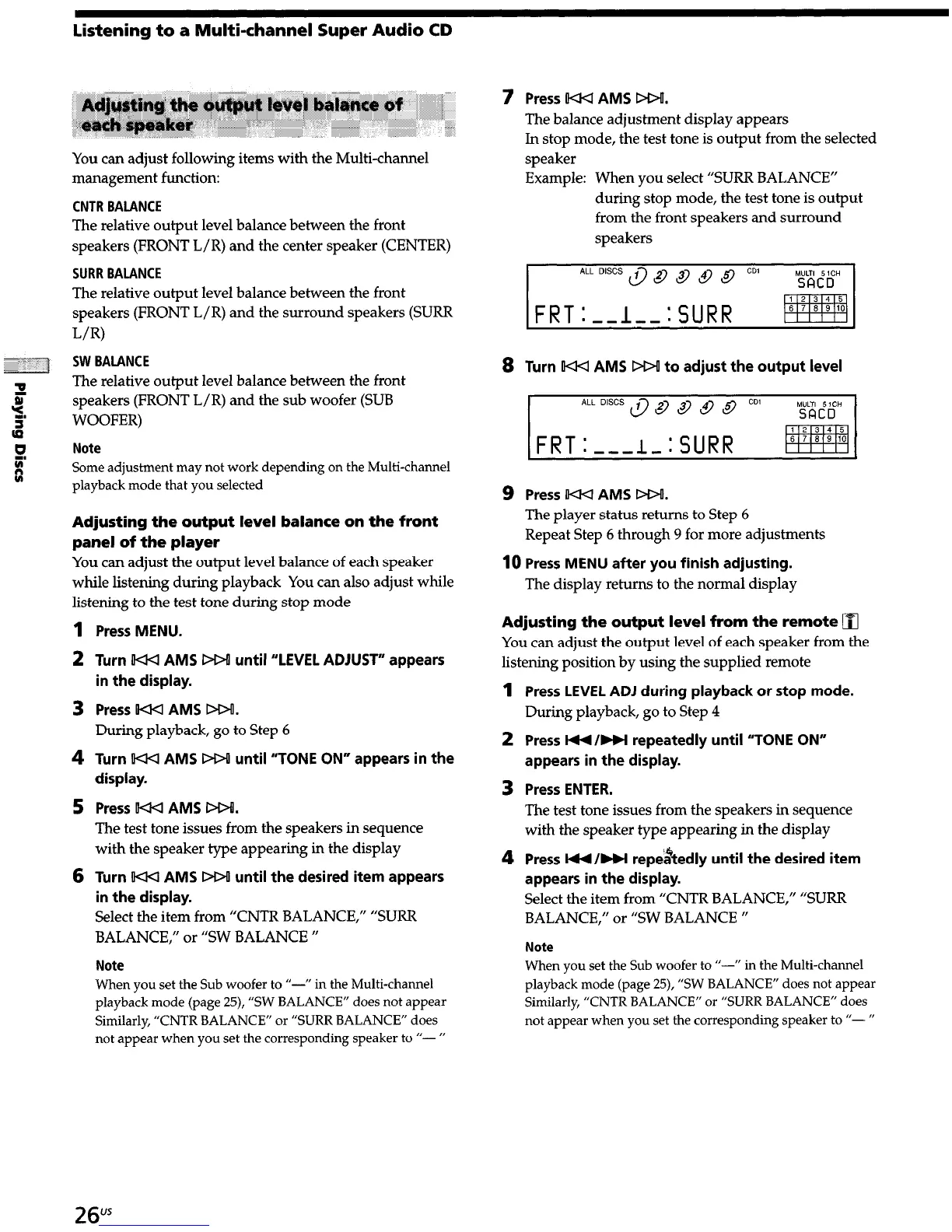
The balance adjustment display appears
In stop mode, the test tone is output from the selected
speaker
Example: When you select “SURR BALANCE”
during stop mode, the test tone is output
from the front speakers and surround
speakers
8 Turn KKI AMS DDU to adjust the output level
FRT:-,,L:SURR
pyq
9 Press HU AMS M>o.
The player status returns to Step 6
Repeat Step 6 through 9 for more adjustments
10
Press MENU after you finish adjusting.
The display returns to the normal display
Adjusting the output level from the remote
q
You can adjust the output level of each speaker from the
listening position by using the supplied remote
1
Press LEVEL ADJ during playback or stop mode.
During playback, go to Step 4
2 Press I44 /w repeatedly until “TONE ON”
appears in the display.
3 Press ENTER.
The test tone issues from the speakers in sequence
with the speaker type appearing in the display
4 Press H/w repe&edly until the desired item
appears in the display.
Select the item from “CNTR BALANCE,” “SURR
BALANCE,” or “SW BALANCE “
Note
When you set the Sub woofer to “-I’ in the Multi-channel
playback mode (page 25), “SW BALANCE” does not appear
Similarly, “CNTR BALANCE” or “SURR BALANCE” does
not appear when you set the corresponding speaker to ‘I- ”
26"s


 To Next Page