5
Press ENTER.
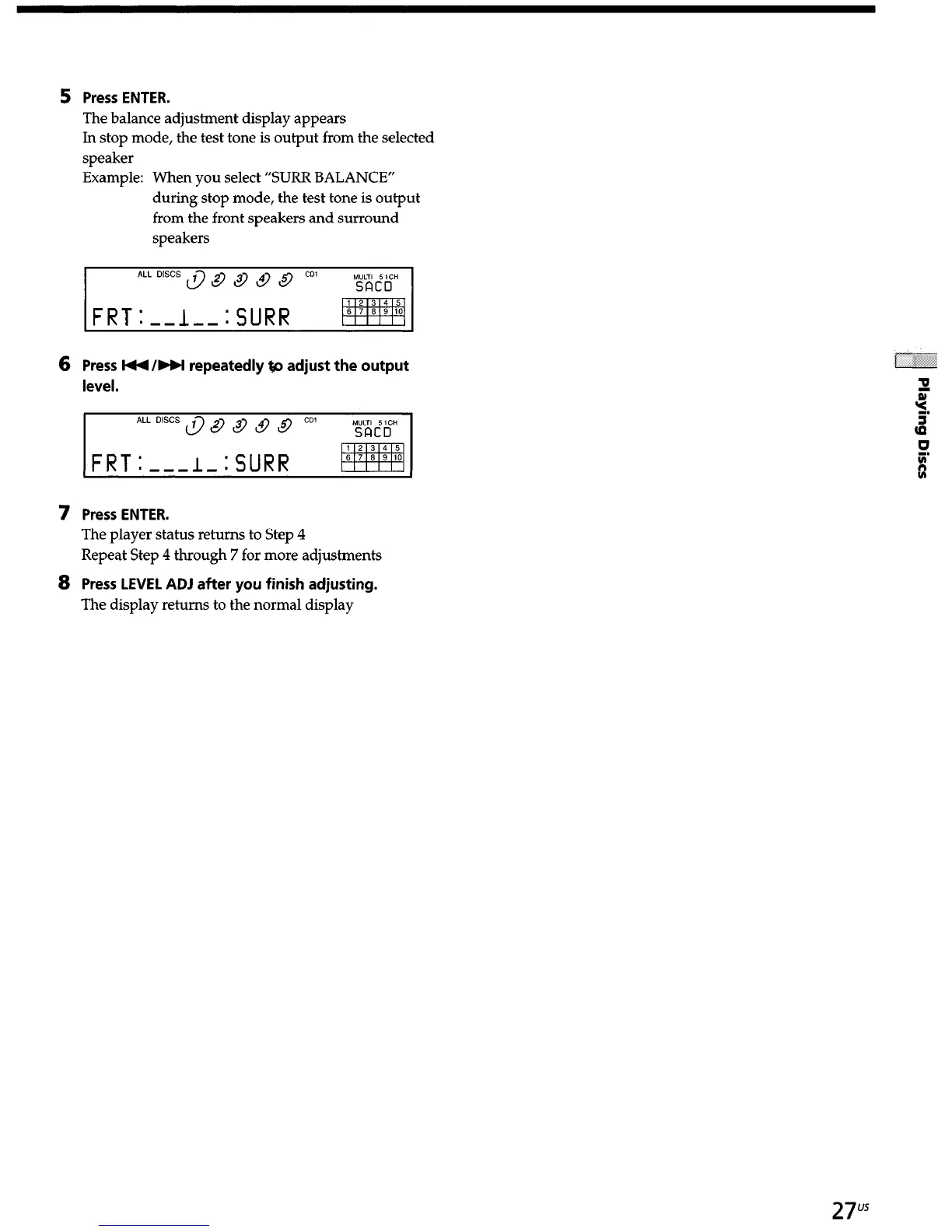
The balance adjustment display appears
In stop mode, the test tone is output from the selected
speaker
Example: When you select “SURR BALANCE”
during stop mode, the test tone is output
from the front speakers and surround
speakers
ALL DlSCS &) a a & a CD1
FRT:--I--:SURR
6
Press I44 /bbl repeatedly @I adjust the output
level.
FRT:---I-:SURR
pfyq
7
8
Press ENTER.
The player status returns to Step 4
Repeat Step 4 through 7 for more adjustments
Press LEVEL ADJ after you finish adjusting.
The disulav returns to the normal disDlav
I , I i
27"


 To Next Page