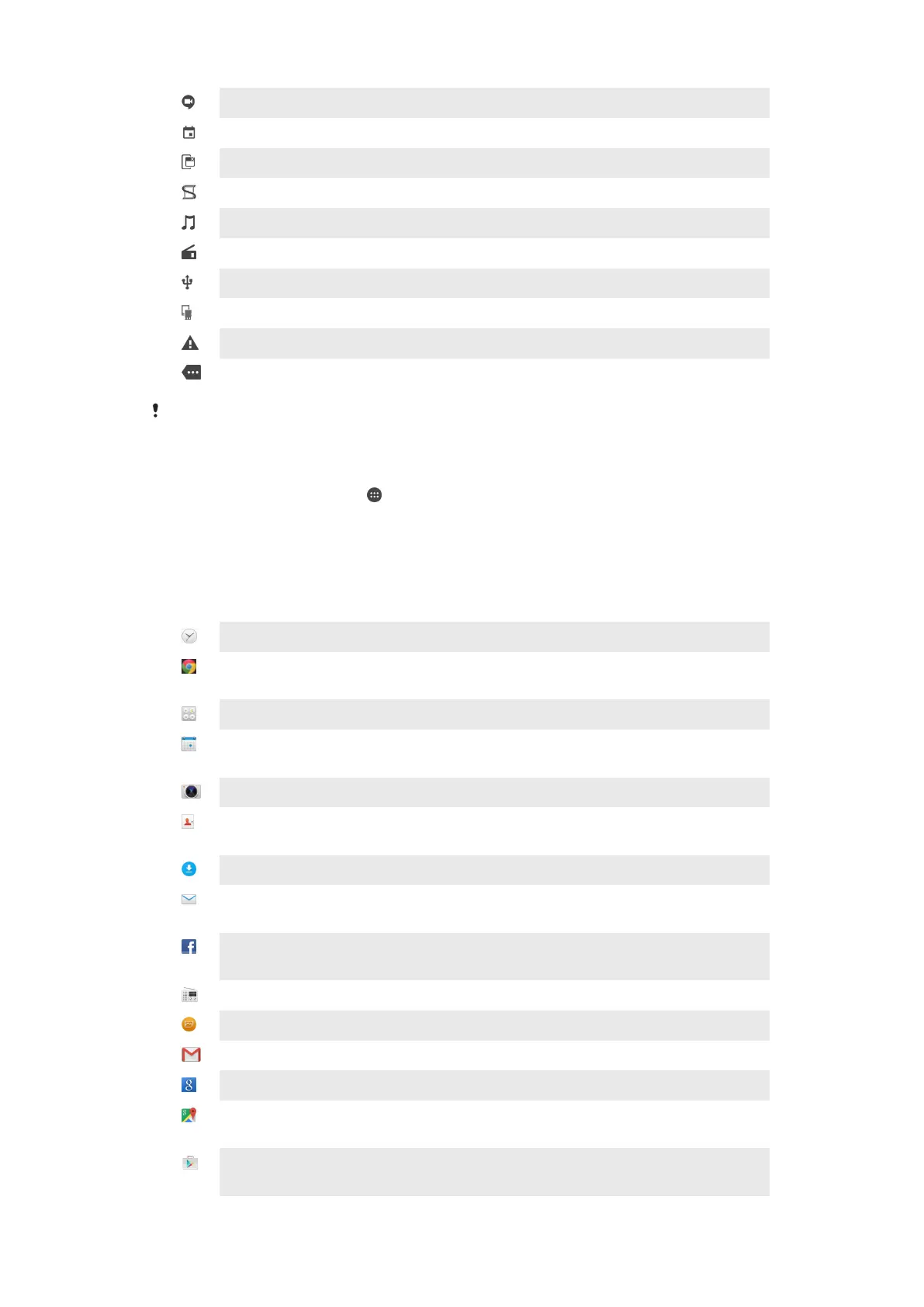
Video chat with friends using the Hangouts™ application
Upcoming calendar event
A small app is running
Smart Connect is activated
A song is playing
The radio is playing
The device is connected to a computer via a USB cable
Internal storage is 75% full. Tap to transfer data to the memory card
Warning
More (undisplayed) notifications
Not all icons that may appear on your device are listed here. These icons are for reference
purposes only, and changes may be made without notice.
To Block an Application from Sending Notifications
1
From your Homescreen, tap .
2
Find and tap
Settings
>
Sound & notification
>
App notifications
.
3
Select an application.
4
Drag the slider beside
Block
to the right.
Application Overview
Use the Alarm & clock application to set various kinds of alarms.
Use your web browser to navigate and view web pages and manage
bookmarks, text and images.
Use the Calculator application to perform basic calculations.
Use the Calendar application to keep track of events and manage your
appointments.
Use the camera to take photos and record video clips.
Use the Contacts application to manage phone numbers, email addresses, and
other information related to your contacts.
Access your downloaded applications, documents and pictures.
Use the Email application to send and receive emails through both private and
corporate accounts.
Use the Facebook™ application to engage in social networking with friends,
family members, and coworkers around the world.
Browse and listen to FM radio stations.
Use the Album application to view and work with your photos and videos.
Use the Gmail™ application to read, write, and organize email messages.
Search for information on your device and on the web.
View your current location, find other locations, and calculate routes using
Google Maps™.
Use the Play Store™ application to download free and paid applications for your
device.
23
This is an internet version of this publication. © Print only for private use.














 To Next Page