1
Turn off the device.
2
Remove the cover of the memory card slot, then press against the edge of the
memory card and release it.
3
Draw the card outwards to remove it fully.
Screen protection
Before using your device, remove the transparent protection film by pulling up on the
protruding tab.
It is recommended to protect your device with a Sony-branded screen cover or protector
intended for your Xperia™ model. The use of third party screen protection accessories
may prevent your device from working by covering sensors, lenses, speakers, or
microphones and it can invalidate the warranty.
Starting your device for the first time
The first time you start your device, a setup guide opens to help you configure basic
settings, sign in to online accounts, and personalize your device. For example, if you
have a Sony Entertainment Network account, you can sign in to it here and get set up
straight away.
You can also access the setup guide later from the Settings menu. To access the setup guide
on a device with multiple users, you must be logged in as the owner, that is, the primary user.
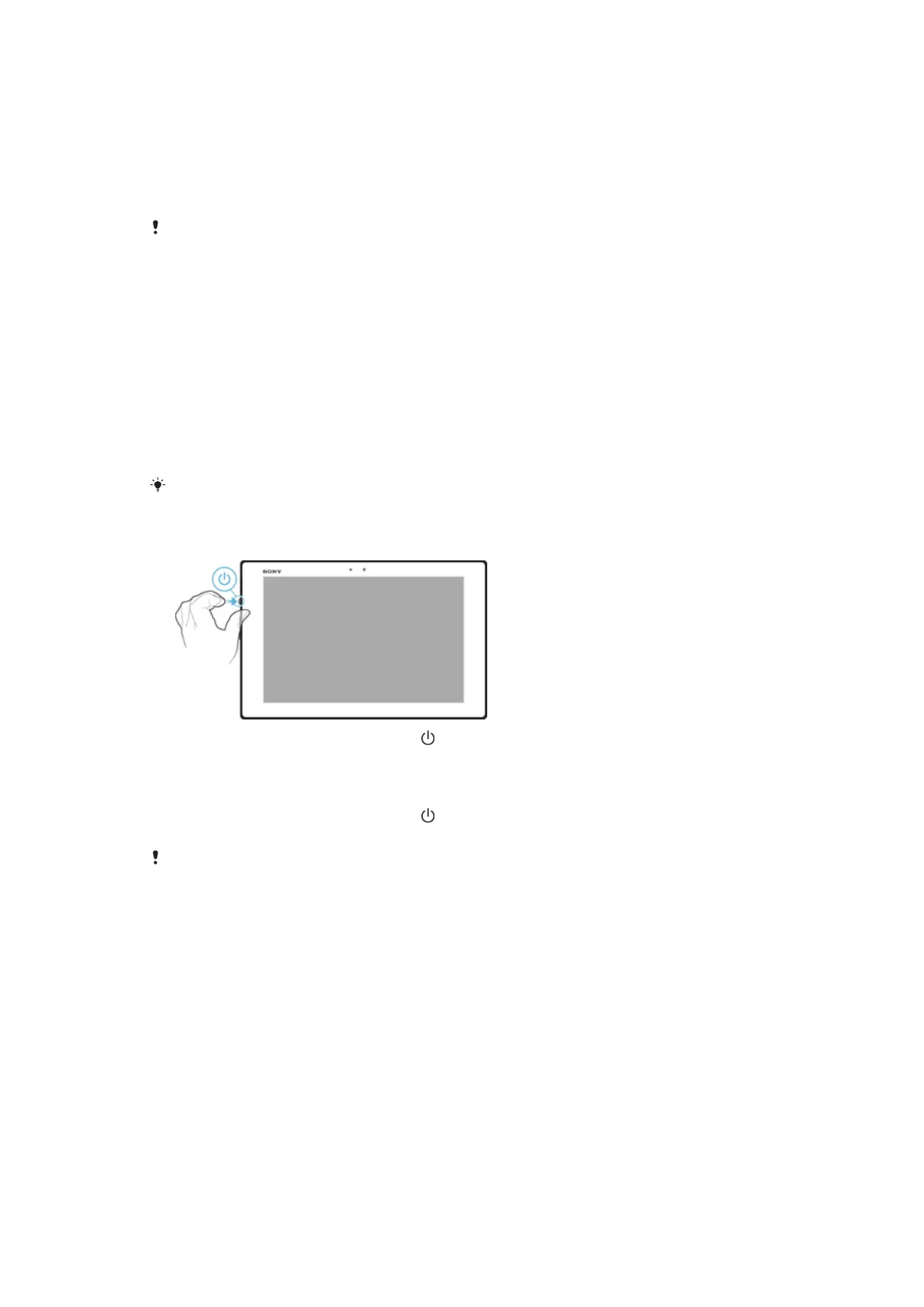
To Turn on the Device
1
Press and hold down the power key
until the screen flashes.
2
Wait a while for the device to start.
To Turn off the Device
1
Press and hold down the power key until the options menu opens.
2
In the options menu, tap Power off.
It may take a while for the device to shut down.
Why do I need a Google™ account?
Your Xperia™ device from Sony runs on the Android™ platform developed by Google™.
A range of Google™ applications and services is available on your device when you
purchase it, for example, Gmail™, Google Maps™, YouTube™ and the Play Store™
application, which gives you access to the Google Play™ online store for downloading
Android™ applications. To get the most out of these services, you need a Google™
account. For example, a Google™ account is mandatory if you want to:
•
Download and install applications from Google Play™.
•
Synchronize email, contacts and the calendar using Gmail™.
•
Chat with friends using the Hangouts™ application.
•
Synchronize your browsing history and bookmarks using the Google Chrome™ web
browser.
•
Identify yourself as the authorized user after a software repair using Xperia™ Companion.
•
Remotely find, lock or clear a lost or stolen device using the my Xperia™ or Android™
Device Manager services.
8
This is an internet version of this publication. © Print only for private use.














 To Next Page