Getting Started
49Getting Started
SLV-975HF 3-858-120-11 (1)
To select the channel map
If the program information signal in your area
has several channel map patterns (up to 8), the
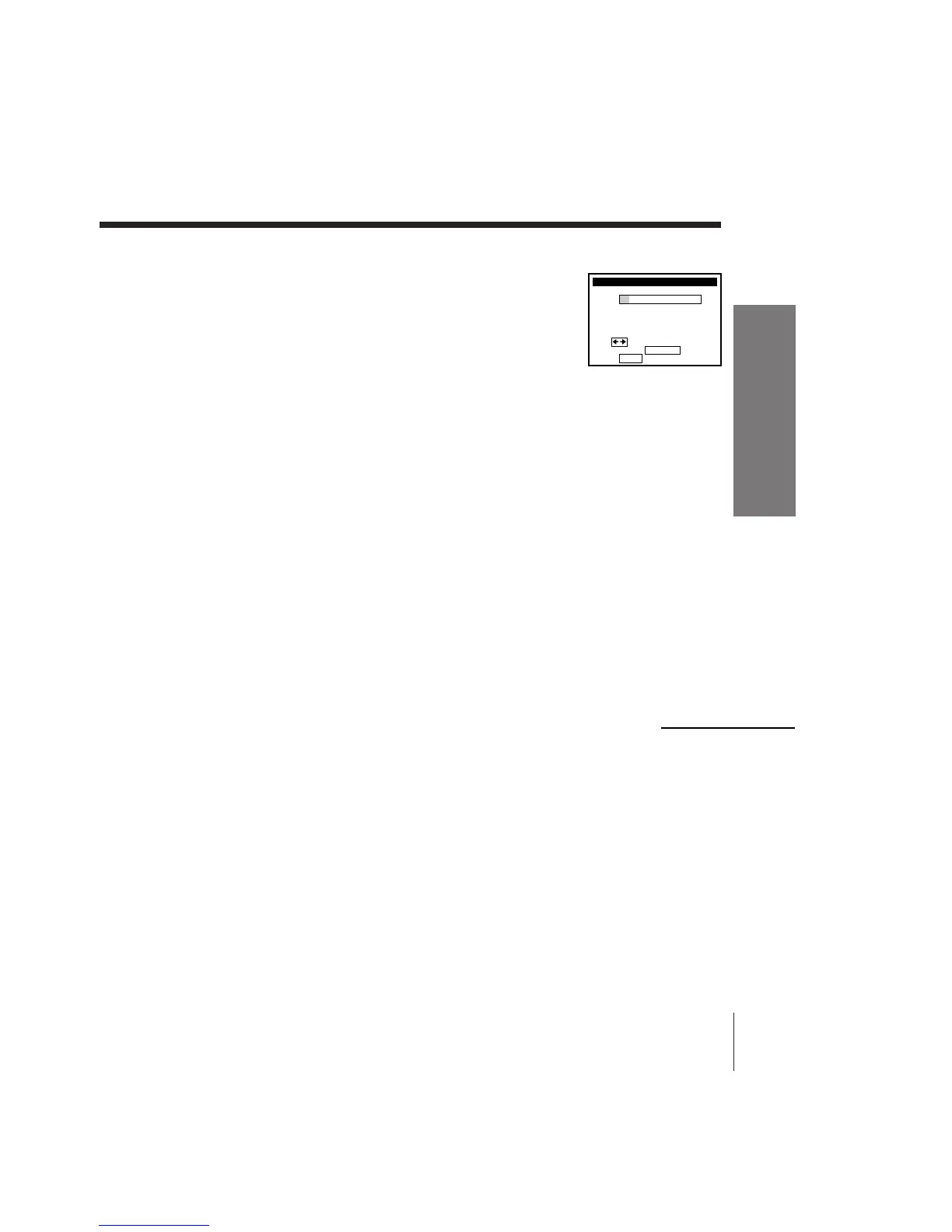
Choose your Cable CH MAP menu appears:
• the first time you turn on the VCR after
completing channel mapping
• after selecting AUTO and pressing EXECUTE
on the SMART CHANNEL MAPPING menu
In this case, you have to select the channel map on the Choose your Cable
CH MAP menu.
1 Find the VCR Plus+ Channel Listing in your program guide. For
details, see page 47.
2 Press CURSOR ?// to select the channel map number you want by
checking the guide channel number in the program guide.
3 Press EXECUTE.
Notes
• It takes about 1 hour to complete channel mapping.
• The VCR can receive the program information signal only while the VCR is turned
off and no timer recordings are set.
• The VCR cannot set the guide channels correctly unless you enter the ZIP CODE in
your area.
• When you move to a different area, you must set up the VCR again and enter your
new ZIP CODE in the EASY SET UP procedure.
continued



 To Next Page