Basic Operations
24
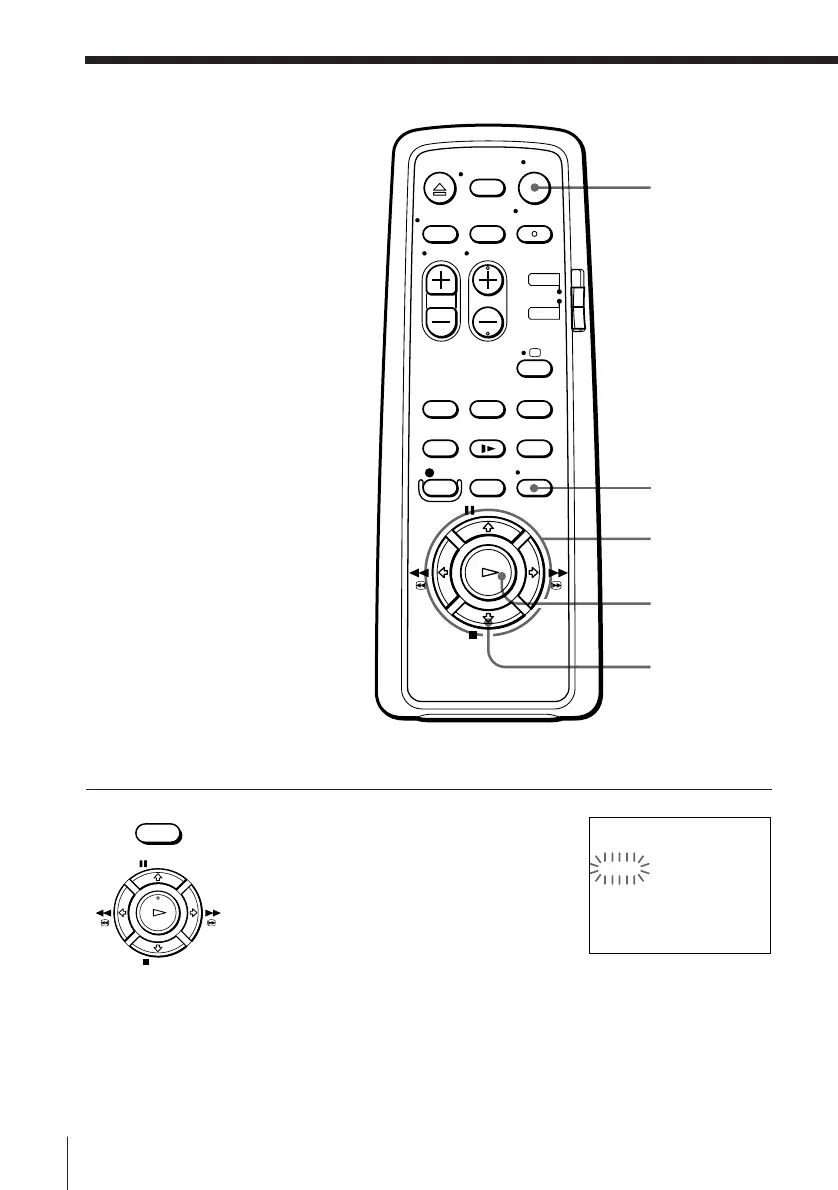
1 Press MENU, then press > /. to select
TIMER and press OK.
• MENU
Recording TV
programmes
using the timer
You can preset up to eight
programmes at a time.
Before you start…
• Check that the VCR clock is set to
the correct time.
• Insert a tape with its safety tab in
place. Make sure the tape is
longer than the total recording
time.
• Turn on your TV and set it to the
video channel.
PAUSE
STOP
FFREW
PLAY
OK
ON/STANDBY
MENU
> /. /? //
OK
p STOP
tTIMER 11. 12 FR
DATE TIME PROG
TODAY 19:00b20:00 35
SP/LP
SP
SELECT : Bb
SET : Vv
OK : OK



 To Next Page