Additional Operations30
Checking/
changing/
cancelling timer
settings
Before you start…
• Turn on your TV and set it to the
video channel.
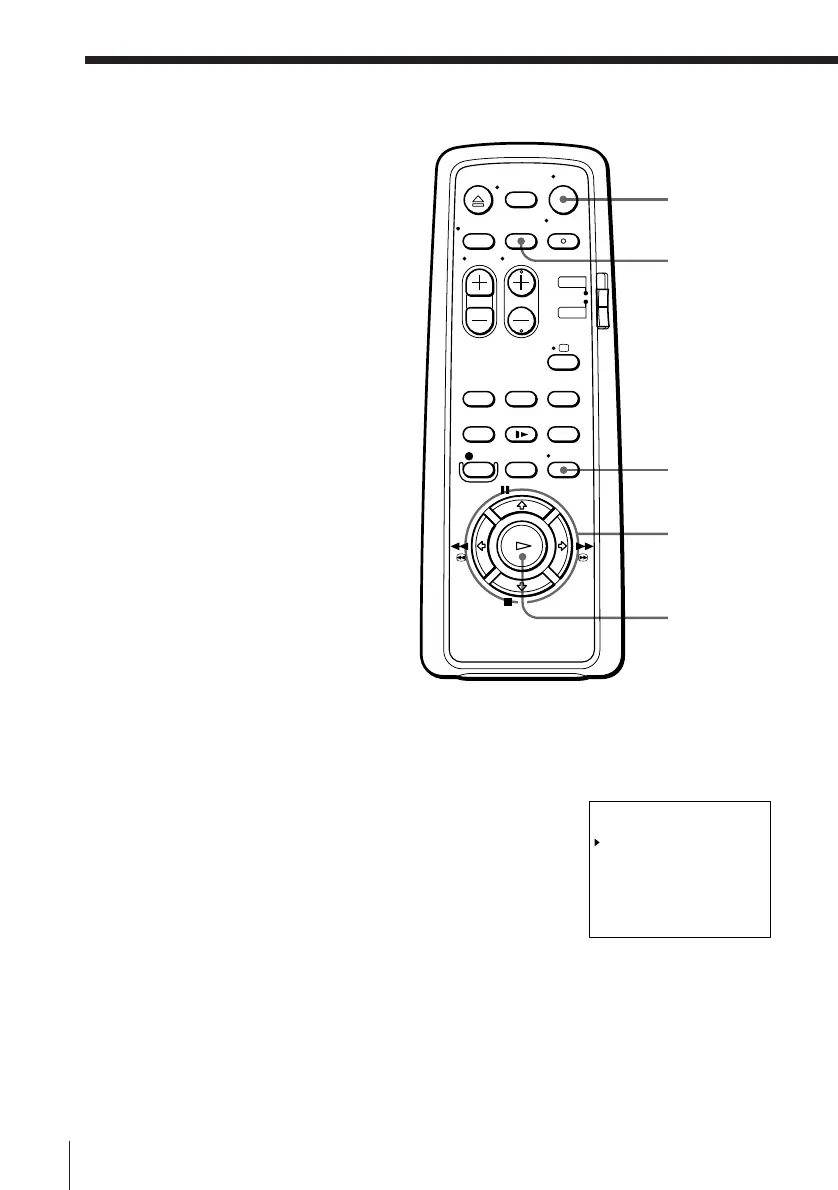
1 Press ON/STANDBY to turn on the VCR.
2 Press MENU, then press > /.
to select LIST and press OK.
• If you want to change a setting, go on to
the next step.
• If you do not need to change or cancel
the settings, press OK, then turn off the
VCR to return to recording standby.
3 Press > /. to select the setting you want to change or cancel, then press
OK.
CLEAR
> /. /? //
MENU
ON/STANDBY
OK
tLIST 11. 12 FR
DATE TIME PROG
TU 1900b2000 6
13. 12 0930b1000 35
11. 12 0500b0530 44
MO-FR 1200b1300 L
MO-SA 2300b2330 L
SU-SA 1212b1313 27
––. – –––b ––– –– –
SP
SP
LP
LP
SP
LP



 To Next Page