Additional Operations 33
Changing menu options
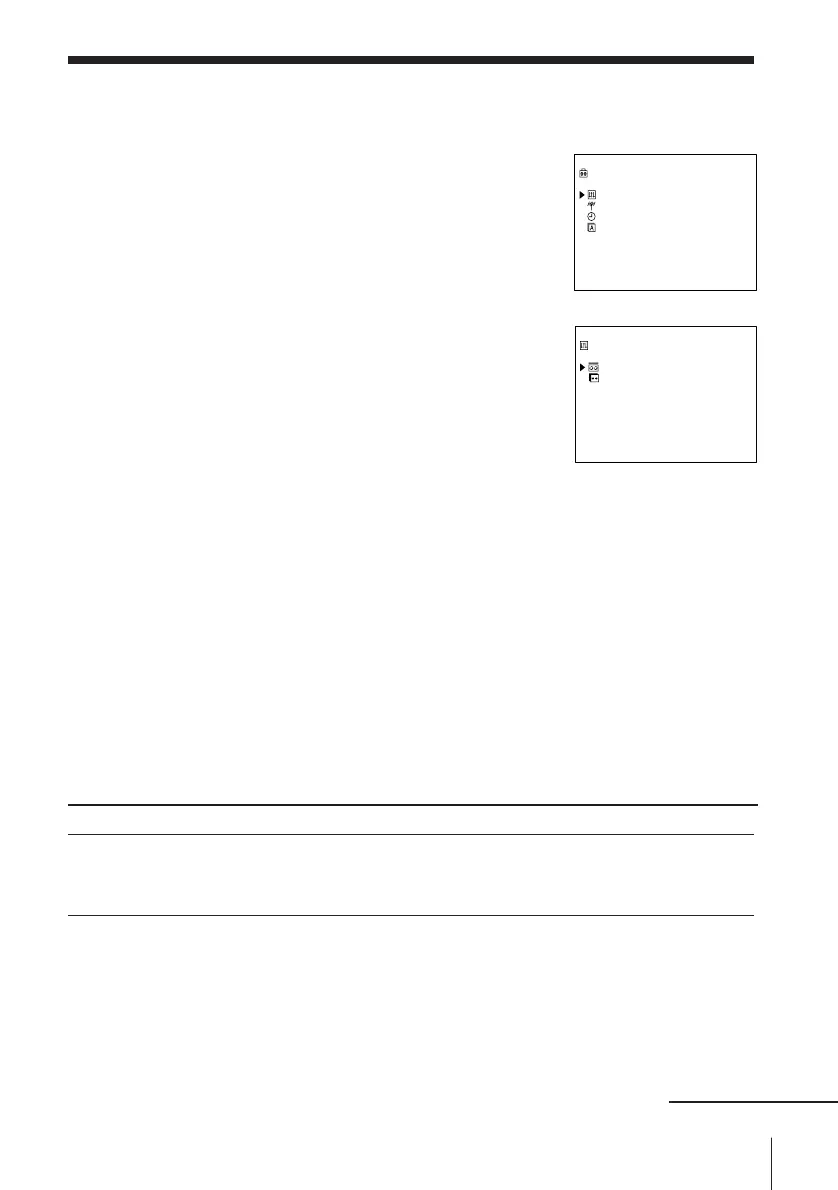
1 Press MENU, then press > /. to select
SETTINGS and press OK.
2 Press > /. to select OPTIONS, then press OK.
3 Press > /. to select TAPE OPTIONS or
VIDEO OPTIONS, then press OK.
4 Press > /. to select the option, then press
? // to change the setting.
5 Press OK to return to the original screen.
Menu choices
Initial settings are indicated in bold print.
TAPE OPTIONS
Menu option
TAPE SELECT
Set this option to
• 300 to use an E-300 type tape.
• 240 to use an E-240 type tape.
• 195 to use an E-195 or shorter type tape.
continued
SETTINGS
OPTIONS
TUNER
CLOCK
LANGUAGE
SELECT : Vv
SET : OK
OPTIONS
TAPE OPTIONS
VIDEO OPTIONS
SELECT : Vv
SET : OK



 To Next Page