Additional Operations 27
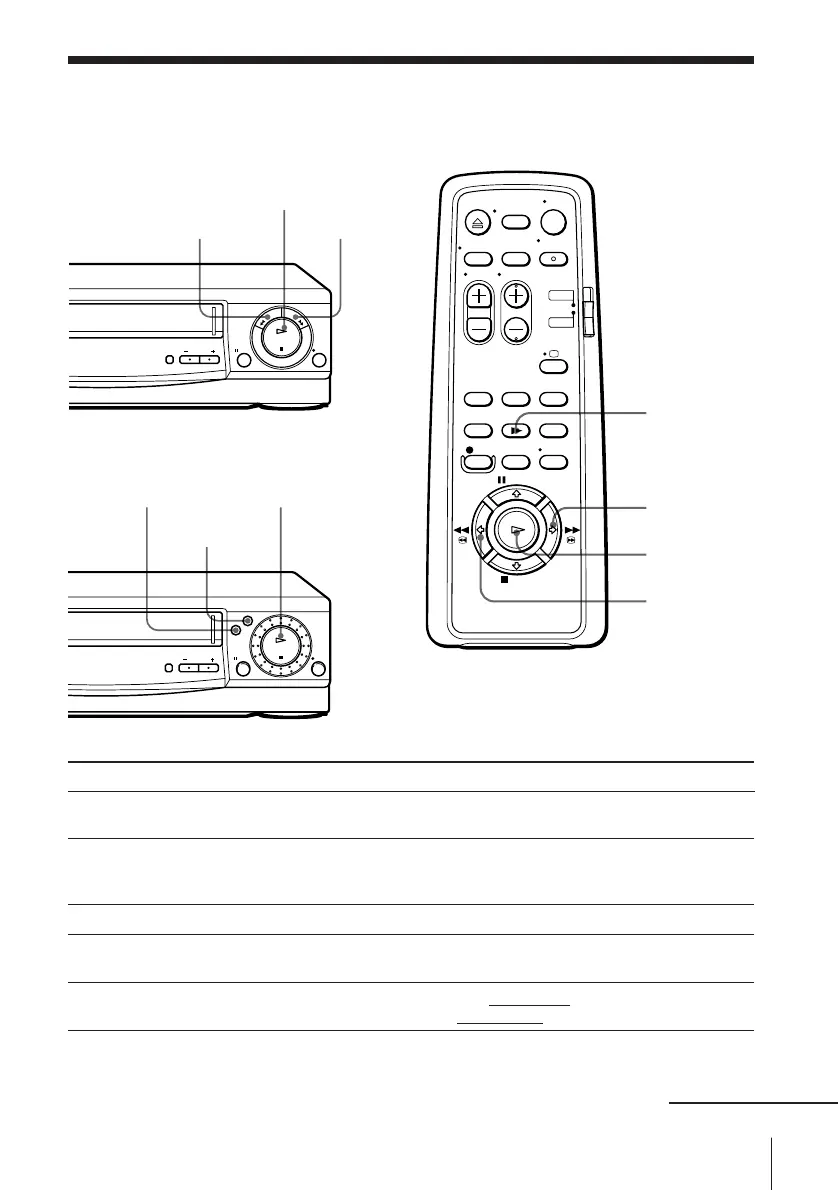
Playing/searching
at various speeds
Additional Operations
SLV-E480EE/E180EE
SLV-E380EE
Playback options
View the picture during fast-
forward or rewind
Play at high speed
Play in slow motion
Play frame by frame
Rewind and start play
& SLOW
Æ PLAY
)# FF
0 3 REW
continued
Operation
During fast-forward, hold down )# FF or ) FF. During
rewind, hold down03 REW or 0 REW.
• During playback, press )# FF or 03 REW.
• During playback, hold down )# FF or 03 REW.
To resume normal playback, release the button.
During playback or pause, press & SLOW.
During pause, press )# FF or 03 REW.
Hold down the button to play one frame each second.
During stop, press Æ PLAY on the VCR while holding down
0 REW or 03 REW on the VCR.
To resume normal playback
Press Æ PLAY.
)# FF
03 REW
0 REW
) FF
Æ PLAY
Æ PLAY



 To Next Page