EasyManua.ls Logo

Sony STR-AV1000 - Page 17

Sony STR-AV1000
42 pages
Print Icon
To Next Page IconTo Next Page
To Previous Page IconTo Previous Page
Loading...
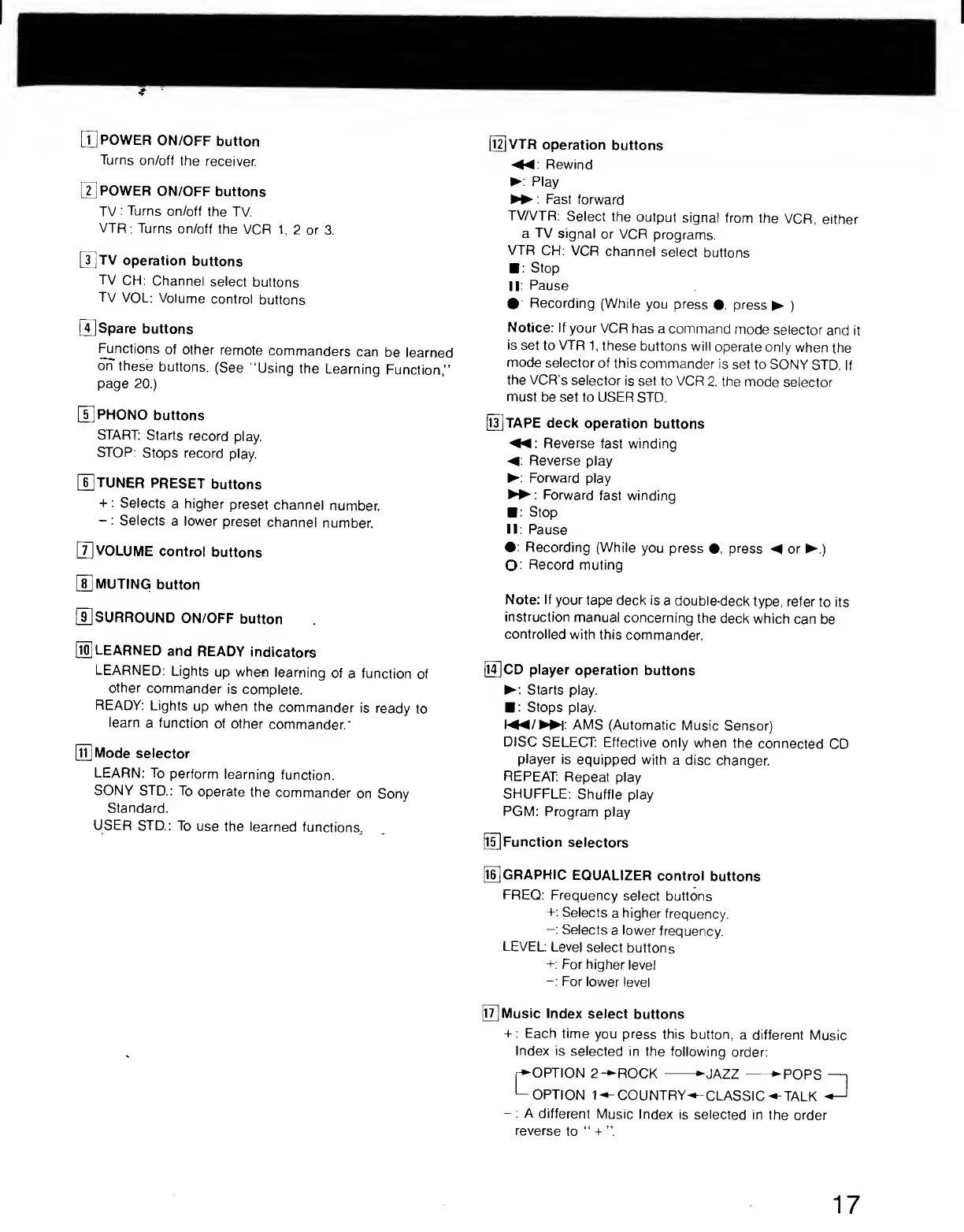
[T]
POWER
ON/OFF
button
Turns
on/off
the
receiver.
[
2
]
POWER
ON/OFF
buttons
TV:
Turns
on/off
the
TV.
VTR:
Turns
on/off
the
VCR
1,
2
or
3.
[
3
]
TV
operation
buttons
TV
CH:
Channel
select
buttons
TV
VOL:
Volume
control
buttons
[5
Spare
buttons
^notions
of
other
remote
commanders
can
be
learned
on
these
buttons.
(See
“Using
the
Learning
Function,”
page
20.)
PHONO
buttons
START:
Starts
record
play.
STOP:
Stops
record
play.
[i]TUNER
PRESET
buttons
+
:
Selects
a
higher
preset
channel
number.
-:
Selects
a
lower
preset
channel
number.
|T]VOLUME
control
buttons
[U
MUTING
button
[i]SURROUND
ON/OFF
button
[
1
^
LEARNED
and
READY
indicators
LEARNED:
Lights
up
when
learning
of
a
function
of
other
commander
is
complete.
READY:
Lights
up
when
the
commander
is
ready
to
learn
a
function
of
other
commander.'
[
11
]
Mode
selector
LEARN:
To
perform
learning
function.
SONY
STD.:
To
operate
the
commander
on
Sony
Standard.
USER
STD.:
To
use
the
learned
functions,.
[l^VTR
operation
buttons
Rewind
►
:
Play
►
►
:
Fast
forward
TV/VTR:
Select
the
output
signal
from
the
VCR,
either
a
TV
signal
or
VCR
programs.
VTR
CH:
VCR
channel
select
buttons
■
:
Stop
l|:
Pause
•
:
Recording
(While
you
press
•.
press
►
)
Notice:
If
your
VCR
has
a
command
mode
selector
and
it
is
set
to
VTR
1,
these
buttons
will
operate
only
when
the
mode
selector
of
this
commander
is
set
to
SONY
STD.
If
the
VCR’s
selector
is
set
to
VCR
2.
the
mode
selector
must
be
set
to
USER
STD.
IiUtaPE
deck
operation
buttons
Reverse
fast
winding
Reverse
play
►
:
Forward
play
Forward
fast
winding
■
:
Stop
II:
Pause
•:
Recording
(While
you
press
•,
press
◄
or
►
.)
O:
Record
muting
Note:
If
your
tape
deck
is
a
double-deck
type,
refer
to
Its
instruction
manual
concerning
the
deck
which
can
be
controlled
with
this
commander.
0CD
player
operation
buttons
►
:
Starts
play.
■
:
Stops
play.
I
◄
◄
/
►►
I:
AMS
(Automatic
Music
Sensor)
DISC
SELECT:
Effective
only
when
the
connected
CD
player
is
equipped
with
a
disc
changer.
REPEAT:
Repeat
play
SHUFFLE:
Shuffle
play
PGM:
Program
play
[
15
]
Function
selectors
GRAPHIC
EQUALIZER
control
buttons
FREQ:
Frequency
select
buttons
+:
Selects
a
higher
frequency.
-:
Selects
a
lower
frequency.
LEVEL:
Level
select
buttons
+:
For
higher
level
-:
For
lower
level
Ii5
Music
Index
select
buttons
+:
Each
time
you
press
this
button,
a
different
Music
Index
is
selected
in
the
following
order:
C
OPTION
2-*>
OPTION
1-^
ROCK
-
►
JAZZ
-
►
P
OPS
—I
COUNTRY-^-CLASSIC^TALK
^
-:
A
different
Music
Index
is
selected
in
the
order
reverse
to
17