EasyManua.ls Logo

Sony STR-AV1000 - Table of Contents

Sony STR-AV1000
42 pages
Print Icon
To Next Page IconTo Next Page
To Previous Page IconTo Previous Page
Loading...
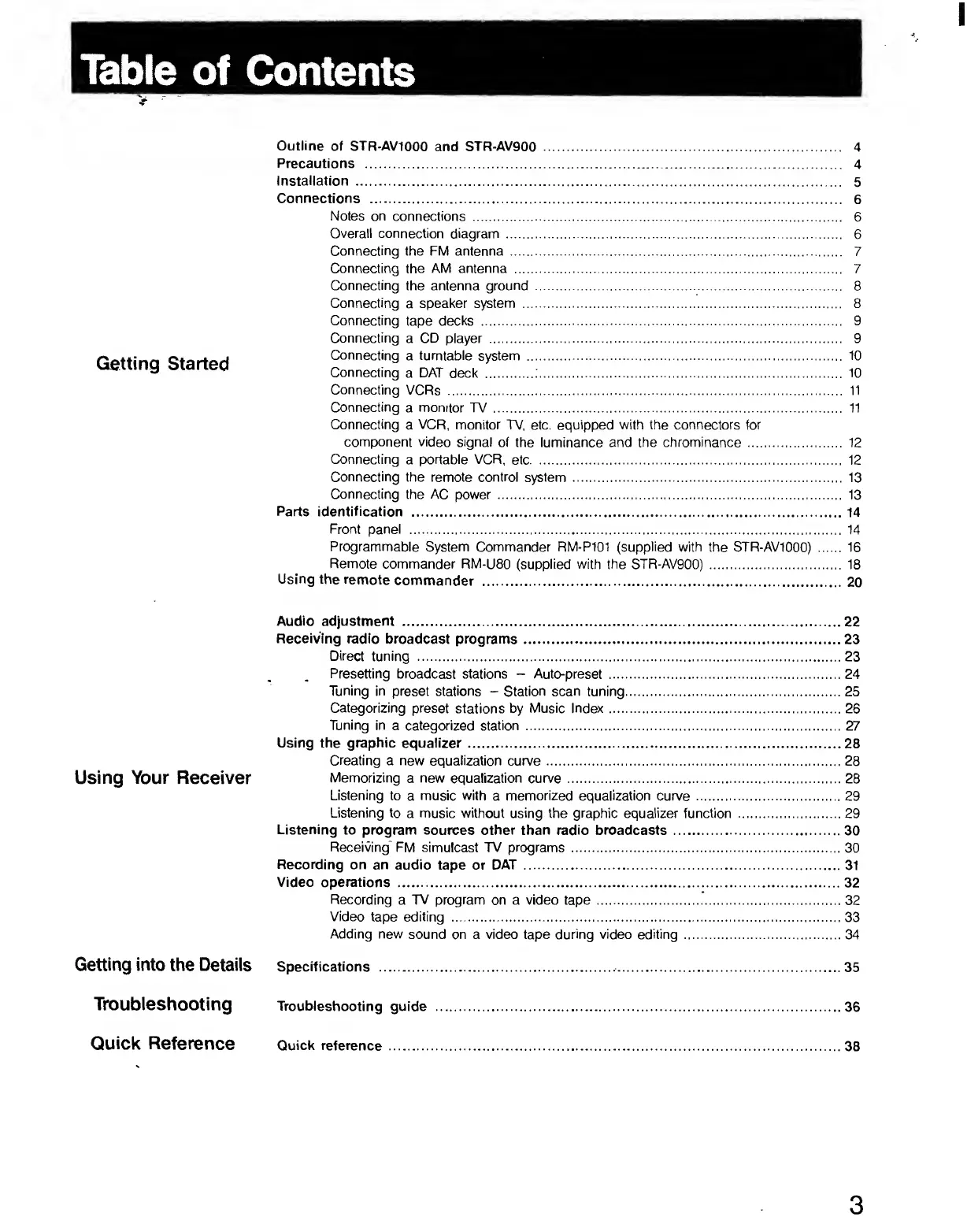
Table
of
Contents
Getting
Started
Outline
of
STR-AV1000
and
STR-AV900
.
4
Precautions
.
4
Installation
.
5
Connections
.
6
Notes
on
connections
.
6
Overall
connection
diagram
.
6
Connecting
the
FM
antenna
.
7
Connecting
the
AM
antenna
.
7
Connecting
the
antenna
ground
.
8
Connecting
a
speaker
system
.
8
Connecting
tape
decks
.
9
Connecting
a
CD
player
.
9
Connecting
a
turntable
system
.
10
Connecting
a
DAT
deck
.
10
Connecting
VCRs
.
11
Connecting
a
monitor
TV
.
11
Connecting
a
VCR,
monitor
TV,
etc.
equipped
with
the
connectors
for
component
video
signal
of
the
luminance
and
the
chrominance
.
12
Connecting
a
portable
VCR,
etc.
12
Connecting
the
remote
control
system
.
13
Connecting
the
AC
power.
13
Parts
identification
.14
Front
panel
.
14
Programmable
System
Commander
RM-P101
(supplied
with
the
STR-AV1000)
.
16
Remote
commander
RM-U80
(supplied
with
the
STR-AV900)
.
18
Using
the
remote
commander
.
2
0
Audio
adjustment
.22
Receiving
radio
broadcast
programs.23
Direct
tuning
.23
Presetting
broadcast
stations
-
Auto-preset
.24
Tuning
in
preset
stations
-
Station
scan
tuning.25
Categorizing
preset
stations
by
Music
Index.26
Tuning
in
a
categorized
station.27
Using
the
graphic
equalizer.28
Creating
a
new
equalization
curve.28
Using
Your
Rocoivor
Memorizing
a
new
equalization
curve.28
Listening
to
a
music
with
a
memorized
equalization
curve
.29
Listening
to
a
music
without
using
the
graphic
equalizer
function.29
Listening
to
program
sources
other
than
radio
broadcasts.30
Receiving*
FM
simulcast
TV
programs
.30
Recording
on
an
audio
tape
or
DAT
.31
Video
operations
.32
Recording
a
TV
program
on
a
video
tape
.32
Video
tape
editing
.33
Adding
new
sound
on
a
video
tape
during
video
editing
.34
Getting
into
the
Details
Specifications
.
3
5
Troubleshooting
Troubleshooting
guide
.36
Quick
Reference
Quick
reference
.38
3

Related product manuals