EasyManua.ls Logo

Sony STR-AV1000 - Categorizing Preset Stations by Music Index.26

Sony STR-AV1000
42 pages
Print Icon
To Next Page IconTo Next Page
To Previous Page IconTo Previous Page
Loading...
Recehniig
Radio
Broadcast
Programs
Categorizing
Preset
Stations
by
Music
Index
You
can
divide
preset
stations
under
up
to
eight
Music
Index
categories
(ROCK,
JAZZ,
...)
using
the
Music
Index
function.
When
the
unit
is
in
the
LINK
ON
state,
only
the
stations
belonging
to
the
selected
category
can
be
scanned
by
STATION
SCAN.
(Refer
to
‘‘Method
A
of
Tuning
Preset
Stations,"
page
25
and
“Tuning
in
a
Categorized
Station,”
page
27.)
Also
the
sound
is
equalized
according
to
the
equalization
curve
assigned
to
the
selected
category.
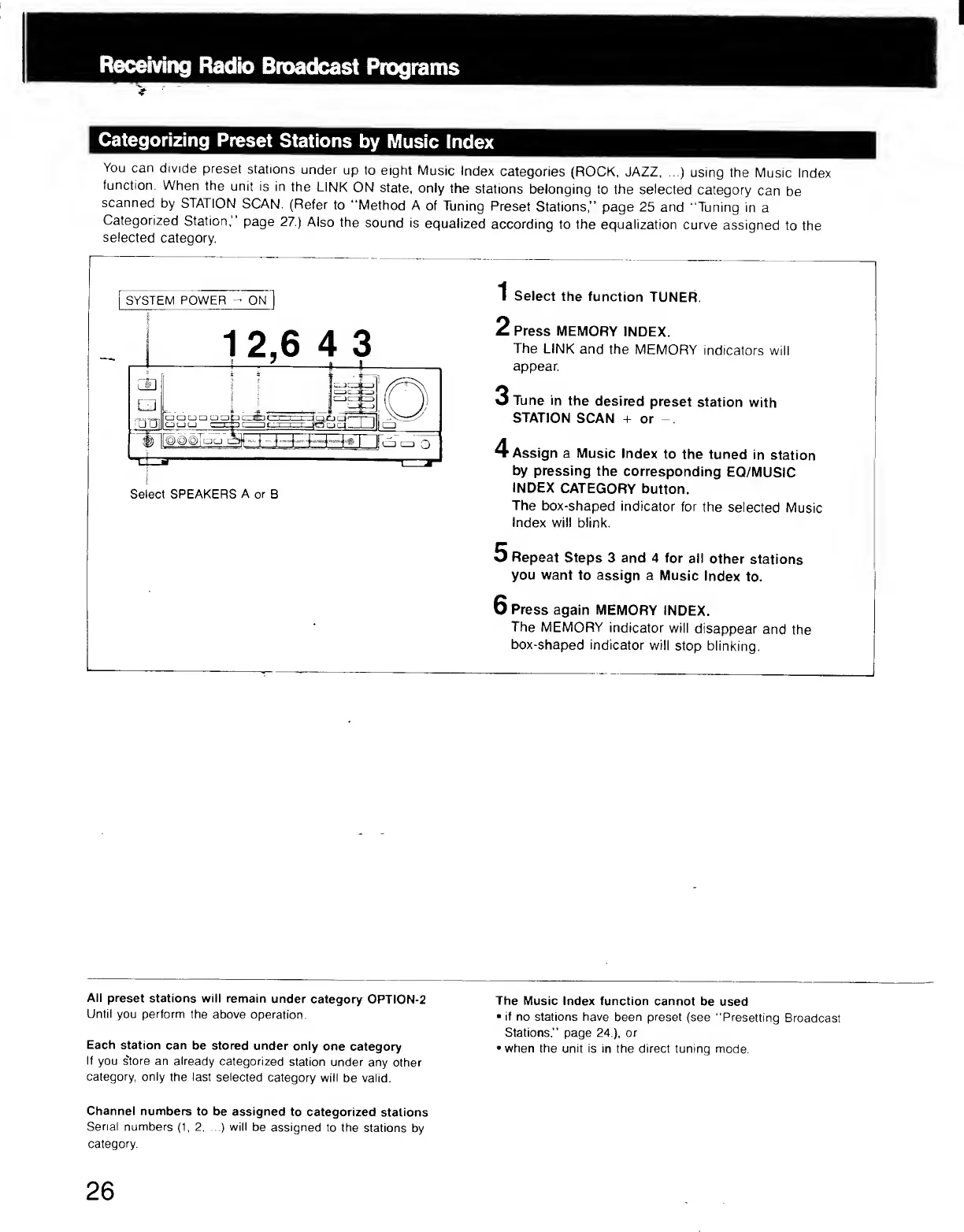
SYSTEM
POWER
-
ON
I
S
elect
the
function
TUNER.
2
Press
MEMORY
INDEX.
The
LINK
and
the
MEMORY
indicators
will
appear
3
Tune
in
the
desired
preset
station
with
STATION
SCAN
+
or
-.
4
Assign
a
Music
Index
to
the
tuned
in
station
by
pressing
the
corresponding
EQ/MUSIC
INDEX
CATEGORY
button.
The
box-shaped
indicator
for
the
selected
Music
Index
will
blink.
5
Repeat
Steps
3
and
4
tor
all
other
stations
you
want
to
assign
a
Music
Index
to.
6
Press
again
MEMORY
INDEX.
The
MEMORY
indicator
will
disappear
and
the
box-shaped
indicator
will
stop
blinking.
All
preset
stations
will
remain
under
category
OPTION-2
Until
you
perform
the
above
operation.
Each
station
can
be
stored
under
only
one
category
If
you
store
an
already
categorized
station
under
any
other
category,
only
the
last
selected
category
will
be
valid.
Channel
numbers
to
be
assigned
to
categorized
stations
Serial
numbers
(1,
2.
...)
will
be
assigned
to
the
stations
by
category.
The
Music
Index
function
cannot
be
used
•
if
no
stations
have
been
preset
(see
"Presetting
Broadcast
Stations,
”
page
24
),
or
•
when
the
unit
is
in
the
direct
tuning
mode.
26