EasyManua.ls Logo

Sony STR-AV1000 - Page 19

Sony STR-AV1000
42 pages
Print Icon
To Next Page IconTo Next Page
To Previous Page IconTo Previous Page
Loading...
[T]
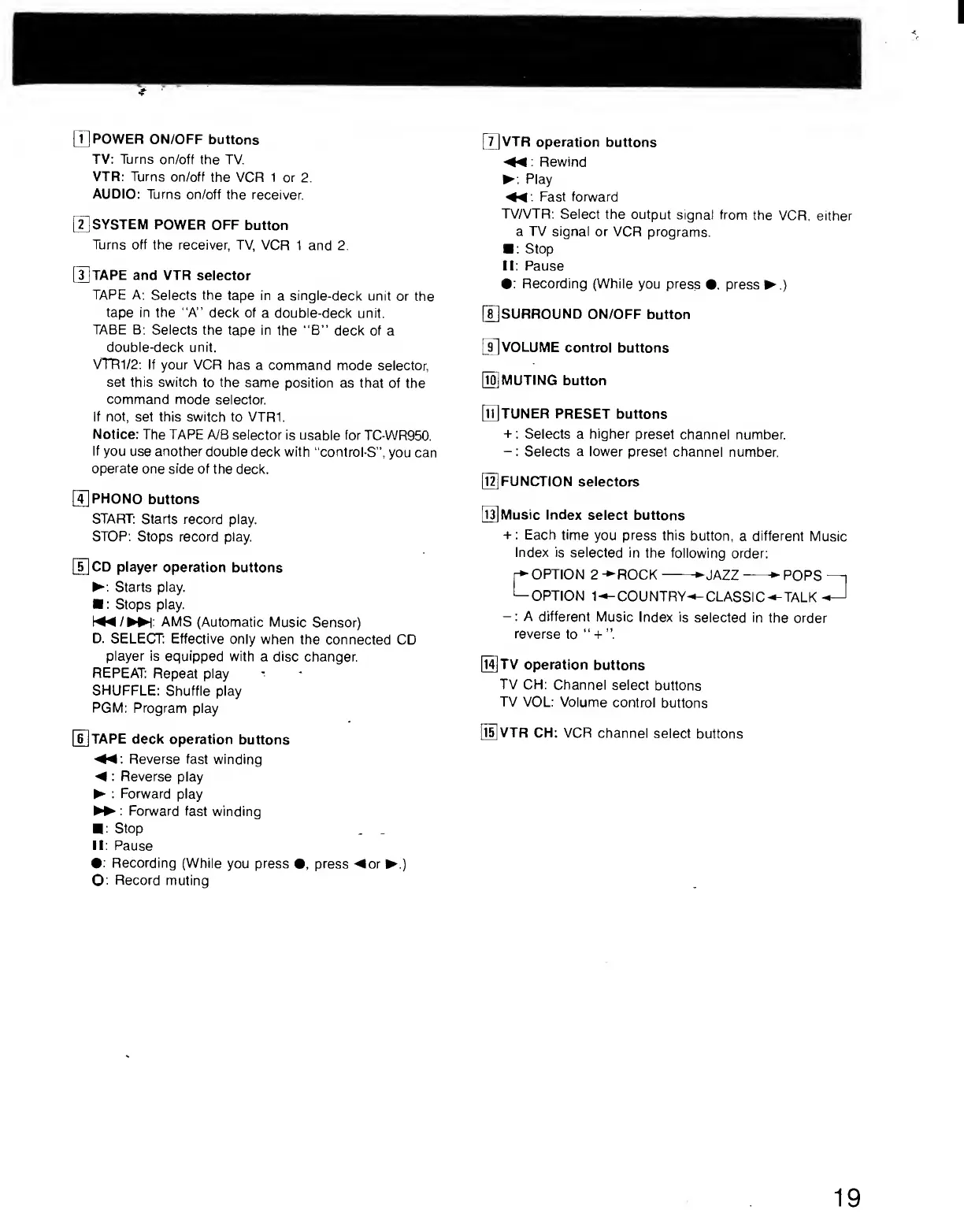
POWER
ON/OFF
buttons
TV:
Turns
on/off
the
TV.
VTR:
Turns
on/off
the
VCR
1
or
2.
AUDIO:
Turns
on/off
the
receiver.
[T]SYSTEM
POWER
OFF
button
Turns
off
the
receiver,
TV,
VCR
1
and
2.
[1]TAPE
and
VTR
selector
TAPE
A:
Selects
the
tape
in
a
single-deck
unit
or
the
tape
in
the
“A”
deck
of
a
double-deck
unit.
TABE
B:
Selects
the
tape
in
the
“B”
deck
of
a
double-deck
unit.
VTRl/2:
If
your
VCR
has
a
command
mode
selector,
set
this
switch
to
the
same
position
as
that
of
the
command
mode
selector.
If
not,
set
this
switch
to
VTR1.
Notice:
The
TAPE
A/B
selector
is
usable
for
TC-WR950.
If
you
use
another
double
deck
with
“control-S”,
you
can
operate
one
side
of
the
deck.
0
PHONO
buttons
START:
Starts
record
play.
STOP:
Stops
record
play.
[^CD
player
operation
buttons
►
:
Starts
play.
■
:
Stops
play.
[^/
►
►
l:
AMS
(Automatic
Music
Sensor)
D.
SELECT:
Effective
only
when
the
connected
CD
player
is
equipped
with
a
disc
changer.
REPEAT:
Repeat
play
SHUFFLE:
Shuffle
play
PGM:
Program
play
[^TAPE
deck
operation
buttons
Reverse
fast
winding
◄
:
Reverse
play
►
:
Forward
play
►
►
:
Forward
fast
winding
■
:
Stop
II:
Pause
•:
Recording
(While
you
press
•,
press
◄
o
r
►
.
)
O:
Record
muting
[3VTR
operation
buttons
◄◄
:
Rewind
►
:
Play
◄◄
:
Fast
forward
TV/VTR:
Select
the
output
signal
from
the
VCR,
either
a
TV
signal
or
VCR
programs.
■
:
Stop
II;
Pause
•:
Recording
(While
you
press
•,
press
►
.)
[T]SURR0UND
on/off
button
[j]VOLUME
control
buttons
[ig
MUTING
button
[njTUNER
PRESET
buttons
+:
Selects
a
higher
preset
channel
number.
-:
Selects
a
lower
preset
channel
number.
[l^FUNCTION
selectors
Music
Index
select
buttons
+
:
Each
time
you
press
this
button,
a
different
Music
index
is
selected
in
the
following
order:
OPTION
2
-
►
R
OCK-
►
J
AZZ-
►
POPS
—i
1—OPTION
l-^-COUNTRY'^CLASSIC-^TALK-^
-:
A
different
Music
Index
is
selected
in
the
order
reverse
to
“
-i-
[l^TV
operation
buttons
TV
CH:
Channel
select
buttons
TV
VOL:
Volume
control
buttons
[l5]VTR
CH:
VCR
channel
select
buttons