Pirfonn:ingJnitial:s.tup·
operations','
.
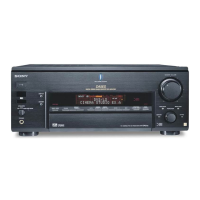
Before using the receiver for the first time,
initialize the receiver by performing the
following procedure. This procedure can also
be used
to
return settings you have made
to
their factory defaults.
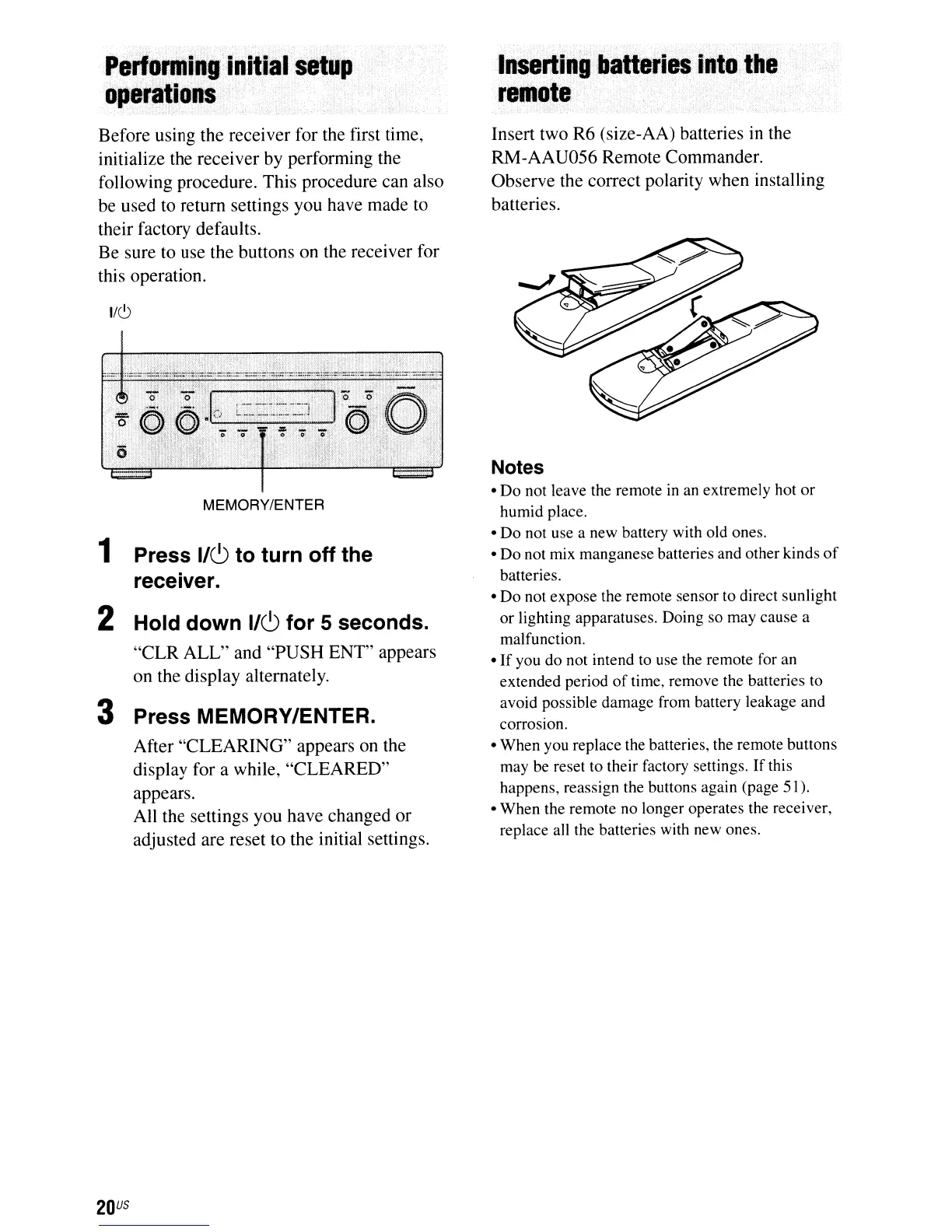
Be sure to use the buttons on the receiver for
this operation.
1/6
MEMORY/ENTER
1 Press
1/(9
to turn off the
receiver.
2 Hold down
1/(9
for 5 seconds.
"CLR ALL" and "PUSH ENT" appears
on the display alternately.
3 Press MEMORY/ENTER.
After "CLEARING" appears
on
the
display for a while, "CLEARED"
appears.
All the settings you have changed or
adjusted are reset to the initial settings.
20
US
Iitsettilll,batteri
..
iftt~,ttte
remote····
Insert two R6 (size-AA) batteries
in
the
RM-AAU056 Remote Commander.
Observe the correct polarity when installing
batteries.
Notes
•
Do
not leave the remote
in
an extremely hot
or
humid place.
•
Do
not use a new battery with old ones.
•
Do
not mix manganese batteries and other kinds
of
batteries.
•
Do
not expose the remote sensor to direct sunlight
or
lighting apparatuses. Doing so may cause a
malfunction.
•
If
you do not intend to use the remote for an
extended period
of
time, remove the batteries to
avoid possible damage from battery leakage and
corrOSiOn.
• When you replace the batteries, the remote buttons
may be reset to their factory settings.
If
this
happens, reassign the buttons again (page
51
).
• When the remote no longer operates the receiver,
replace all the batteries with new ones.




 To Next Page