3b:
Connecting
the
video
components
How
to
connect
your
components
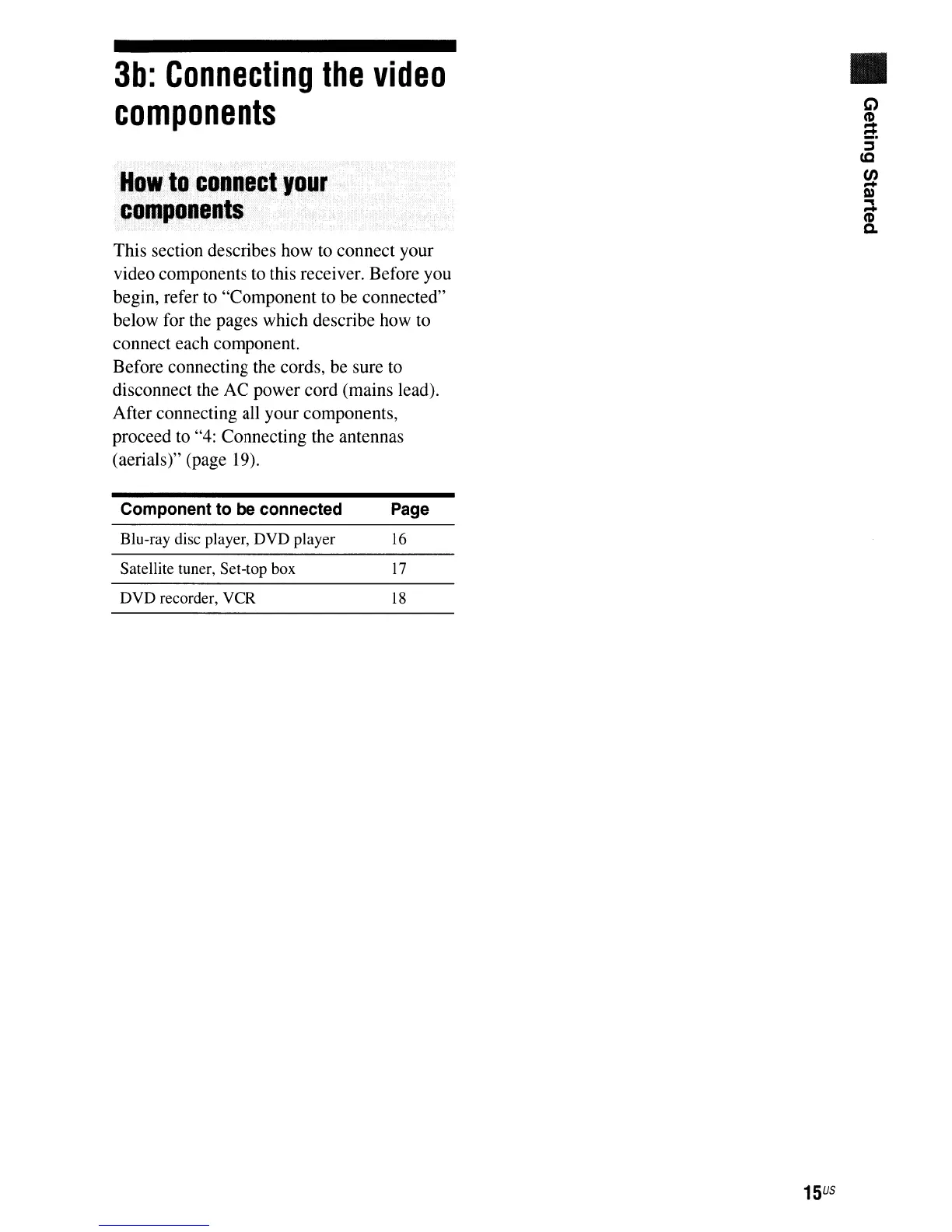
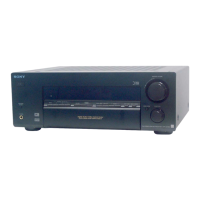
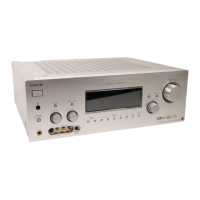
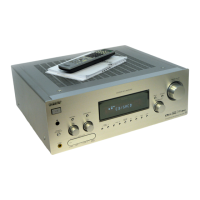
This section describes how to connect your
video components to this receiver. Before you
begin, refer to "Component to be connected"
below for the pages which describe how to
connect each component.
Before connecting the cords, be sure to
disconnect the AC power cord (mains lead).
After connecting all your components,
proceed to "4: Connecting the antennas
(aerials)" (page 19).
Component
to
be
connected
Page
Blu-ray disc player, DVD player
16
Satellite tuner, Set-top box
17
DVD recorder, VCR
18
15
US
•




 To Next Page