58
US
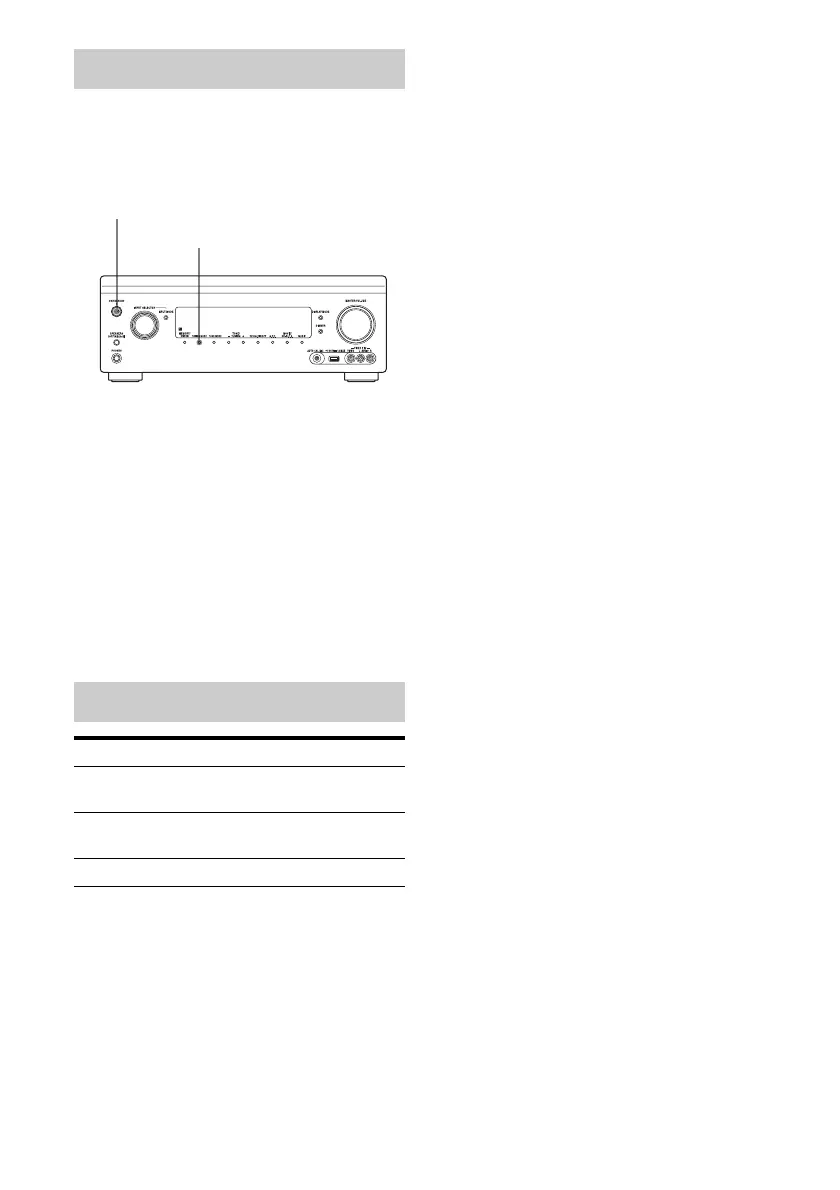
You can change the AM tuning scale to either
9 kHz or 10 kHz on the receiver.
All preset stations will be erased when you
change the tuning scale.
1 Press ?/1 to turn off the
receiver.
2 While holding down TUNING
MODE, press ?/1 on the
receiver.
3 Change the current AM tuning
scale to 9 kHz (or 10 kHz).
To reset the scale to 10 kHz (or 9 kHz),
repeat the procedure above.
Changing the AM tuning scale
Available options
Item Details
FM Mode Switches the FM reception
mode to stereo or monaural.
Preset Memory Stores a radio station on a
specific preset number.
Name Input Names a preset station.
?/1
TUNING MODE















 To Next Page