68
US
Saving various settings
for the receiver and
recalling those settings
all at one time
(Easy Automation)
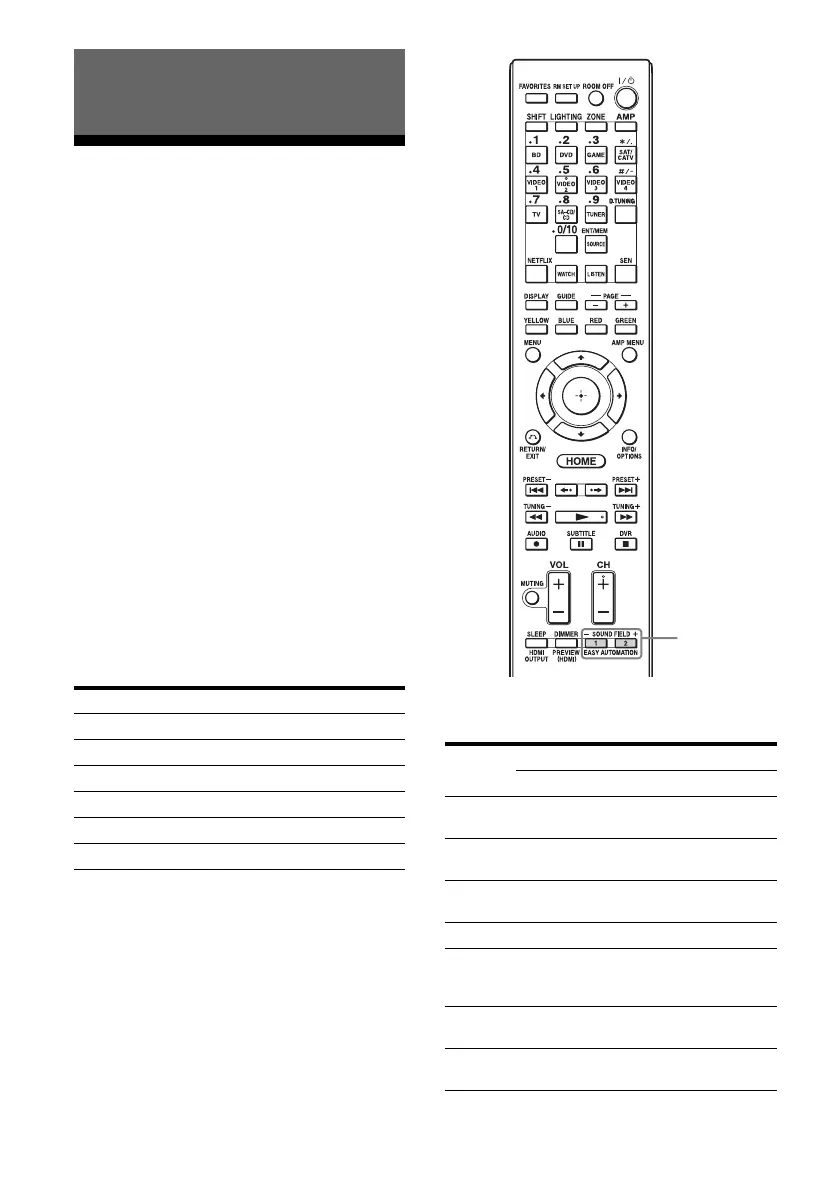
As well as the settings for the receiver
operations, you can save various settings with
the player, monitor, lighting, or curtain
conditions at home, according to your
listening and viewing style. You can register
those settings for “one-touch” operation, and
then recall the environment created with the
settings easily, so you can enjoy listening and
viewing at home.
For example, by saving the settings in the
“1: Movie” scene as follows, you can switch
the settings of the receiver all at one time by a
simple, one-touch operation without switching
each setting for “Input,” “Calibration Type,”
“Sound Field,” and “HDMI Out,” individually.
The items for which you can save settings and
the default values for each item are as follows.
Using the Home Automation
Function
Setting item Value set for “1: Movie”
Input BD
Calibration Type No Change
Sound Field HD-D.C.S.
HDMI Out HDMI OUT B
Party Mode ON
Lighting Scenes Scene 5
Setting
item
Default value
1: Movie 2: Music 3: Party 4: Night
Input
BD SA-CD/
CD
No
Change
No
Change
Tuner
Preset
––––
Player
Operation
Play Play Play –
Interval 30s 10s 10s –
Sound
Field
HD-
D.C.S.
Berlin
Philharmonic
Hall
Multi
Stereo
No
Change
Sleep No
Change
No
Change
Off 30 min.
Vo l u m e N o
Change
No
Change
–10 dB –30 dB
EASY
AUTOMATION















 To Next Page