109
US
Adjusting Settings
Operating without using
the GUI
You can operate the receiver using the display
window of the receiver even if the TV is not
connected to the receiver.
1 Turn on the receiver.
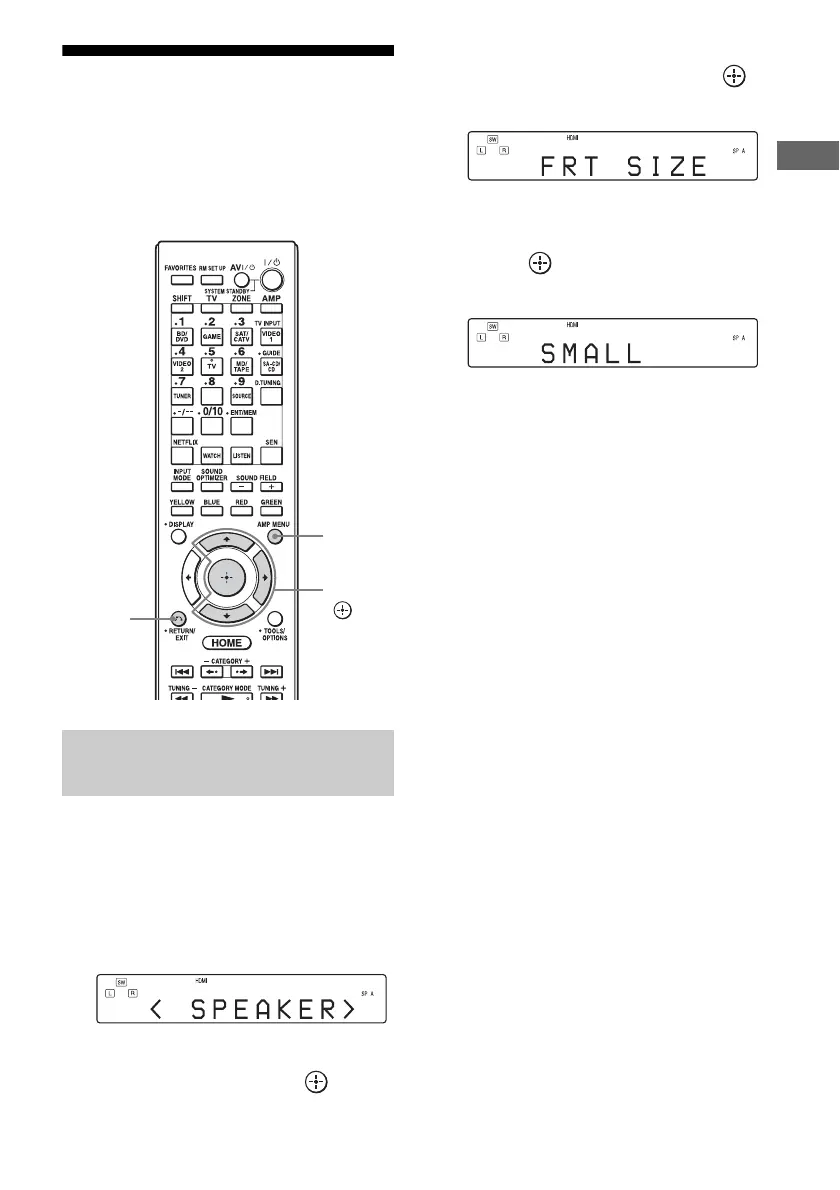
2 Press AMP MENU.
The menu is displayed in the display
window of the receiver.
Example: When you select “SPEAKER.”
3 Press V/v repeatedly to select
the menu, then press .
4 Press V/v repeatedly to select
the menu item, then press .
The parameter appears.
5 Press V/v repeatedly to select
the parameter you want, then
press .
The parameter is entered.
To return to the previous step
Press RETURN/EXIT O.
Using the menu in the display
window
V/v/b,
RETURN/
EXIT O
AMP
MENU

















 To Next Page