84
US
Operating the receiver
using a smartphone
You can operate the receiver using a
smartphone equipped with the “ES Remote”
application software. The “ES Remote”
application software can be downloaded from
the App Store (for iPhone) or the Android
Market (for Android phone) for free.
Saving various settings
for the receiver and
recalling those settings
all at one time
(Easy Automation)
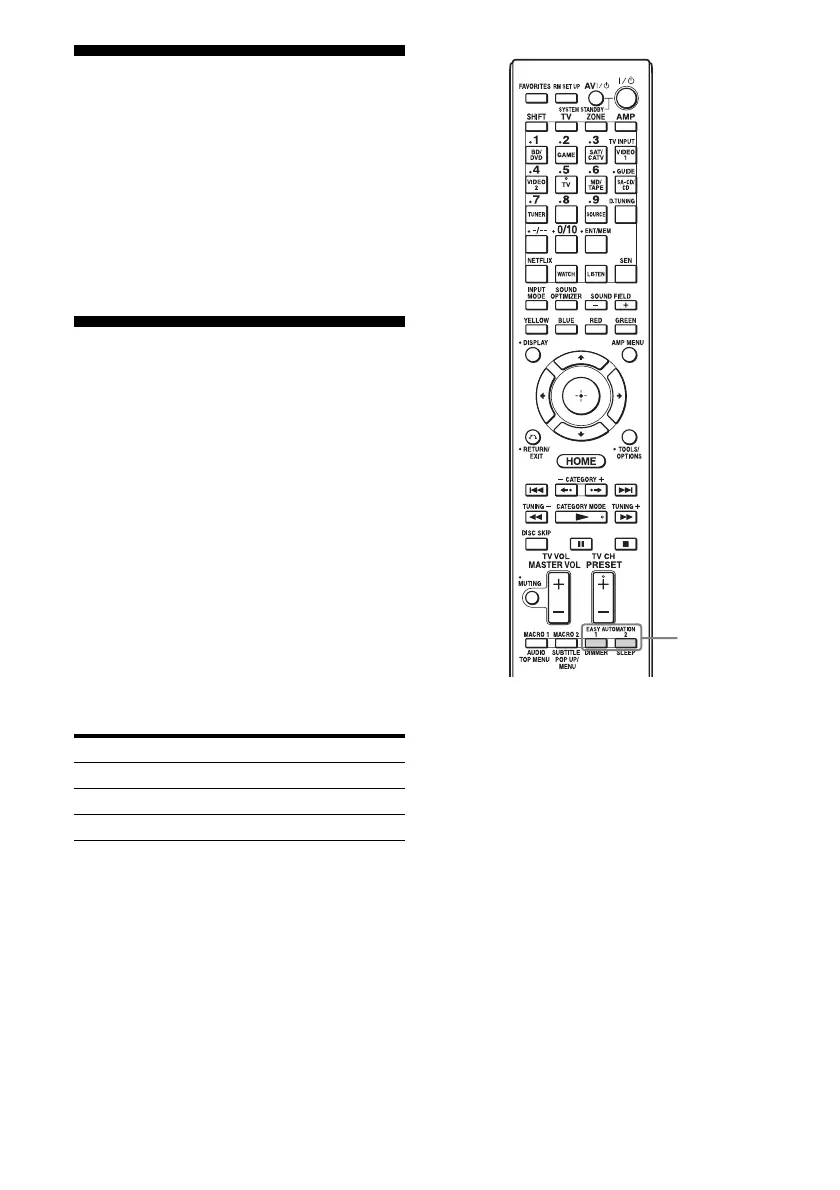
You can save various settings with the receiver
all at one time, and recall the settings and
apply them to the receiver easily.
For example, by saving the settings in the
“1: Movie” scene as follows, you can switch
the settings of the receiver all at one time by a
simple, one-touch operation without switching
each setting for “Input,” “Calibration Type,”
and “Sound Field,” individually.
Setting item Value set for “1: Movie”
Input BD/DVD
Calibration Type Engineer
Sound Field HD-D.C.S.
EASY
AUTOMATION

















 To Next Page