46
US
Set “Speaker Impedance” to “4 Ω” in the
Speaker Settings menu.
To select the front speakers
You can select the front speakers you want to
drive.
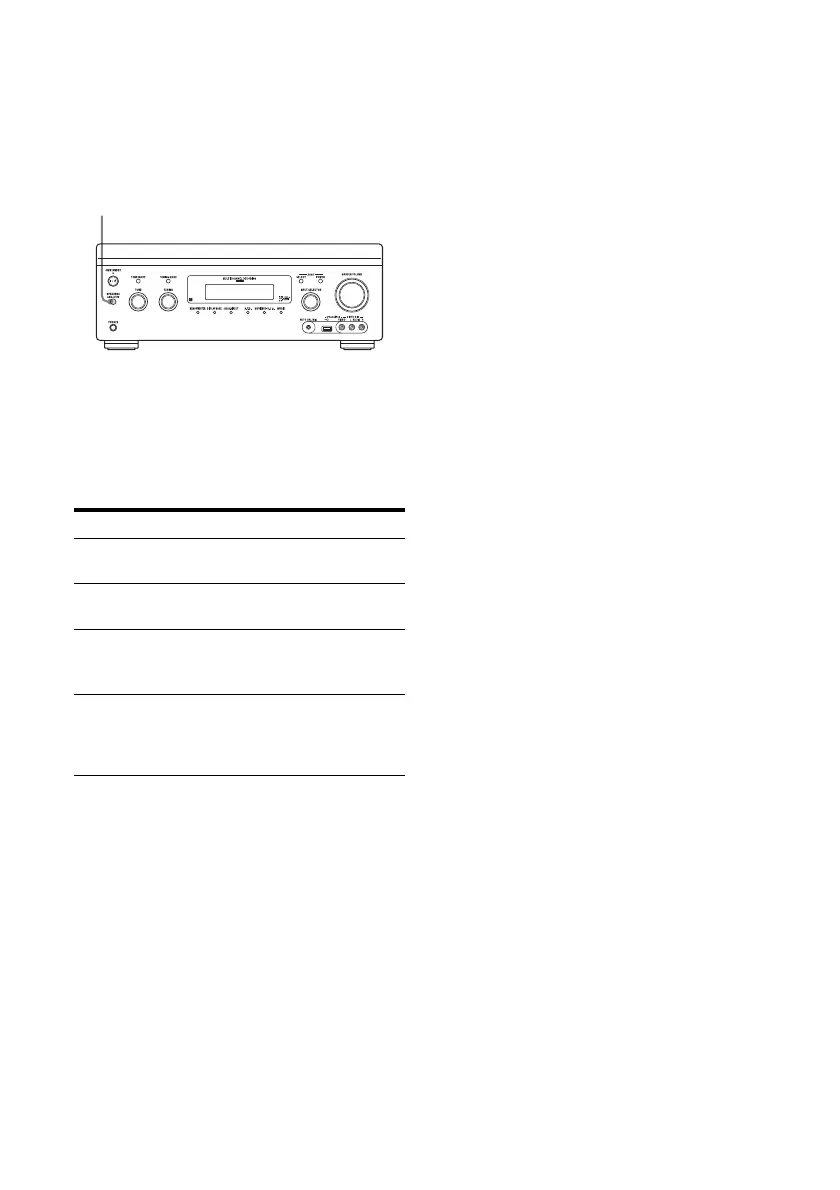
Press SPEAKERS (A/B/A+B/OFF)
repeatedly to select the front speaker
system you want to drive.
You can confirm which set of terminals (A or
B) are selected by checking the indicators in
the display window.
To cancel the measurement
process
The measurement process is cancelled by the
following operations.
– Turning the power off
– Changing the volume
– Switching inputs
– Changing the setting of SPEAKERS (A/B/
A+B/OFF)
– Connecting headphones
Operations other than the above are not
allowed during the measurement process.
To set up the receiver manually
See “Adjusting Settings” (page 90).
Indicators Selected speakers
SP A The speakers connected to the
FRONT A terminals.
SP B The speakers connected to the
FRONT B terminals.
SP AB The speakers connected to both the
FRONT A and FRONT B
terminals (parallel connection).
“SPEAKERS OFF” appears in the
display window.
No audio signals are output from any
speaker.
SPEAKERS (A/B/A+B/OFF)

















 To Next Page