57
GB
Getting Started
2 Press V/v repeatedly to select a
menu you want, then press
or b to enter the menu mode.
The menu item list appears on the TV
screen.
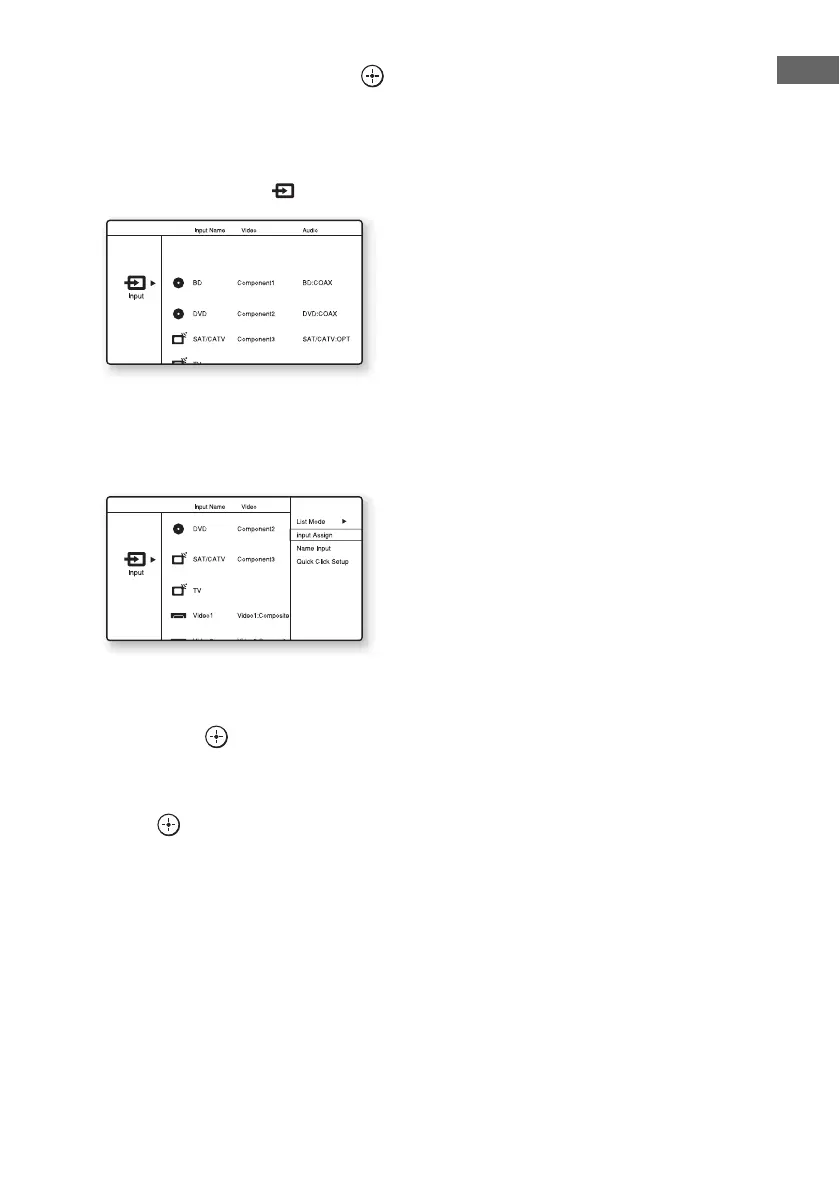
Example: When you select “ Input”
3 Press OPTIONS while the menu
item list is displayed.
The option menu appears.
4 Press V/v repeatedly to select
the option menu item you want,
then press .
5 Press V/v repeatedly to select
the parameter you want, then
press .
To exit the option menus
Press MENU.















 To Next Page