52
GB
* Default setting
• When you assign the digital audio input, the INPUT MODE setting may change automatically.
• One reassignment is allowed for each input.
Reverting back to the
factory default settings
You can clear all memorized settings and
revert the receiver back to the factory
default settings by performing the
following procedure. This procedure can
also be used to initialize the receiver before
you use it for the first time.
Be sure to use the buttons on the receiver to
perform this operation.
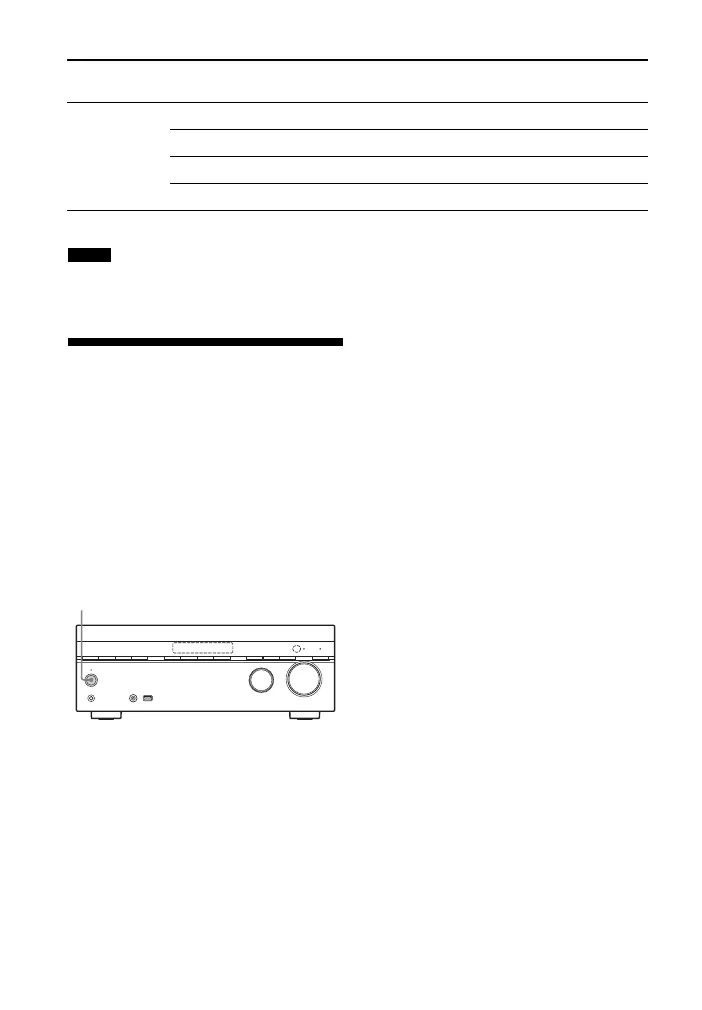
1 Press ?/1 to turn off the receiver.
2 Hold down ?/1 for 5 seconds.
The “CLEARING” appears on the
display panel for a while, then changes
to “CLEARED !”.
Changes or adjustments made to the
settings are now reset to the defaults.
Input name BD DVD GAME SAT/
CATV
VIDEO SA-CD/
CD
Assignable
audio input
jacks
OPT1 aaaa* aa
OPT2 aaaaaa
COAX aaaaaa*
None a* a* a* aa* a
Notes
?/1



 To Next Page