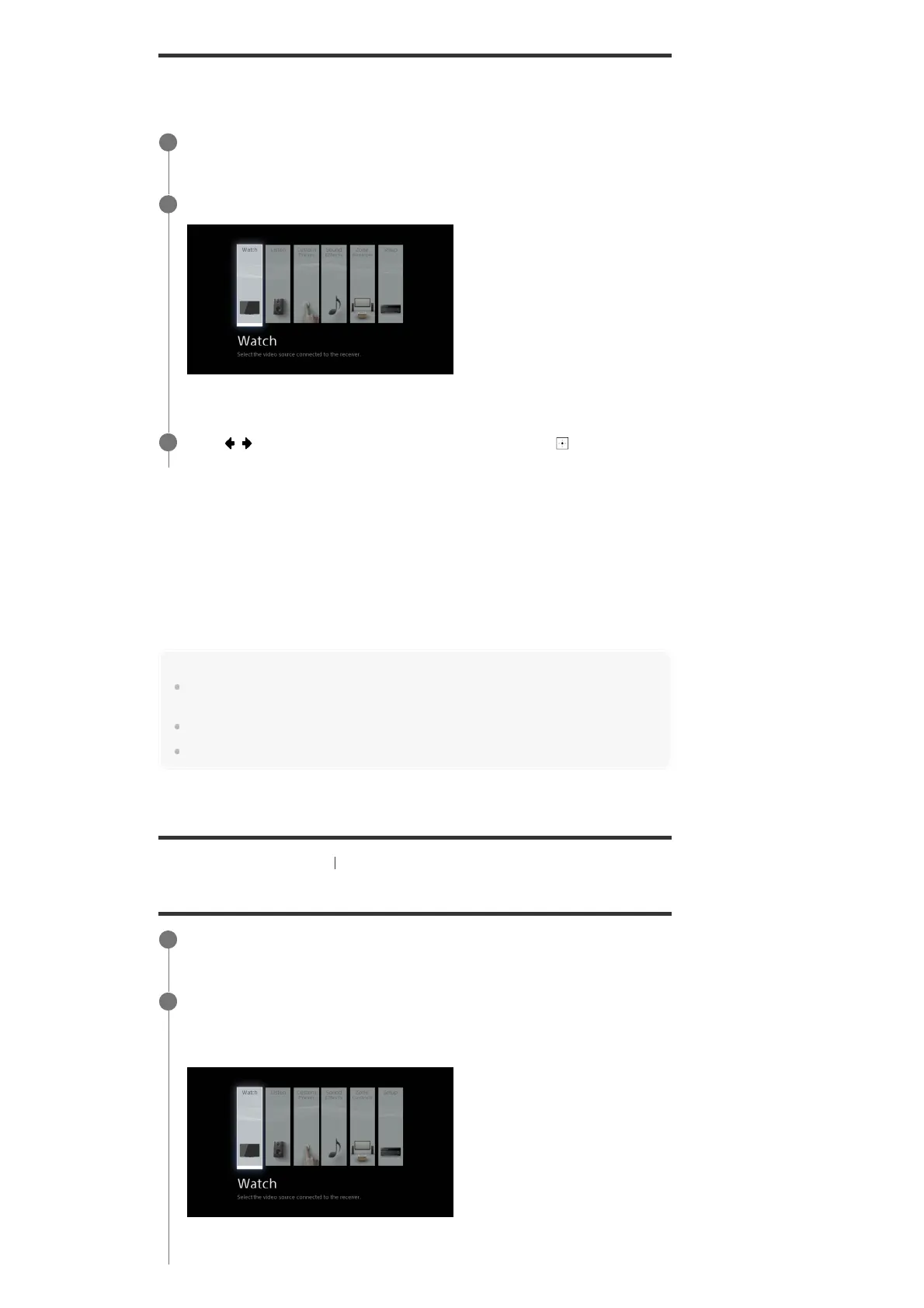
You can display the menu of the receiver on the TV screen (*).
Home menu items
Watch : Select to display video from the connected device.
Listen : Select to listen to sound from the built-in FM tuner or the connected device.
Custom Preset : Select to save various settings for the receiver and recall those settings.
Sound Effects : Select to enjoy sound effects.
Zone Controls (*): Select to use the multi-zone features.
Setup : Select to adjust the various settings for the receiver.
Hint
When [OPTIONS] appears in the lower left portion of the TV screen, you can display the function list
by pressing OPTIONS and selecting a related function.
To return to the previous screen, press BACK.
To exit the menu, press HOME to display the home menu, then press HOME again.
[50] Enjoying Video and Sound Playing AV devices
Enjoying video/sound from the connected device
When you want to display the menu on the TV screen connected to the HDMI OUT B/HDMI ZONE jack, set
[HDMI Out B Mode] to [Main].
*
Switch the input of the TV to the input to which the receiver is connected.
1
Press HOME to display the home menu on the TV screen.
2
Press / repeatedly to select the menu you want, then press to enter the
menu.
3
This item is not displayed if [Zone Controls] is set to [Hide] in the [Zone Settings].
*
Switch the input of the TV to the input to which the receiver is connected.
1
Press HOME.
The home menu is displayed on the TV screen.
Depending on the TV, the home menu may take some time to appear on the TV screen.
2



 To Next Page