you select, or with audio formats.
The receiver may play signals at a lower sampling frequency than the actual sampling frequency of
the input signals, depending on the audio format.
[Pro Logic llx Movie] or [Pro Logic llx Music] may not appear, depending on the speaker pattern you
select.
Some speakers or the subwoofer may not output sound, depending on the sound field setting.
Hint
You can also use 2CH/MULTI, MOVIE, MUSIC or FRONT SURROUND on the remote control to
select a sound field.
You can also select [Sound Field] in the [Audio Settings] menu.
[65] Enjoying Video and Sound Enjoying sound effects
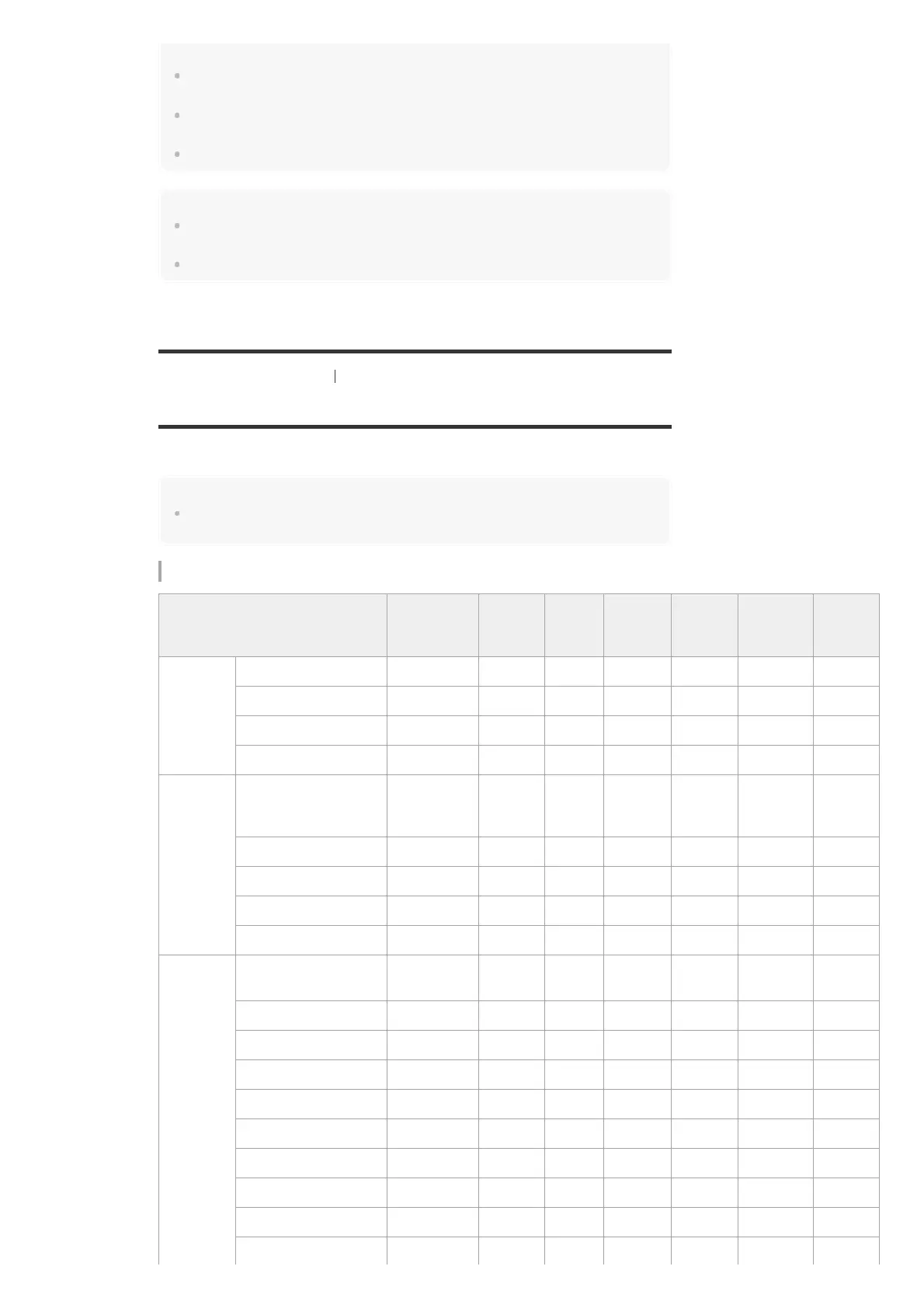
Relations between sound fields and speaker outputs
The list below shows which speaker outputs sound when a certain sound field is selected.
Note
When no sound is heard, check that all the speakers are securely connected to the correct speaker
terminals, and the correct speaker pattern is selected.
2-channel content
Sound field Display panel
Front
speakers
Center
speaker
Surround
speakers
Surround
back
speakers
Subwoofer
Front
high
speakers
2CH/MULTI
2ch Stereo 2CH STEREO
◎
- - - - -
Multi Channel Stereo MULTI ST.
◎
○ ○ ○ ○ ○
Direct (Analog input) DIRECT
◎
- - - - -
Direct (Others) DIRECT
◎
- - - ○ (*1) -
MOVIE
HD-Digital Cinema
Sound
(Dynamic/Theater/Studio)
HD-D.C.S.
◎
○ ○ ○ ○ ○
Pro Logic II Movie PLII Movie
◎
○ ○ - ○ -
Pro Logic IIx Movie PLIIX Movie
◎
○ ○ ○ ○ -
Neo:6 Cinema Neo6.CINEMA
◎
○ ○ ○ ○ (*2) -
Front Surround FRONT SUR.
◎
- - - ○ (*2) -
MUSIC
Audio Enhancer
A.
ENHANCER
◎
- - - ○ (*2) -
Concert Hall A HALL A
◎
○ ○ ○ ○ (*2) ○
Concert Hall B HALL B
◎
○ ○ ○ ○ (*2) ○
Concert Hall C HALL C
◎
○ ○ ○ ○ (*2) ○
Jazz Club JAZZ
◎
○ ○ ○ ○ (*2) ○
Live Concert CONCERT
◎
○ ○ ○ ○ (*2) ○
Stadium STADIUM
◎
○ ○ ○ ○ (*2) ○
Sports SPORTS
◎
○ ○ ○ ○ (*2) ○
Pro Logic II Music PLII Music
◎
○ ○ - ○ -
Pro Logic IIx Music PLIIX Music
◎
○ ○ ○ ○ -



 To Next Page