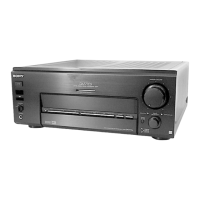
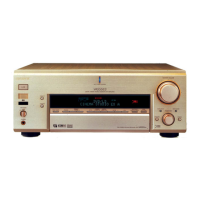
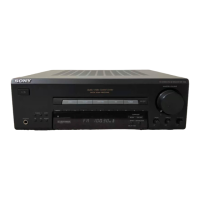
You can take advantage of surround sound simply by
selecting one of tile receiver's pre-programmed sound
modes. They bring tile exciting and powerfifl sound of
movie theaters and concert halls into your home. You can
also customize tile sound modes to obtain tile soui-ld you
desire by changing tile various surround paralneters.
The receiver contains a variety of different soui-Id modes.
The cinei-na sound i'llodes are designed tbr use when
playing back movie software (DVD, LD, etc.) encoded
with inulti channel surround sound or Dolby Pro Logic.
In addition to decoding tile surround sound, some of
these modes also provide sound effbcts coinmonly found
in movie theaters.
The virtual sound modes contain compelling applications
of tile Sony Digital Cinema Sound digital signal
processing technolog_ They shift tile sound away fi'om
tile actual speaker locations to simulate tile presence of
several "virtual" speakers.
The music (etc.) sound inodes are designed for use with
standard audio sources and TV broadcasts. They add
reverberation to tile source signal to make you tbel as if
you were in a concert hall or stadium (etc.). Use these
sound modes with two-channel sources like CD and
stereo broadcasts of sports programs or musical concerts.
For more information about tile sound modes, see pages
31-34.
A.ED.
The "Auto Format Decoding" sound i'node presents tile
sound exactly as it was encoded, without adding any
reverberation (etc.).
To flflly enjoy surround sound, you inust register tile
number and location of you speakers. See "Multi Channel
Surround Setup" starting on page 18 to set the speaker
paraineters befbre enjoying surround sound.
29
m
,a
o
e-
c-
O
e.
-I
o.


 To Next Page